About this app
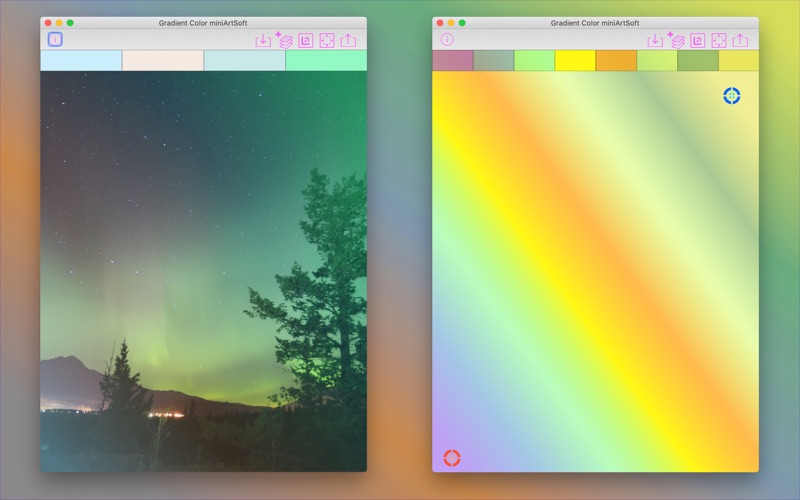
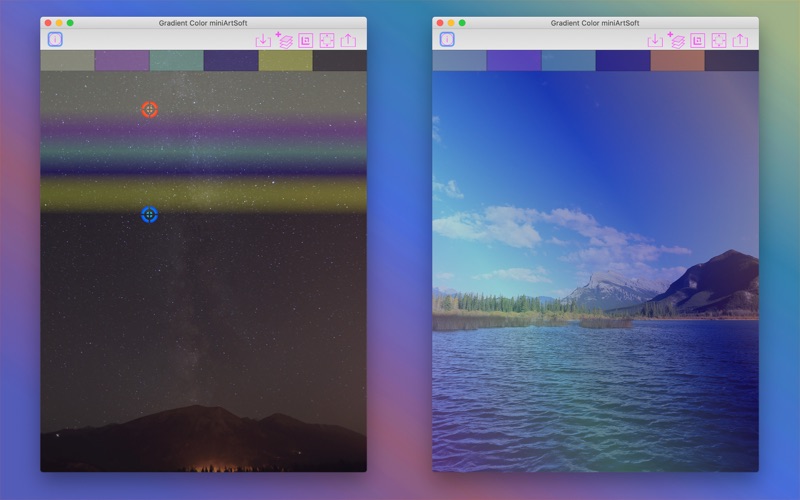
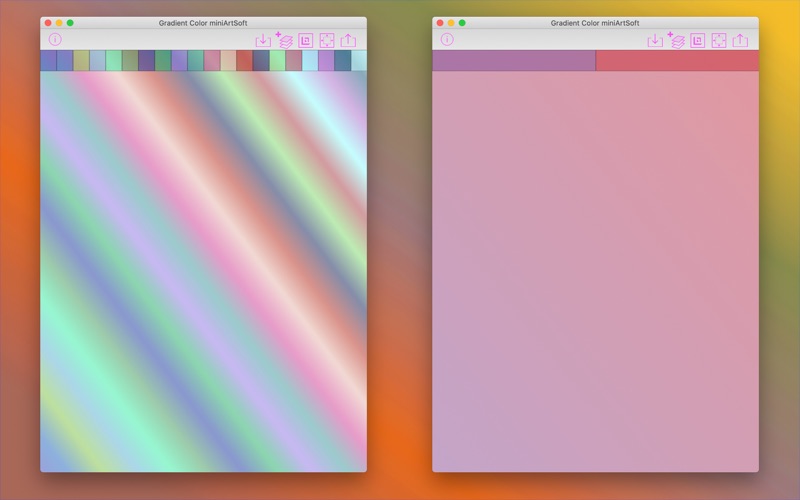
Add gradient color layer on photo and make it with a special effect. Create assets with gradient color for your art creation. Quick Guide: .Tap on Plus button to add colors .Tap on empty zone of image to show or hide buttons .Tap on color tile to select or deselect .Pan selected color-tile(s) onto another tile to rearrange colors .Pan selected color-tile(s) onto Trash-can icon to delete .Pan selected color-tile(s) onto Dropper icon to change color(s) .Drag the blue or red point to adjust angle of gradient color The iOS/macOS version of this app are both available in App Store.
Latest release
What’s New
Fixes on importing image and making In-app-purchasing
Audience growth
Ratings growth
Baseline captured. Growth appears after the crawler observes a changed rating count.
Momentum comes from crawler snapshots for the tracked storefront. “Viral growth signal” means unusually fast recent rating gains; it is an indicator, not download data.
Price tracking
Price intelligence
First snapshot captured. The trend line starts after the next crawler price observation.
- First observed Sep 21, 2026 · 2:55 AM Free
Screenshots