About this app
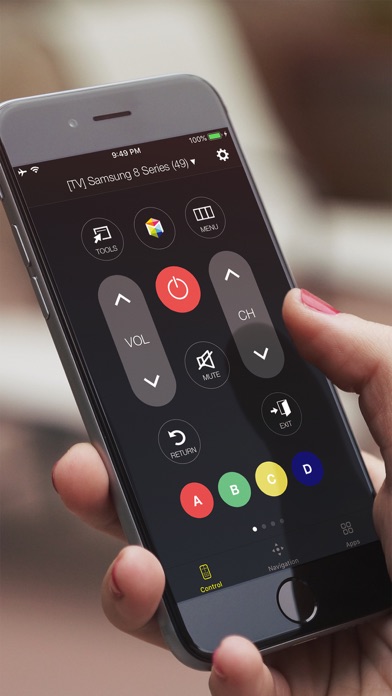
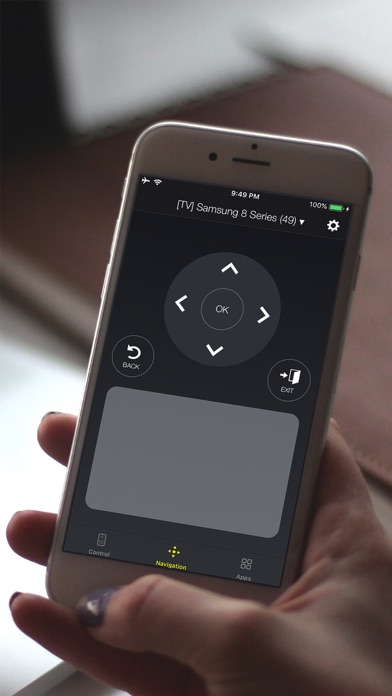
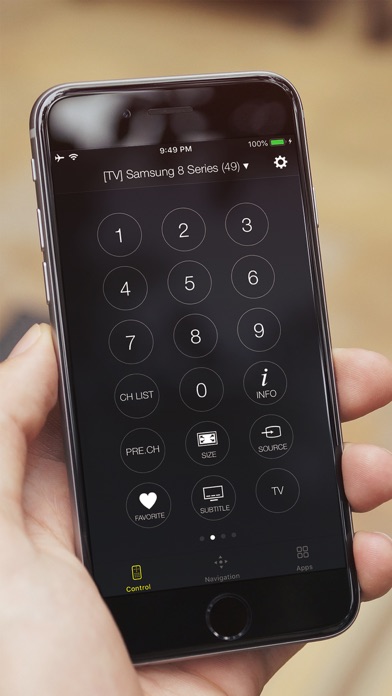
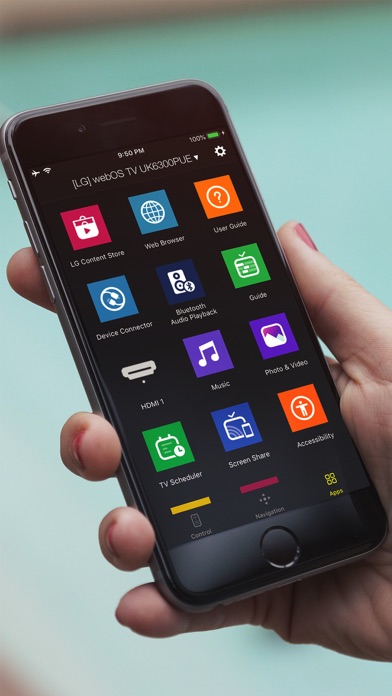
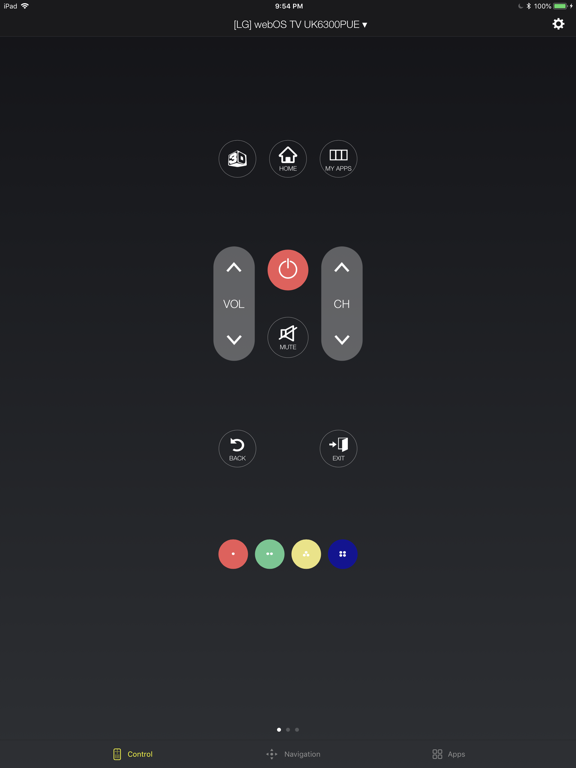
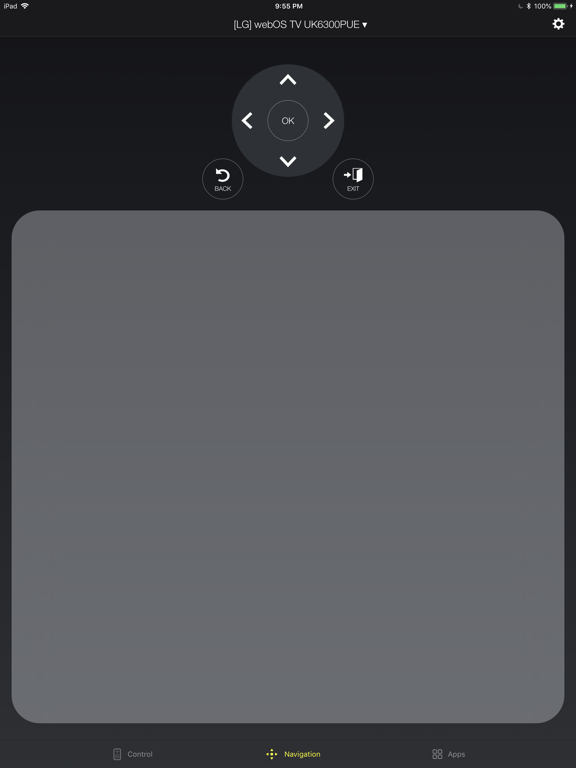
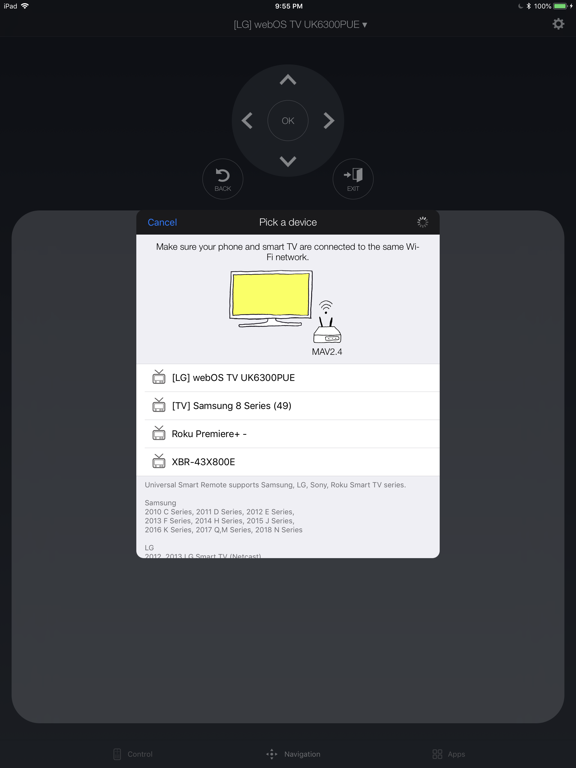
Your iPhone is the only remote you need. Universal Smart Remote turns your phone into a full-featured TV controller — just connect to the same Wi-Fi and you're good to go. No dongles, no IR blasters, no setup headaches. Works with Samsung, LG, Sony, TCL, Roku, and Philips. WHAT YOU CAN DO - Use a full d-pad, volume, channel, and playback controls - Navigate with a touchpad — just like a laptop trackpad - Type with your keyboard instead of clicking one letter at a time - Launch Netflix, YouTube, and other apps in one tap WORKS WITH YOUR TV Samsung — Every Smart TV from 2010 to 2026. Crystal UHD, QLED, Neo QLED, The Frame — all supported. LG — All WebOS TVs and Netcast TVs (2012-2013). Sony — Android TV and Google TV models. TCL — All Roku-powered TCL TVs. Roku — All Roku TVs and streaming devices. Philips — Android TV models. HOW IT WORKS 1. Connect your iPhone and TV to the same Wi-Fi 2. Open the app — your TV shows up automatically 3. Tap to connect. Done. The app remembers your last TV and reconnects automatically next time. --- Requires iOS 18.0 or later. Universal Smart Remote is not affiliated with Samsung, LG, Sony, TCL, Roku, or Philips. Keyboard input may not work in some streaming apps. Subscription Information: Payment will be charged to your Apple Account within 24 hours prior to the end of the free trial period. Subscriptions renew automatically unless turned off at least 24 hours before the current period ends. Manage subscriptions in Account Settings. Any unused portion of a free trial is forfeited upon subscription. Privacy Policy: https://www.tinacinc.com/SmartRemote/privacy_policy.html Terms of Use: https://www.tinacinc.com/SmartRemote/terms_of_conditions.html
Latest release
What’s New
Your photos and videos, on the TV. The new Cast tab sends them straight from your library to the screen. Pick a few at once, tap whichever you want next, and the grid marks the one the TV is showing. Video is converted before it goes so it actually starts — and if the TV stops answering, the app tells you instead of spinning. Casting needs a TV that can receive media, and the tab says so up front when yours can't. It's part of Pro. The rest of the app reads better too: a real icon on every empty screen, and the setup guide now speaks your language instead of falling back to English.
Audience growth
Ratings growth
Momentum comes from crawler snapshots for the tracked storefront. “Viral growth signal” means unusually fast recent rating gains; it is an indicator, not download data.
Price tracking
Price intelligence
- First observed Aug 19, 2026 · 2:59 PM Free
Screenshots