About this app
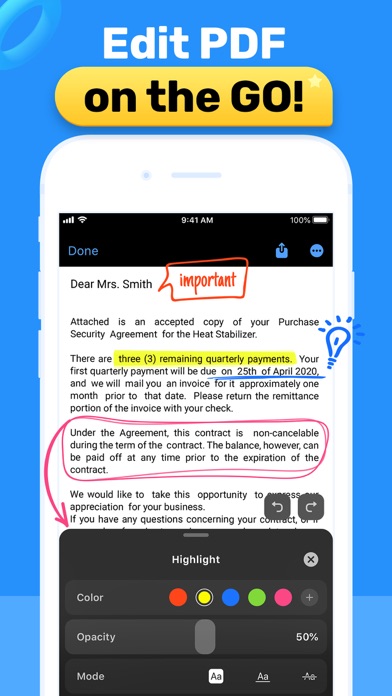
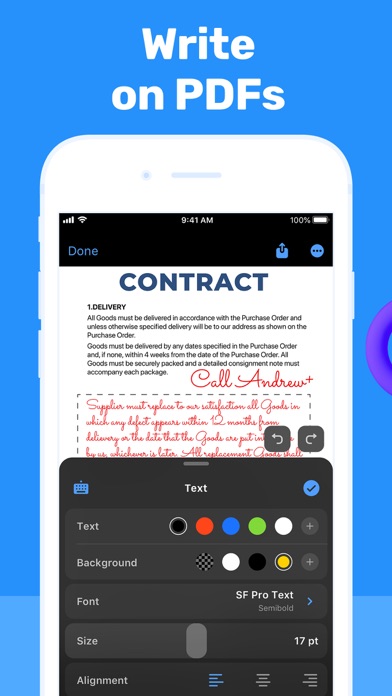
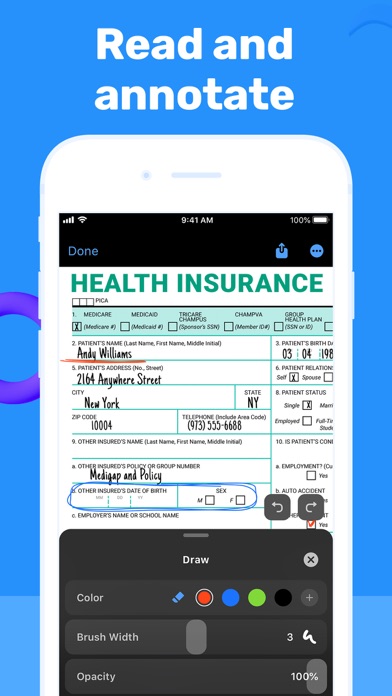
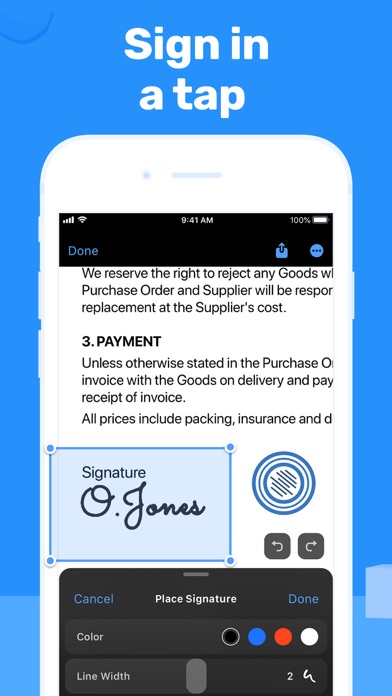
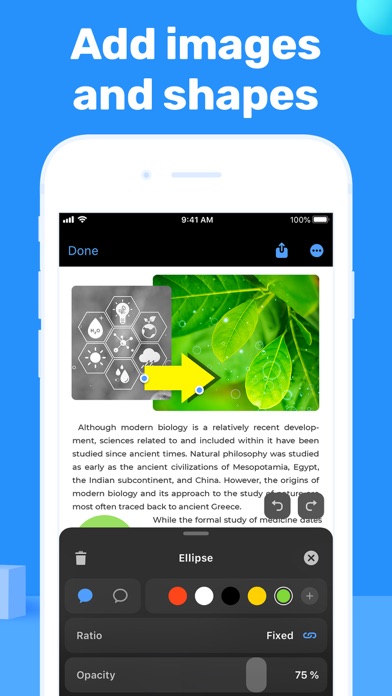
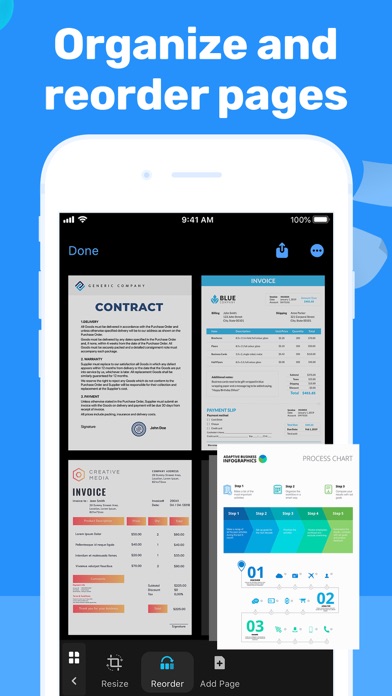
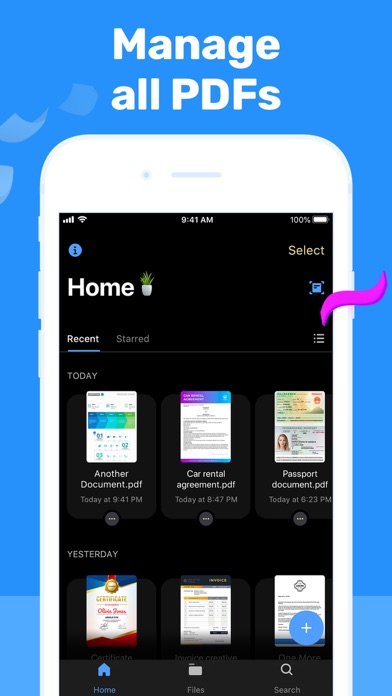
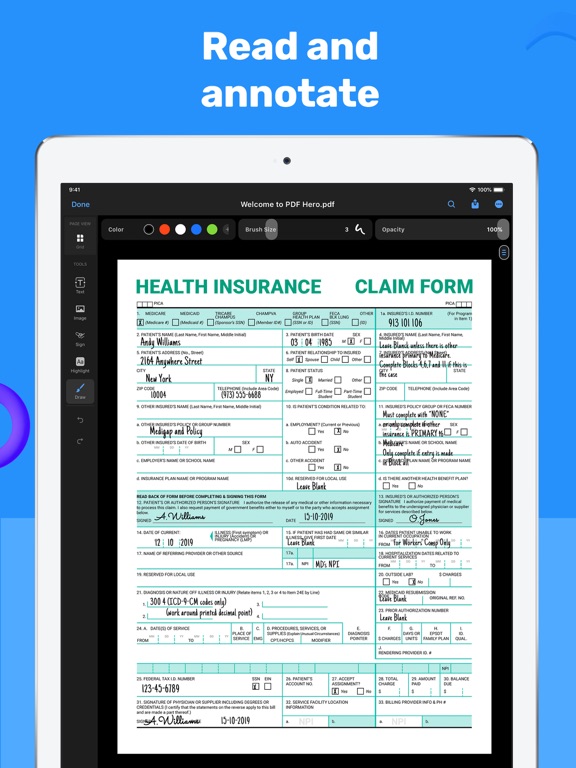
Looking for a convenient and easy-to-use PDF editor? View and edit PDF files on the go with PDF Hero! The app works on iPhone and iPad. PDF Hero helps you take control of your papers and run your business in the ever-changing digital world. Create and read PDFs, then annotate, edit, fill and sign forms, or share files. Manage paperwork hassle-free from anywhere – the office, remotely, or from home. There’s no need for printed copies when you can access and edit the docs you need, on the go – all in an app. Stay one step ahead when it comes to document management. CREATE & VIEW - Create PDFs from scratch. - Open and view any PDF file. - Zoom in and out while reading. - Search to find the necessary information using text search. - Read PDFs easier with Read Mode by creating bookmarks and navigating conveniently. EDIT & ANNOTATE - Edit text in your PDF files, fix typos, and correct paragraphs. - Add comments and annotations using text notes. - Write on PDFs with your finger or stylus. - Fill PDF forms. - Highlight key ideas and add shapes. - Insert images, crop, resize, or change the angle if necessary. MANAGE & STORE - Import files from your device or online storage services like iCloud and Dropbox. - Delete pages from a multi-page PDF document. - Share PDF files with or without annotations for further reading and commenting. - Print files right from your device. Level up with Premium features! PRO EDITING - Convert images and documents to PDF files. - Sign docs right on the screen of your device. - Add stamps to PDF documents. - Transform PDF files into editable text with OCR (Optical Character Recognition) technology. PRO MANAGEMENT - Compress PDFs and share them as ZIP files. - Manage PDF pages: add pages, rotate, and reorder them. - Share selected pages of a multi-page PDF file. - Merge two or more PDF pages into a single document. - Password-protect sensitive data. *To digitize printed copies and transform them into editable PDF scans, try our Scan Hero app! Subscription payments will be charged to your App Store account at confirmation of your purchase. Subscriptions will automatically renew and you will be charged unless auto-renew is turned off or unless you cancel at least 24 hours prior to the end of the current subscription or trial period. Any unused portion of a free trial period will be forfeited when you purchase a premium subscription during the free trial period. The cost of renewal depends on the Subscription Plan you choose. Subscriptions and auto-renewal may be managed by going to Account Settings after purchase or by contacting Customer Support. Privacy Policy: https://support.bendingspoons.com/privacy.html?app=1512973255 Terms of Service: https://support.bendingspoons.com/tos.html?app=1512973255 Got questions or suggestions? Please don’t hesitate to email us at pdfhero@bendingspoons.com
Latest release
What’s New
Bug fixes and performance improvements.
Audience growth
Ratings growth
Momentum comes from crawler snapshots for the tracked storefront. “Viral growth signal” means unusually fast recent rating gains; it is an indicator, not download data.
Price tracking
Price intelligence
- First observed Aug 10, 2026 · 6:34 AM Free
Screenshots