About this app
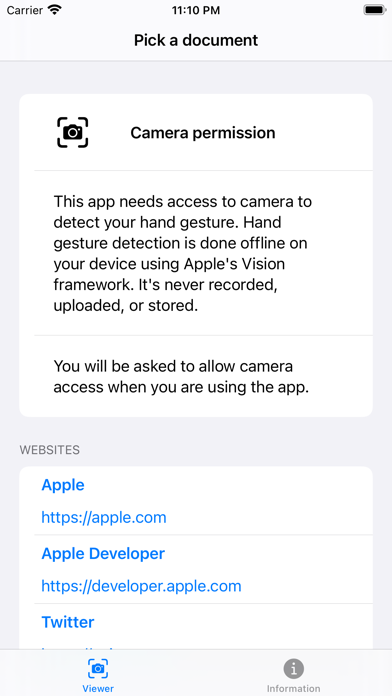
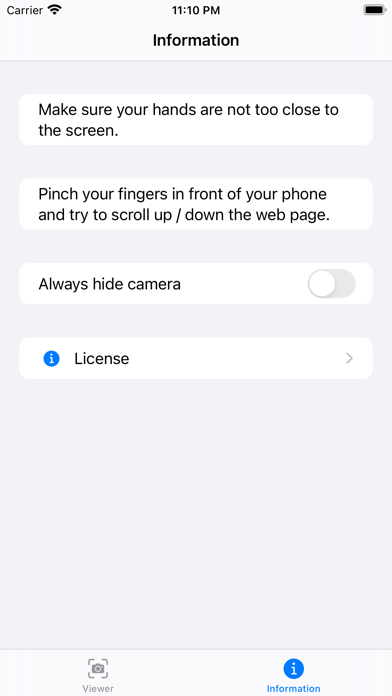
This app allows you to browse a website (or a PDF) with your hand gesture. You can utilize this app when you’re sharing a long article with others on the projector from your iPhone or iPad. Simply open the document in this app, connect your projector, and now you can scroll up or down the document by using your hand gesture (without the need to touch your iPhone or iPad). You can also utilize this app when you’re reading a long piece of article from online. You will be able to use your hand gesture to scroll up and down the document. To get started, you need to select a local document, or select a website to browse, or enter an URL. Make sure your hands are not too close to the screen. If it does not work, move your hands a little bit further from the screen. Your camera access is needed. However, the camera feed is provided to the Apple's machine learning framework to detect your hand gesture. The video is not recorded or stored.
Latest release
What’s New
- Fixed: gesture recognition used a wrong orientation when the app returns to foreground from background - UI Improvements
Audience growth
Ratings growth
Baseline captured. Growth appears after the crawler observes a changed rating count.
Momentum comes from crawler snapshots for the tracked storefront. “Viral growth signal” means unusually fast recent rating gains; it is an indicator, not download data.
Price tracking
Price intelligence
First snapshot captured. The trend line starts after the next crawler price observation.
- First observed Aug 19, 2026 · 6:13 AM Free
Screenshots