About this app
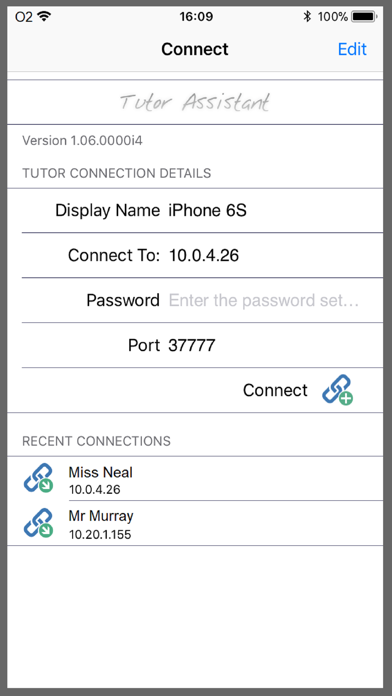
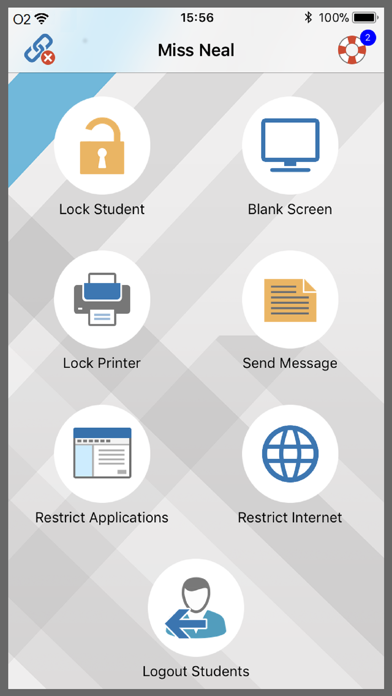
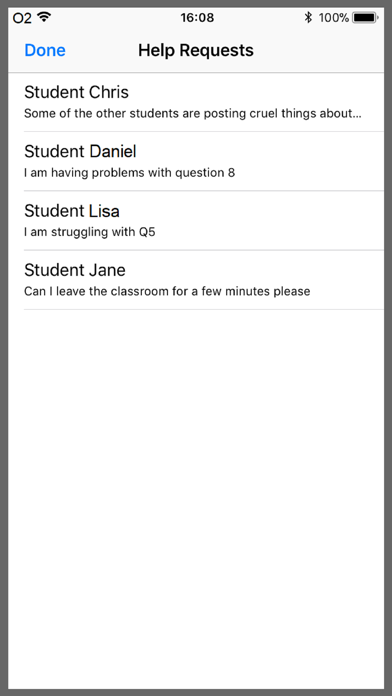
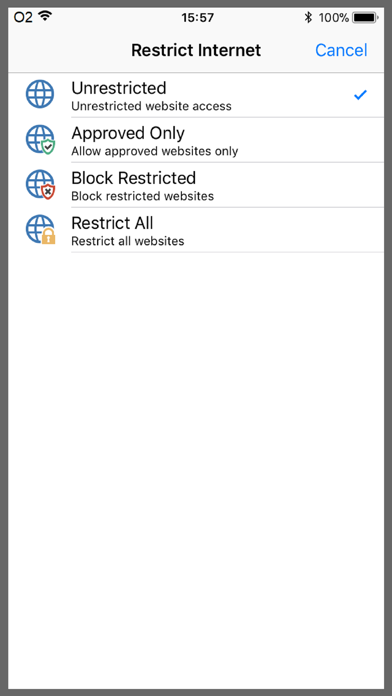
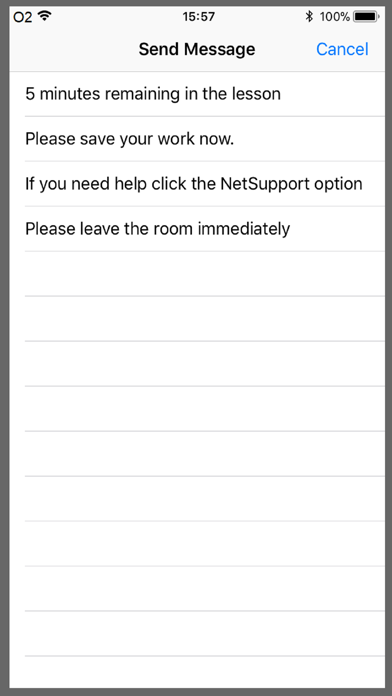
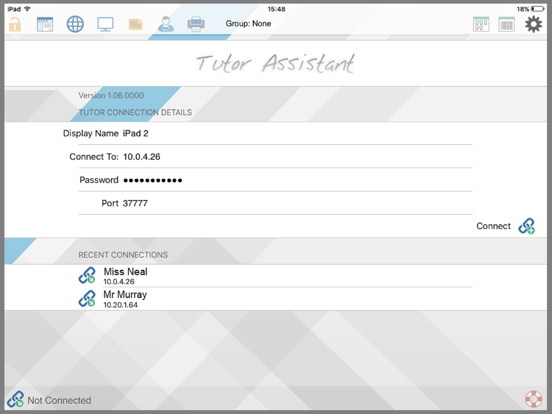
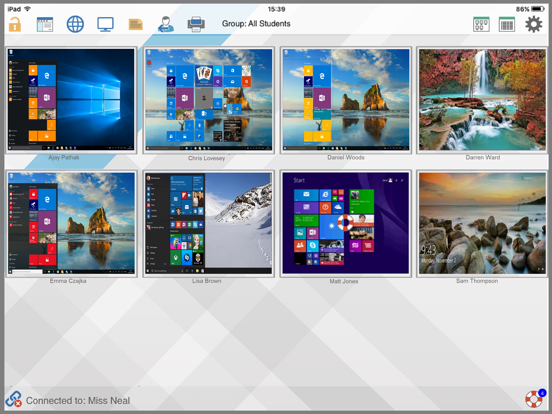
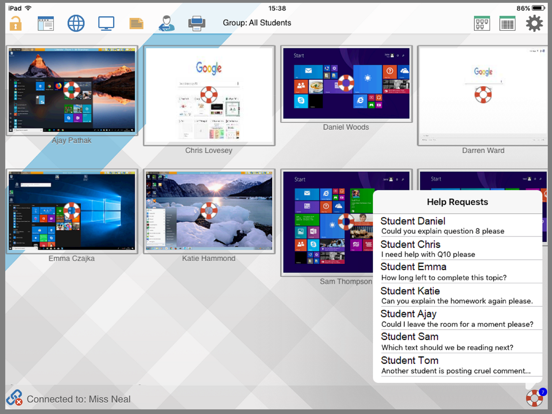
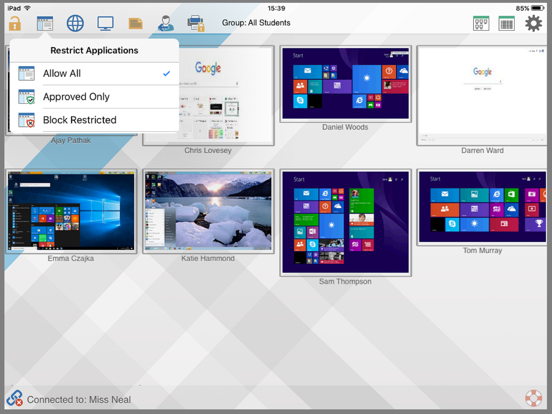
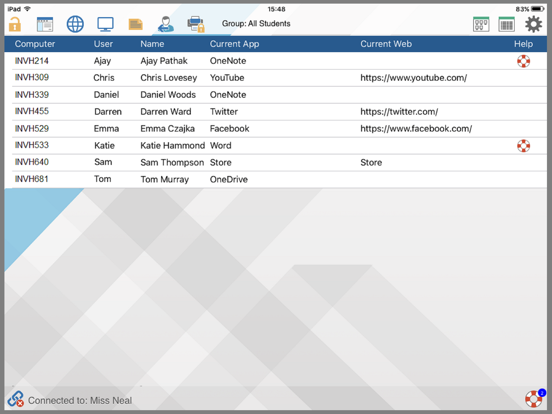
For use in your existing NetSupport-managed classroom environment, (NetSupport School v11 and above desktop Tutor application required) the NetSupport Tutor Assistant delivers greater mobility for teachers around the IT suite and is also the ideal tool to allow teaching assistants to help with monitoring student progress. iPad, iPhone and iPod compatible, when paired with your NetSupport desktop Tutor console, the Tutor Assistant helps you retain key control and monitoring of all student workstations. Features include: Monitor Students Crystal clear thumbnails of each student machine will be displayed, giving you an instant view of the classroom. Group Collaboration Interact and engage with any pre-defined student group. Maintain Student Focus Lock the student's mouse and keyboard when instructing and blank screens to gain attention. Application Monitoring and Control Monitor application use across the classroom. Use ‘approved’ and ‘restricted’ lists, as defined at your main NetSupport Tutor console, to control application use. Internet Monitoring and Control Block the internet to retain student focus when instructing or monitor internet use. Use ‘approved’ and ‘restricted’ lists, as defined at your main NetSupport Tutor console, to control access to websites. Send Message Send a pre-set message or instruction to students. Logout all Students Remotely logoff all student machines. Print Management Reduce costs by managing printer use. Display Student Help Requests Students can discreetly request help from the teacher.
Latest release
What’s New
General performance improvements.
Audience growth
Ratings growth
Baseline captured. Growth appears after the crawler observes a changed rating count.
Momentum comes from crawler snapshots for the tracked storefront. “Viral growth signal” means unusually fast recent rating gains; it is an indicator, not download data.
Price tracking
Price intelligence
First snapshot captured. The trend line starts after the next crawler price observation.
- First observed Aug 16, 2026 · 11:57 PM Free
Screenshots