About this app
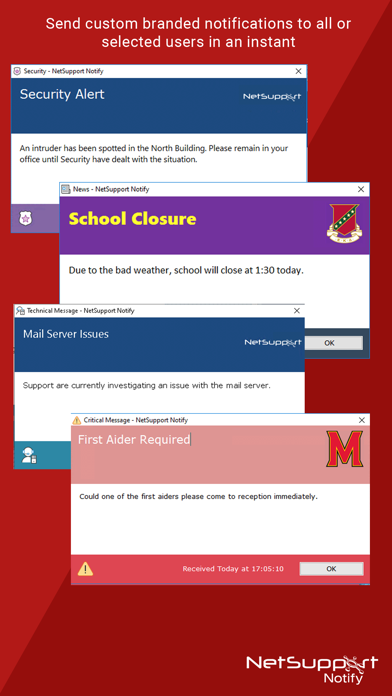
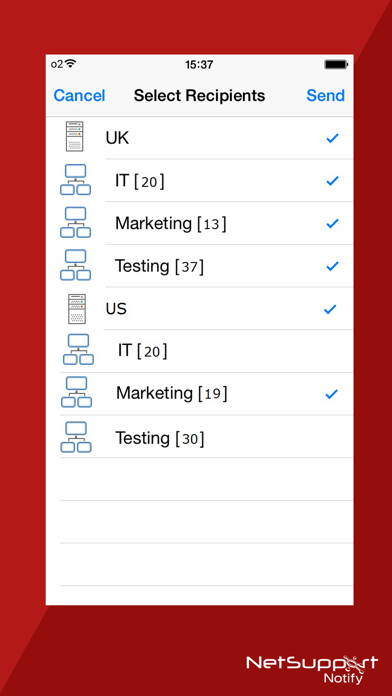
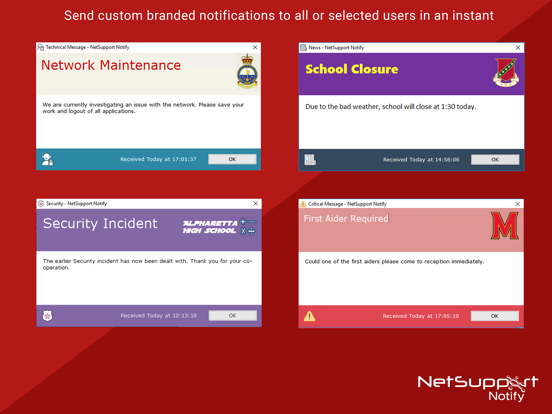
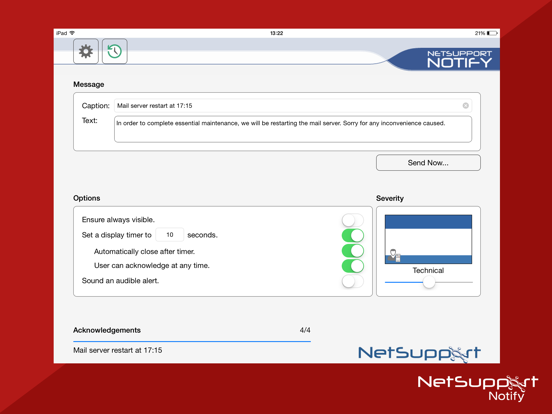
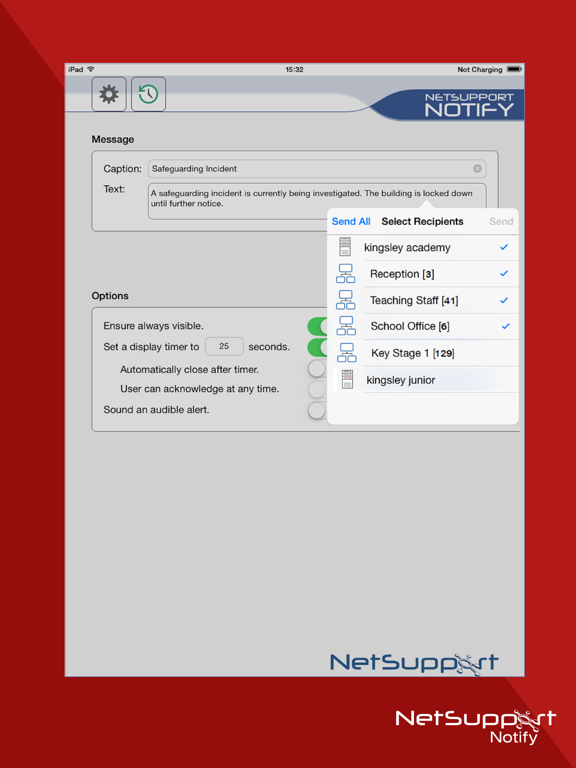
NetSupport Notify is from Remote Control and Desktop Management software specialists, NetSupport. The Mobile Console, a free of charge extension to the traditional NetSupport Notify desktop version, enables you to deliver instant and attention grabbing alerts and notifications direct to Windows, Mac and Linux desktops or unattended information displays across your organization from your tablet or smartphone. A focused solution for on-demand desktop alerts, emergency notifications, popup alerting and one-way messaging needs, NetSupport Notify cuts through the distractions to deliver your message direct to connected desktops, ensuring it can't be skipped, ignored, saved for later or get lost in a busy inbox! No external services are needed. Simply use one or a number of pre-installed notification gateways and deploy the agent’s software to all remote computers. PLEASE NOTE: If you’re new to NetSupport Notify, download a copy of the User Guide from our website for help installing and configuring the required desktop components. Key features: - Send alerts and notifications to Windows, Mac and Linux desktops from any iOS/Android mobile device or Windows PC. - Send full screen notifications to unattended digital public information displays. - Prioritize messages and alerts with clear and concise message types. - Support for clickable URLs in alerts. - Flexible Delivery Options. - Supports unlimited number of connected user desktops. - View full Alert History. (iPad Only) - Users can type a hotkey combination to send an instant ‘emergency response’. - Unique security codes – limiting access to only authorized Agents and Consoles. - Send targeted alerts dynamically to selected departments or all computers. - Send alerts to one or multiple pre-installed notification gateways simultaneously.
Latest release
What’s New
General performance and operability improvements.
Audience growth
Ratings growth
Baseline captured. Growth appears after the crawler observes a changed rating count.
Momentum comes from crawler snapshots for the tracked storefront. “Viral growth signal” means unusually fast recent rating gains; it is an indicator, not download data.
Price tracking
Price intelligence
First snapshot captured. The trend line starts after the next crawler price observation.
- First observed Aug 16, 2026 · 11:57 PM Free
Screenshots