About this app
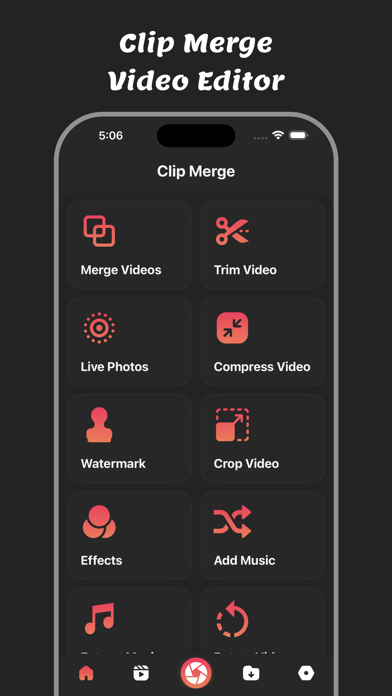
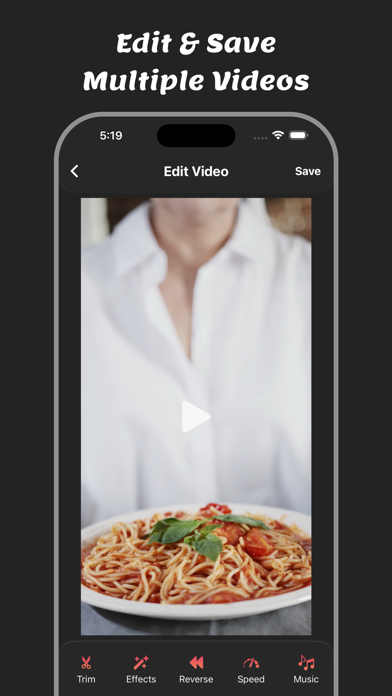
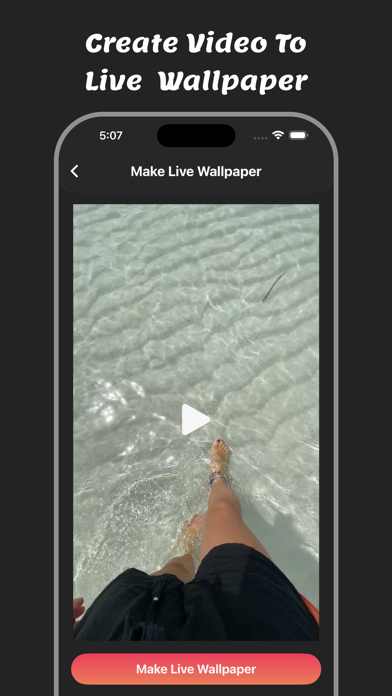
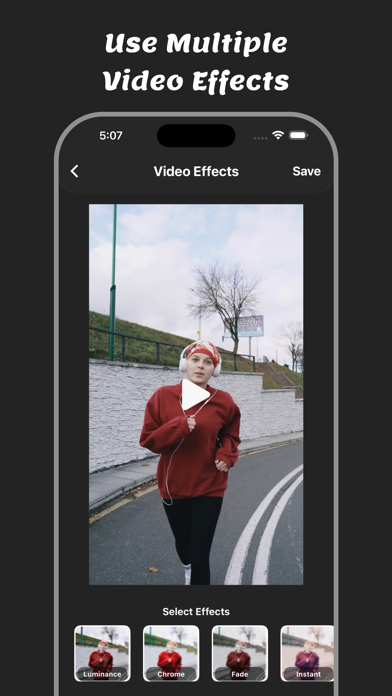
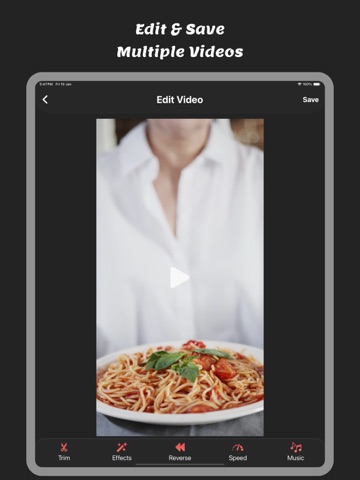
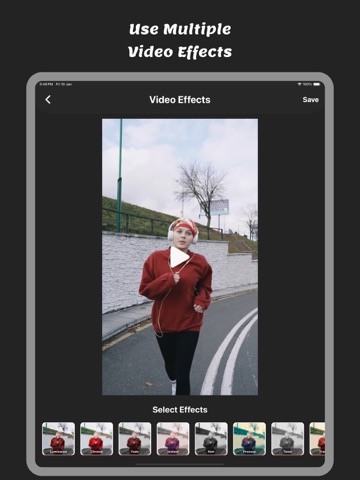
Clip Merge : Video Editor – All-in-One Video Editing App Clip Merge : Video Editor is a powerful, easy-to-use video editor and video maker that helps you create stunning videos in just a few taps. Whether you want to merge videos, trim clips, add music, or apply creative video effects, Clip Merge gives you all the tools you need in one complete video editing app. Perfect for creating videos for social media, short videos, reels, stories, vlogs, and everyday memories, Clip Merge is designed for beginners and advanced users alike. No complex editing skills required—just select your videos and start editing instantly. Video Editing Made Simple With Clip Merge: Video Editor, you can easily: - Merge multiple videos into one smooth and seamless clip - Trim videos to cut unwanted parts and keep only the best moments - Crop videos to fit any aspect ratio for social media platforms - Rotate videos to fix orientation issues - Flip videos horizontally or vertically - Mute videos to remove original sound - Fast forward videos for dynamic, energetic clips - Slow down videos to create smooth slow-motion effects - Reverse videos and play clips backward for creative results Music & Audio Tools Enhance your videos with powerful audio features: - Add music to videos from your music library - Extract music from videos and save audio separately - Remove audio or replace background sound easily - Support for Live Photos, allowing you to turn Live Photos into videos Effects, Filters & Enhancements Make your videos stand out with creative tools: - Apply stunning video effects and filters - Add a watermark with custom text or branding - Compress videos to reduce file size without losing quality - Create professional-looking videos with minimal effort Save, Export & Share Clip Merge makes sharing simple and fast: - Export videos in high quality (HD) - Save all edited videos directly to your device - Share videos instantly to social media, messaging apps, or cloud storage Why Choose Clip Merge: Video Editor? - All-in-one video editor app - Fast and lightweight performance - Clean and user-friendly interface - Ideal for video editing, video merging, video trimming, and adding music to videos - Perfect for content creators, students, and everyday users Whether you want to create short clips, combine multiple videos, edit audio, or enhance your videos with effects, Clip Merge : Video Editor is the ultimate video editing app for your needs. Top Primary Keywords for find app - video editor - video editing app - video maker - edit video - video merge - merge videos - trim video - cut video - add music to video - video effects - combine videos - video crop - rotate video - flip video - reverse video - slow motion video - fast forward video - mute video - extract audio - compress video - watermark video - video compressor - music video maker Download Clip Merge : Video Editor today and start creating professional-quality videos anytime, anywhere! Privacy Policy: https://glistensolution.com/Apps/App_Privacy.html Terms of use: https://glistensolution.com/Apps/App_TOS.html
Latest release
What’s New
- Crashes Fixed - Performance Improved
Audience growth
Ratings growth
Baseline captured. Growth appears after the crawler observes a changed rating count.
Momentum comes from crawler snapshots for the tracked storefront. “Viral growth signal” means unusually fast recent rating gains; it is an indicator, not download data.
Price tracking
Price intelligence
First snapshot captured. The trend line starts after the next crawler price observation.
- First observed Aug 11, 2026 · 7:54 AM Free
Screenshots