About this app
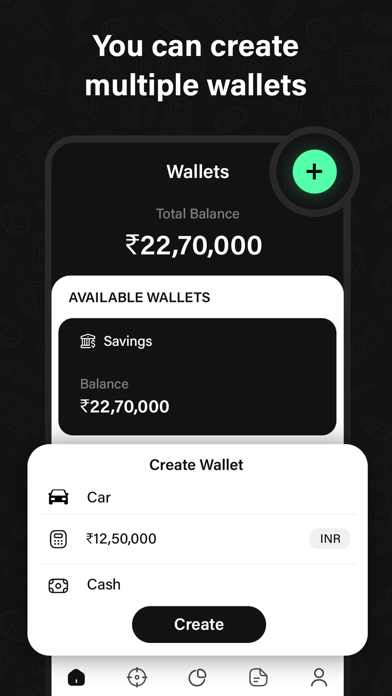
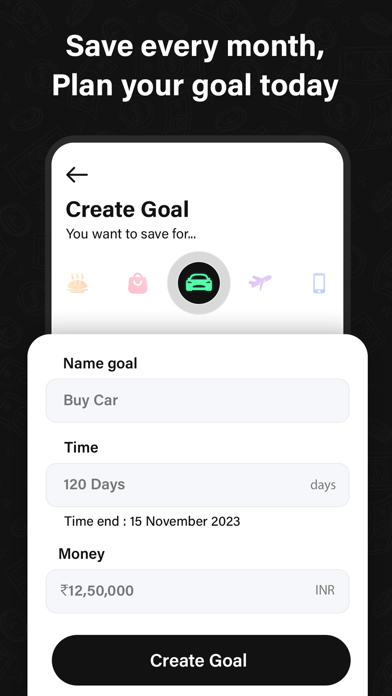
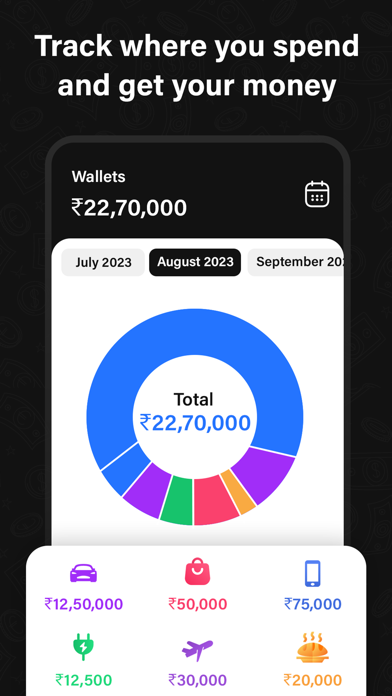
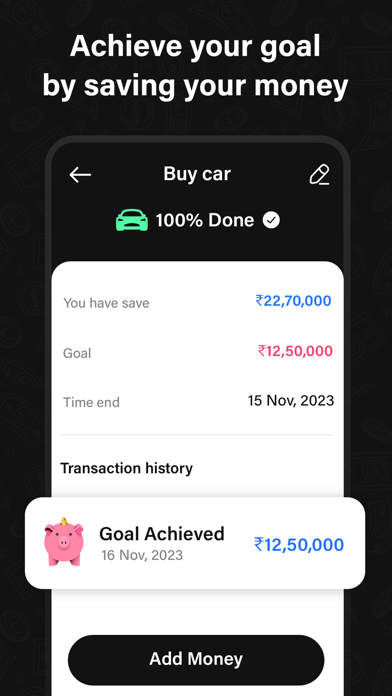
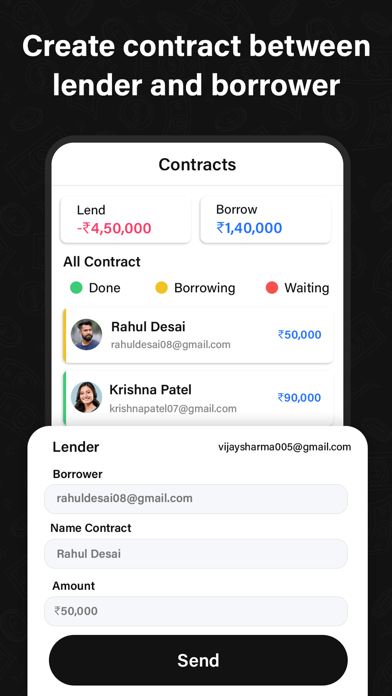
Looking for an All-in-One Finance Management & Money Manager App? Take control of your finances with our advanced Money Manager App that comes with Daily Expense Tracker, Budget Tracker & All in One Finance Management App. Our Money Manager App allows you to Manage income, Expenses and savings with Highest Accuracy. Our app offers intuitive categorization, detailed transaction records, and insightful Visualizations to Give you a Clear Overview of your financial health. Set Smart Goals, Track Spending Patterns, and Make Informed Decisions Effortlessly. Say Goodbye to Budget Challenges and Financial Stress & Download Our Money Manager App! With Our Money Manager App, You Can: - Check all of your credit and Debit Balances at One Place - Track your expenses automatically thanks to our non-public cost tracker - Get payment Reminders & pay your payments on time - Keep track of Reciprocate effortlessly Easily Track your Income and Expenses and Set up Budgets with Our Money Manager App. HOW TO START USING Money Manager App: 1. Download the Money Manager App 2. Sign In Via Google/Apple Account 3. Get going: Budget and Track Expenses like a Master Budget and Expense Management Function: Money Manager & Daily Expenses shows your budget and expenses by a Graph so you can see the amount of your expense Against your budget quickly and make suitable financial Inferences. Instant Data: Based on the data entered, You can Instantly See Your Expense by Category and Changes Between each Month or Quarter. You can See the Change of Your Assets and Income/Expense Indicated by a Graph as Well. You can view the "Daily Expense & Money Manager app" using Wi-Fi & Mobile Data. You can edit and Sort the data by date, Category or Account Group on the Screen of your PC. In Addition, You Can see Fluctuations of Your Accounts Indicated on Graphs on Your iOS Device. So, what are you waiting for? Download Money Manager Right now and start managing, tracking, and planning your budget, expenses and personal finances! Terms of use : https://technozer.com/policy/terms.html
Latest release
What’s New
- Performance Improvement
Audience growth
Ratings growth
Baseline captured. Growth appears after the crawler observes a changed rating count.
Momentum comes from crawler snapshots for the tracked storefront. “Viral growth signal” means unusually fast recent rating gains; it is an indicator, not download data.
Price tracking
Price intelligence
First snapshot captured. The trend line starts after the next crawler price observation.
- First observed Aug 15, 2026 · 7:12 AM Free
Screenshots