About this app
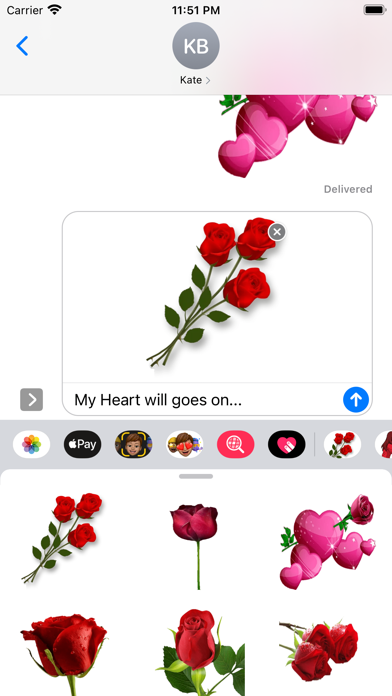
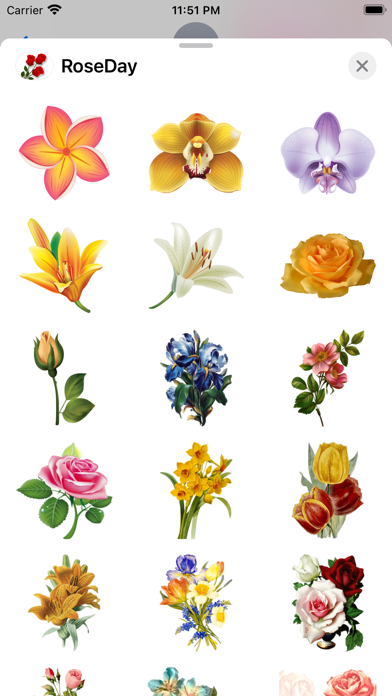
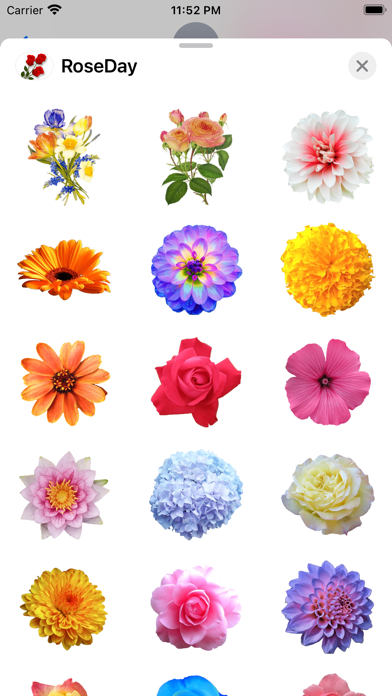
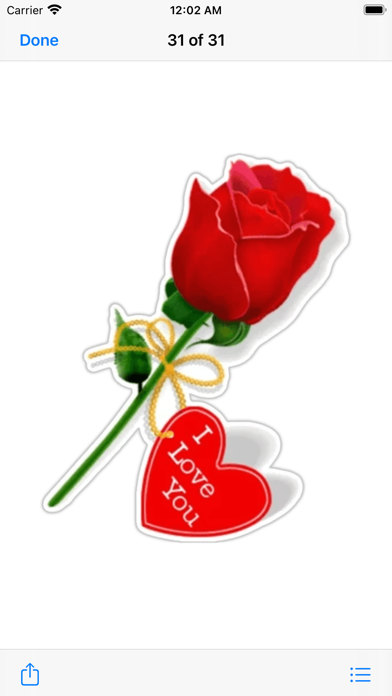
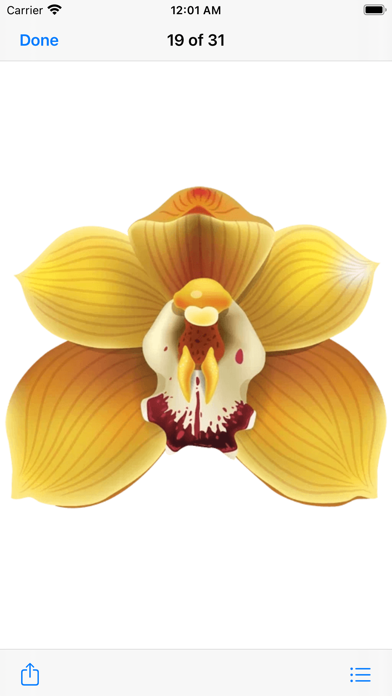
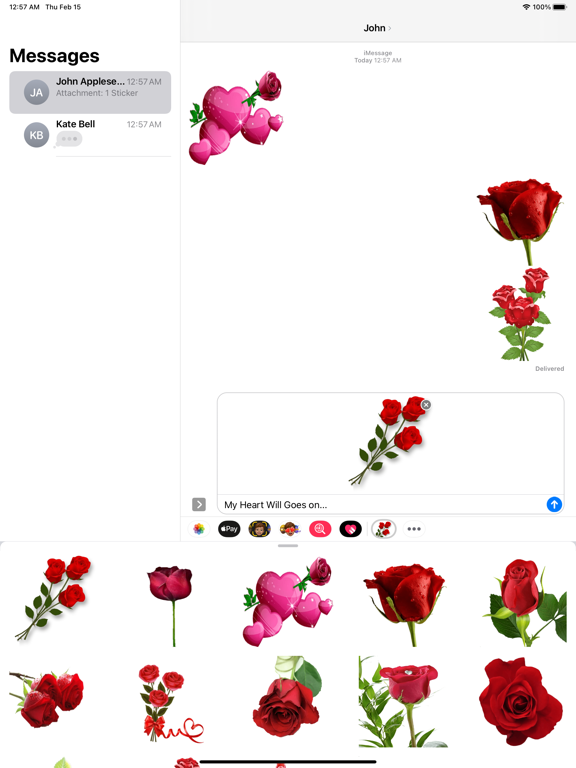
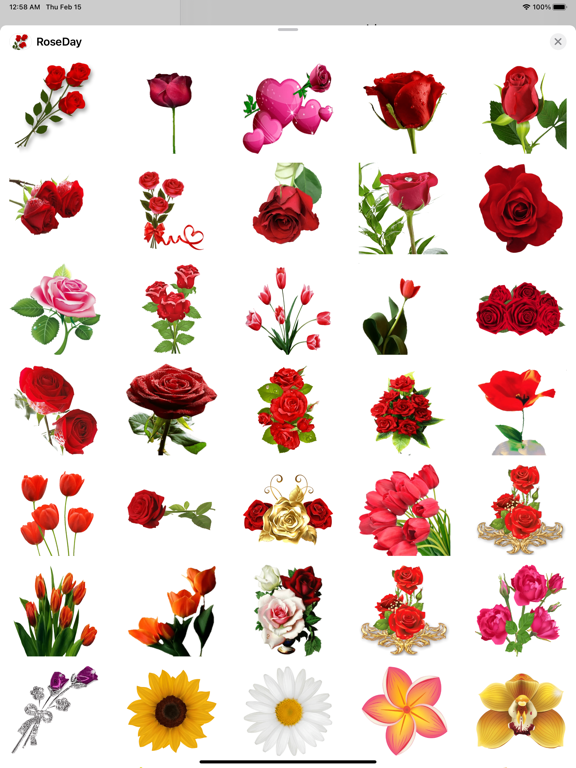
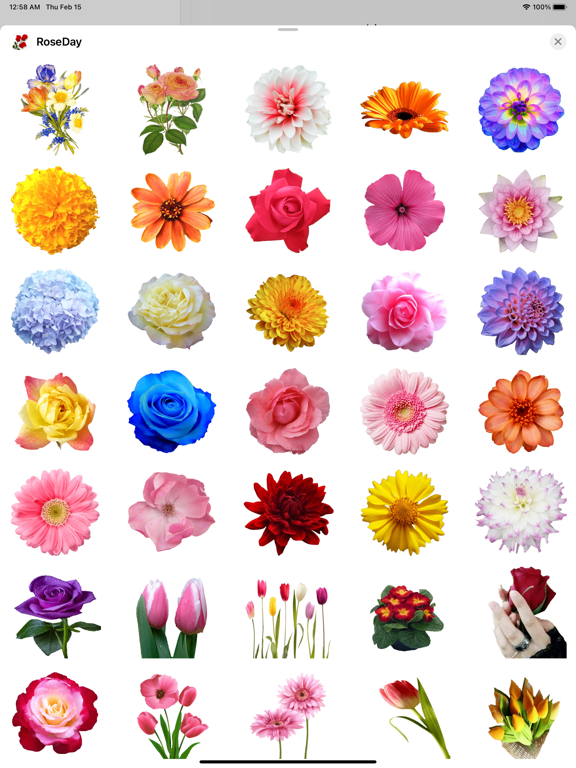
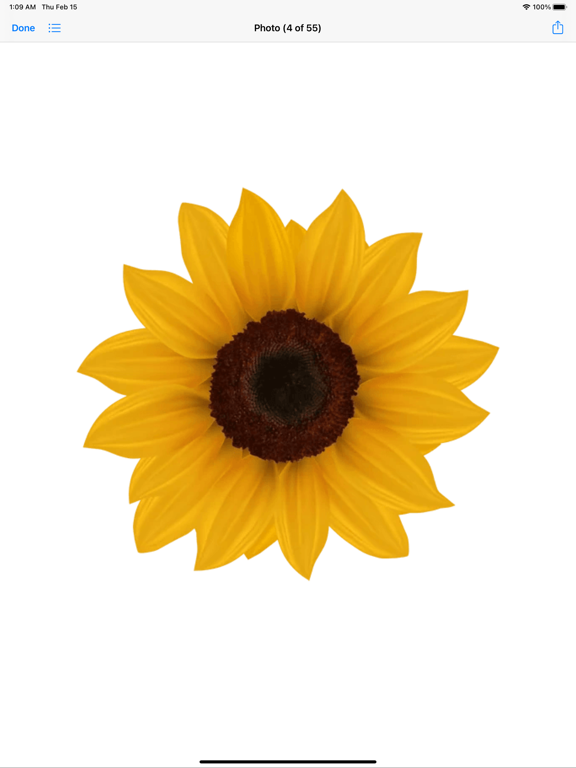
134 amazing stickers pack of Love "RoseDay". Don't let that special person in your life stay without knowing your feelings, the day is today the moment is now! Express your feelings with these amazing stickers! How to Use and Install: -To access iMessage apps, compose a new iMessage to a friend. -Tap the App Store icon alongside the compose field. -Tap the lower left corner along with camera to open the app drawer. - Select your's Stickers app . - Just with a single tap send stickers. How to remove sticker packs from iMessage: 1. Open the iMessages app on your iPhone. 2. Scroll right on the list of apps above the keyboard till you see the More … button. 3. Scroll down and find the sticker pack you want to remove. 4. Delete App: swipe left on the sticker pack and Delete it 5. Tap the Edit button on the top-left. 6. Now you can reorder the sticker packs and also hide the sticker pack by switch button emaanhafsa@yahoo.com
Audience growth
Ratings growth
Baseline captured. Growth appears after the crawler observes a changed rating count.
Momentum comes from crawler snapshots for the tracked storefront. “Viral growth signal” means unusually fast recent rating gains; it is an indicator, not download data.
Price tracking
Price intelligence
First snapshot captured. The trend line starts after the next crawler price observation.
- First observed Sep 4, 2026 · 2:29 AM $0.99
Screenshots