About this app
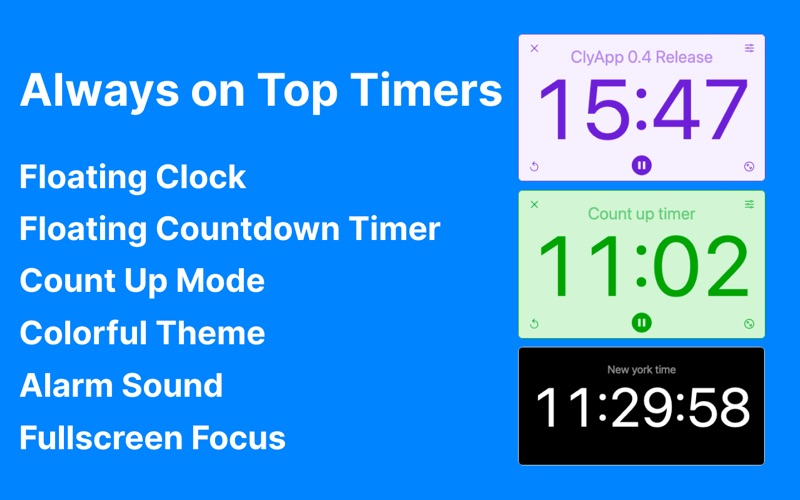
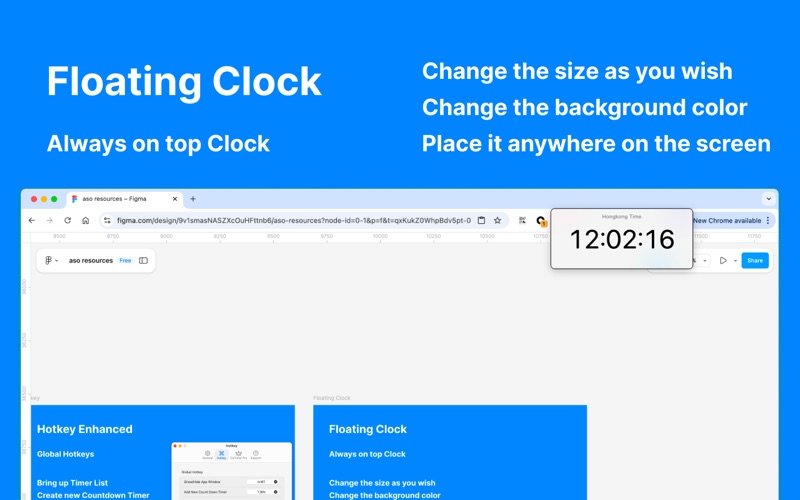
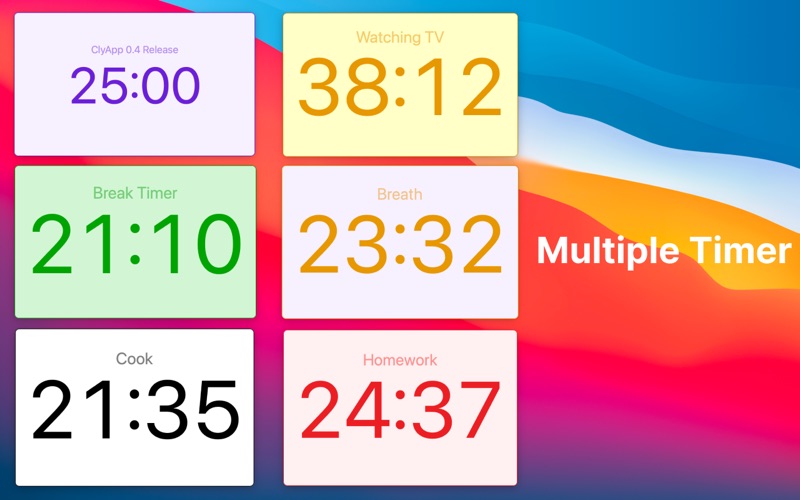
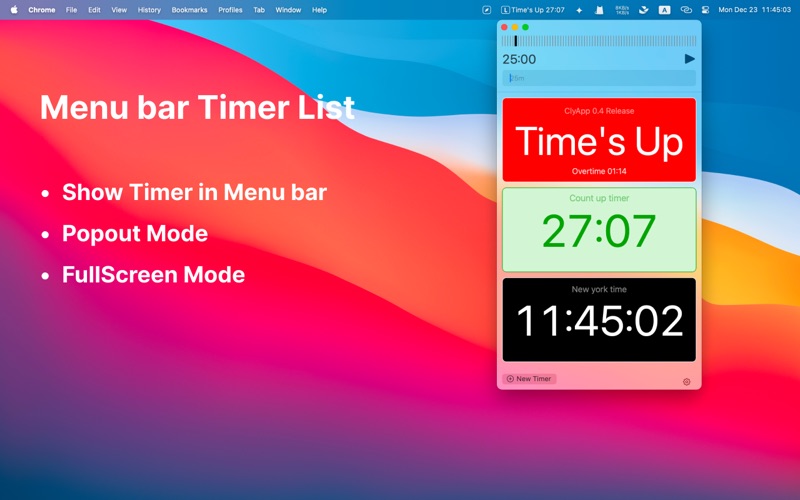
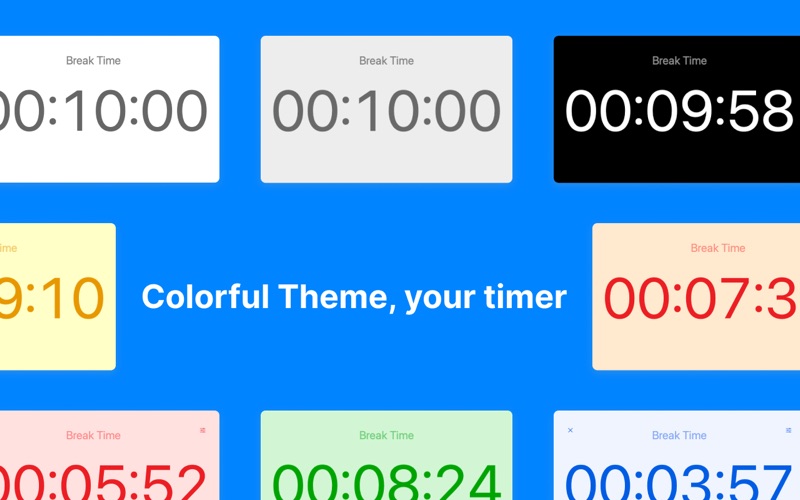
Multi Countdown Timer - ClyTimer, A timer app which could be floating on top of all other app window, and be minimal or fullscreen. Stay on top of your tasks with ClyTimer, a versatile timer app designed to float above any app window. Whether you need a minimal timer, a fullscreen focus tool, or multiple timers running simultaneously, ClyTimer has you covered. Perfect for workouts, studying, cooking, or managing your Pomodoro sessions! ● Multi Countdown Timer Features 1. Floating Timer, float on top of any app window 2. Minimal timer, one click to start a countdown or count up timer 3. Multi timers, start multiple timers at the same time 4. Count up timer, create count up timer for stopwatch usage 5. Add custom text above the timer 6. Change the timeout text 7. Colorful Timer, change the background color of the timer to make it yours 8. Notch supported, quickly create a timer by clicking in the notch area 9. Timeout and notification sounds. 10. Show a Flashg effect in the last 10 seconds. 11. Keep playing the alarm sound, until you move your mose. 12. Change Time on the fly. Increase or decrease the time if you need to. 13. Menu bar timer app, you could access the timer list within a click 14. Hotkey support, quickly start a countdown timer of count up timer by keyboard 15. Floating Clock with second ● Mutli Countdown Timer Usage 1. Workout Timer: Track sets, breaks, and exercise durations with precision. 2. Study Timer: Enhance focus and avoid burnout with structured study intervals. 3. Cooking Timer: Perfectly time your recipes, from boiling to baking. 4. Focus Timer: Maintain deep concentration on tasks with distraction-free countdowns. 5. Pomodoro Timer: Maximize efficiency by alternating work sessions and short breaks. 6. Break Timer: Schedule regular breaks to stay refreshed and maintain energy levels. 7. Meditation Timer: Time your mindfulness or meditation sessions effortlessly. 8. Meeting Timer: Keep meetings or presentations on track with visual cues. 9. Event Timer: Countdown to important events, deadlines, or launches. 10. Class Timer: Manage teaching or training sessions with ease. 11. Nap Timer: Set a quick nap timer to recharge without oversleeping. 12. Gaming Timer: Monitor playtime or set limits to balance screen time. We appreciate your feedback, you could drop us a line whenevfer you have any questions, problems or suggestions. email: defcc@icloud.com Thank you.
Latest release
What’s New
Update in this version: bugfix
Audience growth
Ratings growth
Baseline captured. Growth appears after the crawler observes a changed rating count.
Momentum comes from crawler snapshots for the tracked storefront. “Viral growth signal” means unusually fast recent rating gains; it is an indicator, not download data.
Price tracking
Price intelligence
First snapshot captured. The trend line starts after the next crawler price observation.
- First observed Aug 8, 2026 · 8:44 AM Free
Screenshots