About this app
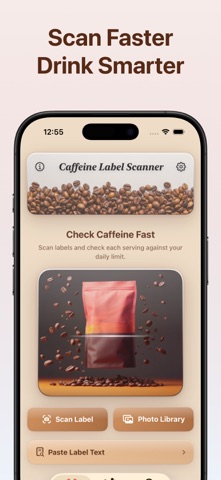
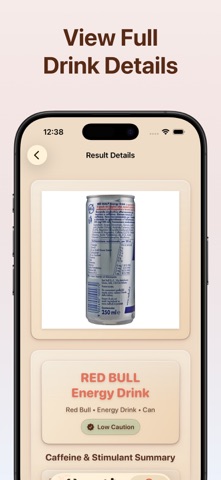
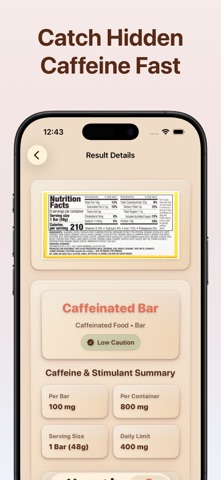
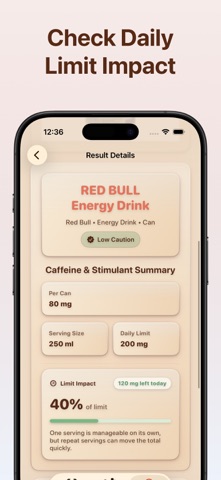
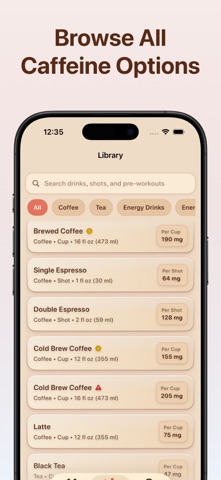
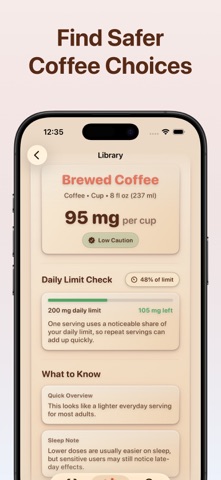
Caffeine Label Scanner helps you understand what a caffeinated product label actually tells you before you drink it or use it. Scan a label with your camera, import a photo from your library, or paste Supplement Facts and ingredient text. The app reads visible caffeine information, compares it to your personal daily limit, and flags stimulant watchlist hits and other red flags that deserve a closer look. Use it for energy drinks, energy shots, pre-workouts, coffee drinks, tea drinks, soft drinks, and clearly caffeinated foods when the label explicitly shows caffeine. What you can do: • Scan real labels from your camera or photo library • Paste label text for a quick manual check • See caffeine per serving and per container when the label discloses it • Compare results against your own daily caffeine limit • Catch stimulant watchlist hits, stacked stimulants, and hidden-amount warnings • Browse a curated reference library for common caffeinated products • Save scans locally and revisit them anytime Built for label-first accuracy If a label clearly shows the amount, Caffeine Label Scanner helps you read it faster and put it in context. If a label does not clearly disclose the exact caffeine amount, the app keeps the result unknown instead of guessing. That matters for proprietary blends, incomplete labels, and products that mention stimulant sources without giving a reliable total. Why it stands out: • It focuses on labels, not intake logging • It compares caffeine against the limit you choose • It highlights stimulant-related concerns without pretending to know what the label does not say Free and premium Start with 3 free photo scans and 3 free text checks. Premium unlocks unlimited photo scans and unlimited text checks. Terms of Use - https://pipsapps.com/terms.html Privacy Policy - https://pipsapps.com/privacy.html
Latest release
What’s New
UI improvements
Audience growth
Ratings growth
Baseline captured. Growth appears after the crawler observes a changed rating count.
Momentum comes from crawler snapshots for the tracked storefront. “Viral growth signal” means unusually fast recent rating gains; it is an indicator, not download data.
Price tracking
Price intelligence
First snapshot captured. The trend line starts after the next crawler price observation.
- First observed Oct 15, 2026 · 3:48 PM Free
Screenshots