About this app
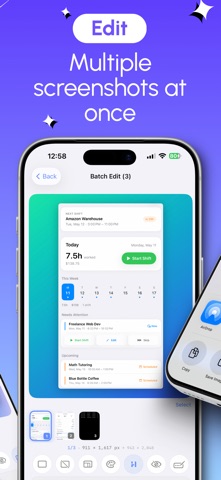
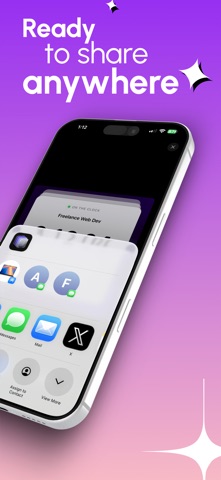
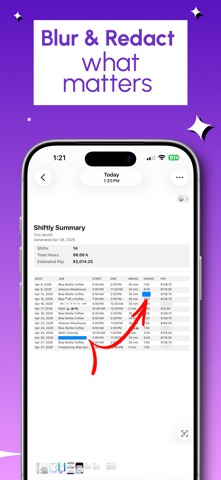
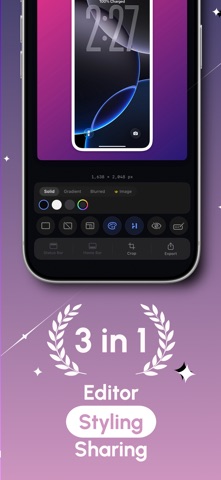
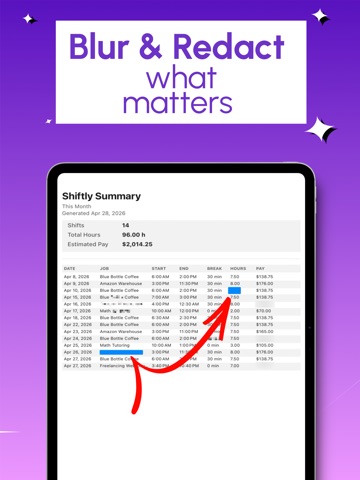
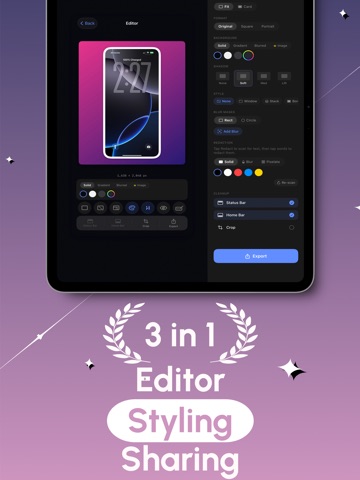
Capspace makes your screenshots look polished in seconds. Remove distracting UI, blur sensitive information, add clean backgrounds, and export screenshots that feel ready to share. Clean up screenshots instantly Blur private or sensitive content Add solid, gradient, or blurred backgrounds Export polished screenshots in seconds Batch clean multiple screenshots at once No account. No ads. Just a fast screenshot workflow.
Latest release
What’s New
Screenshot Editor - Capspace update: • Bug fixes and performance improvements
Audience growth
Ratings growth
Baseline captured. Growth appears after the crawler observes a changed rating count.
Momentum comes from crawler snapshots for the tracked storefront. “Viral growth signal” means unusually fast recent rating gains; it is an indicator, not download data.
Price tracking
Price intelligence
First snapshot captured. The trend line starts after the next crawler price observation.
- First observed Aug 13, 2026 · 3:01 AM Free
Screenshots