About this app
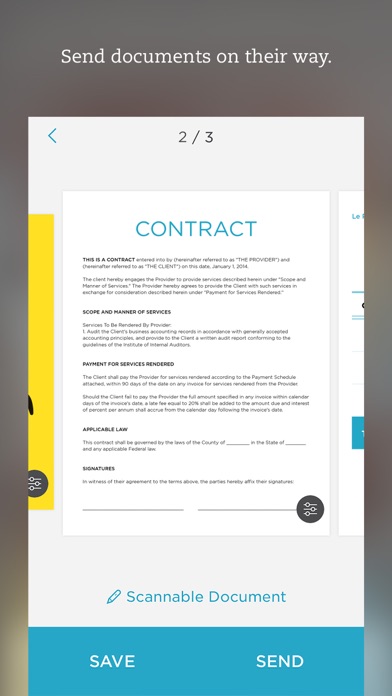
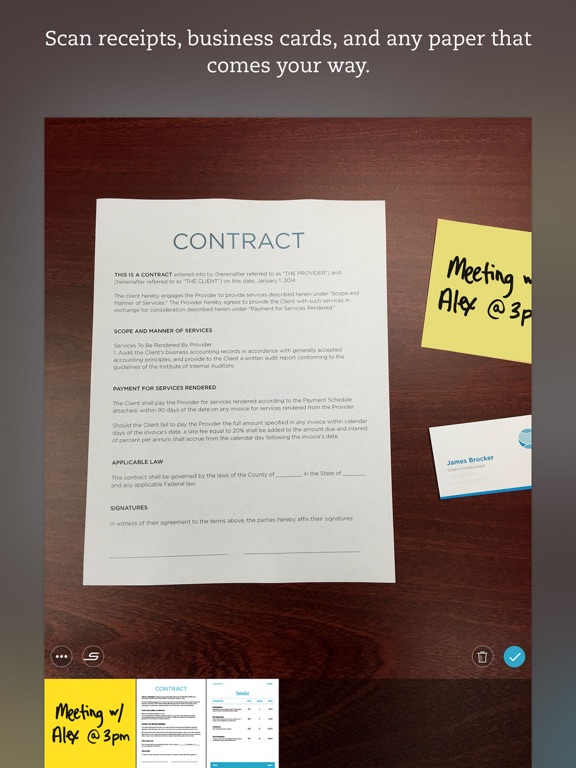
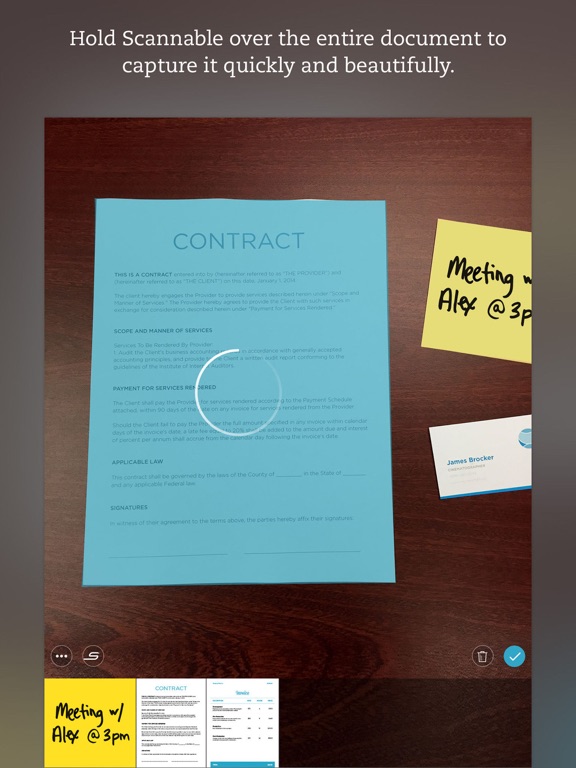
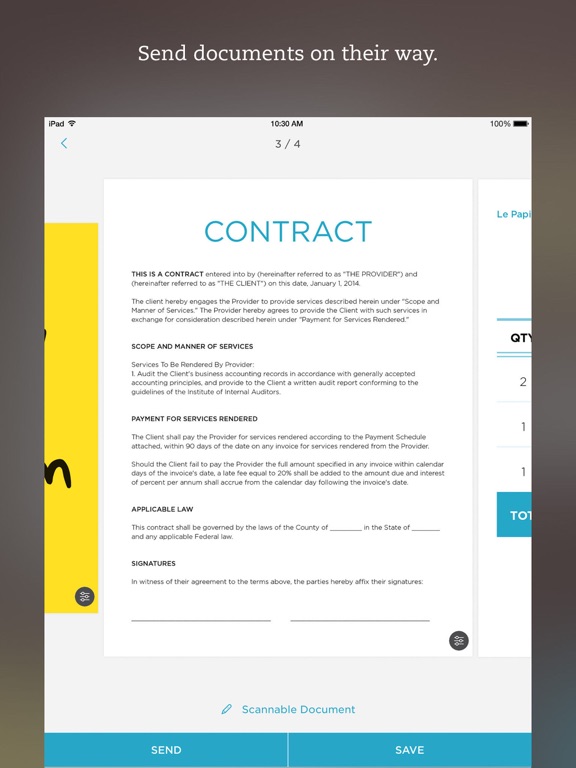
Scannable moves paper forward. Scan contracts, receipts, business cards, and any paper that comes your way. Save or share documents instantly and move on. Automatically capture high-quality scans anywhere - Scan fast: Point your camera at documents, expense receipts, or whiteboards. Scannable immediately captures them. - Save time: Scannable automatically rotates, crops, and adjusts images so your scans are clear and easy to read. - Share or save: Send documents to colleagues via email or text, or export them as PDF and JPG files to Evernote and other apps. Deal with paper professionally - Turn business cards into contacts: Pull information from business cards and save it all to your contacts list. - Go paperless: Scannable works seamlessly with the ScanSnap Evernote Edition Scanner to get multi-page documents where they need to go. - A scanner for everyone: With Scannable, your whole team can control a ScanSnap Evernote Edition Scanner from their own devices and send paper on its way. Scannable is free to download and use.
Latest release
What’s New
Bug fixes and performance improvements
Audience growth
Ratings growth
Momentum comes from crawler snapshots for the tracked storefront. “Viral growth signal” means unusually fast recent rating gains; it is an indicator, not download data.
Price tracking
Price intelligence
- First observed Aug 7, 2026 · 8:58 AM Free
Screenshots