About this app
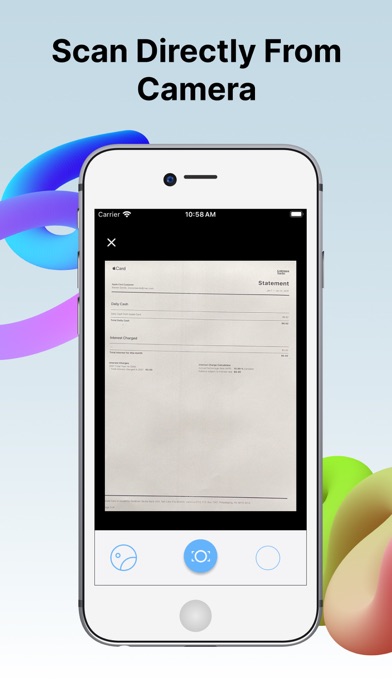
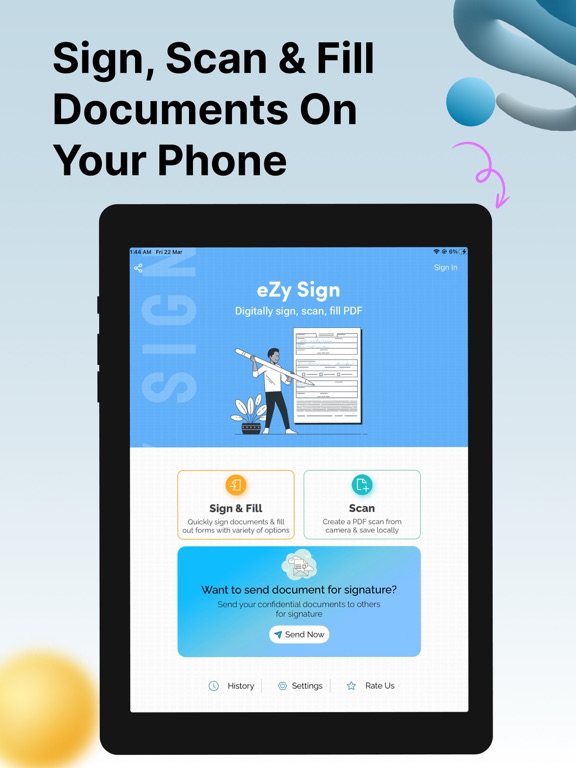
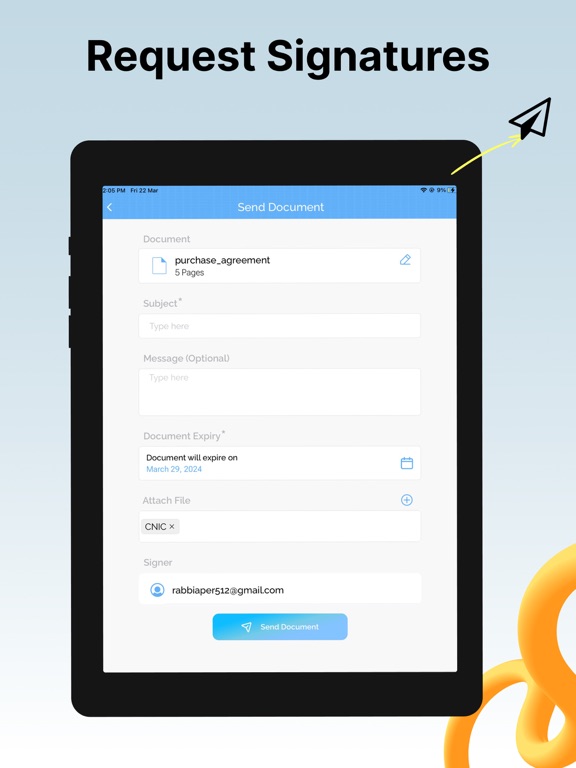
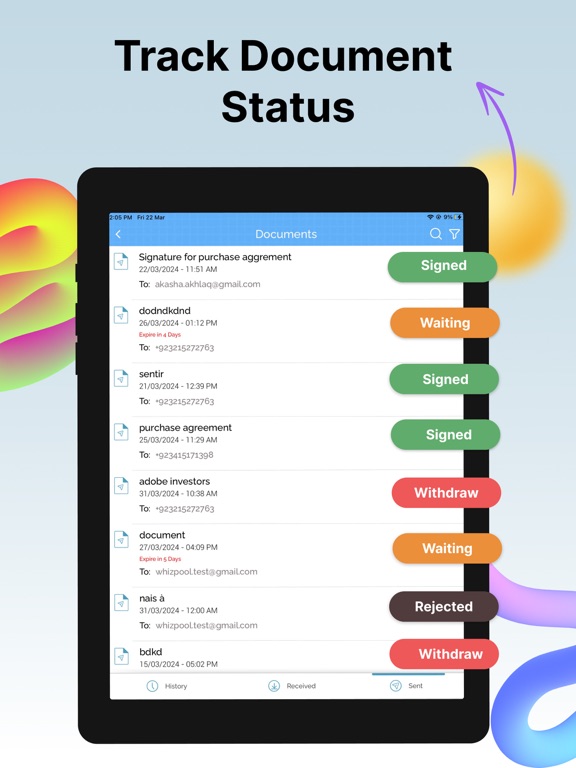
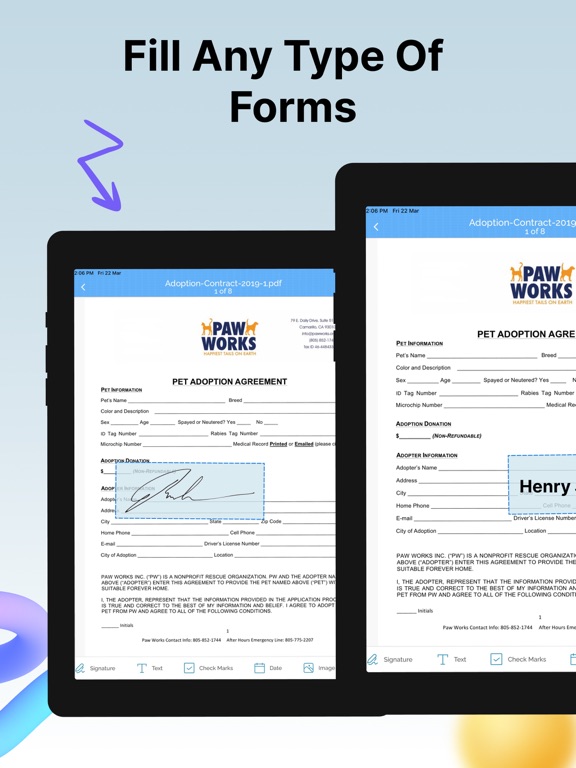
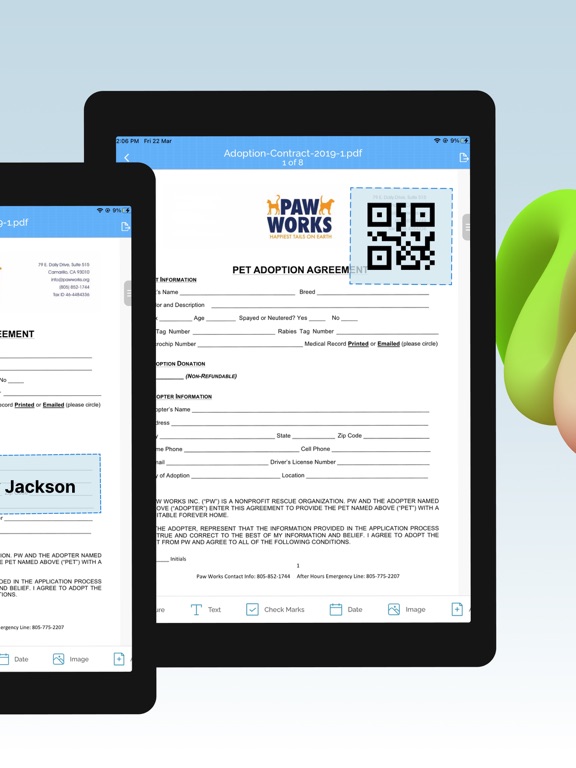
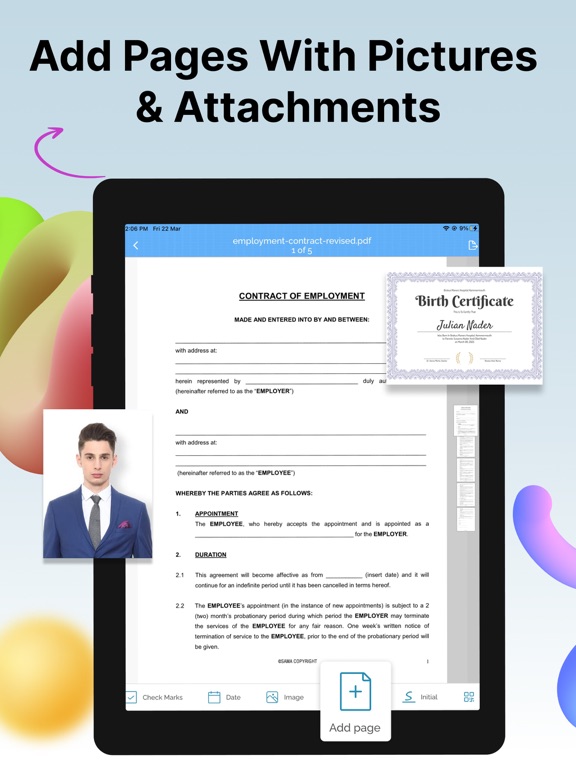
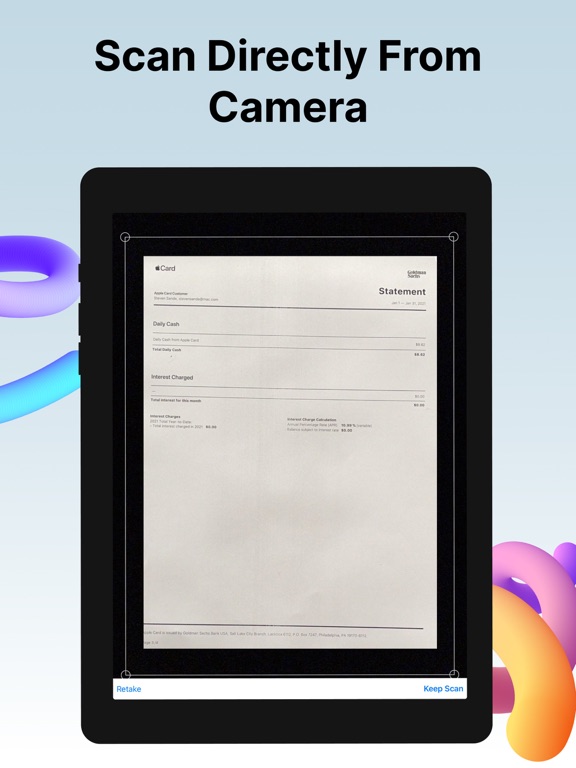
Need to sign a document or PDF online? Require signatures on your PDFs? eZy sign & fill documents makes it easy to do both without any hassle. Take control of your paperwork by uploading diverse document types and filling them with signatures, initials, dates, emails, images, or any text be it addresses, phone numbers, and more. eZy Sign handles docs signing, signature requests, and data filling. It accommodates a variety of document types, including NDAs, agreements, endorsements, permissions, contracts and legal documents. Its versatile functionality extends to common business forms like sales contracts, financial agreements, rental agreements, property contracts, waivers, employment contracts, job offers, and work orders, making it ideal for efficient document management. Sign Documents: Whether you prefer drawing your signature, scanning it, our versatile app offers you the flexibility you need. Take control of your paperwork by adding signatures, initials, dates, emails, images, or any required text, from addresses to phone numbers. From formal signatures on legal documents to personalized touches on business agreements, contracts and PDFs. Send Documents for Signature: With eZy Sign, sending PDFs for signatures has never been more straightforward. The app allows you to add assign fields, simplifying the process to fill and esign. Supported fields include signature, initials, name, date, email and text. This feature makes the signature collection process a convenient solution for businesses and individuals. After signing, eZy Sign ensures quick file access. Scanning Documents: eZy Sign doesn't just stop at signatures, it empowers you to digitize your paperwork. Whether you're dealing with contracts, invoices, legal documents or any other paper-based content, our app's scanning feature ensures that you can transform them into digital marvels. By leveraging the power of your device camera, eZy Sign lets you create PDF scans within the app, fostering a paperless and efficient environment. Fill Documents: With eZy Sign, document editing becomes a breeze. Whether you need to add a signature, text, date, time, image, page, or QR code, our app offers a comprehensive set of tools for easy customization. Its versatility ensures that you can modify and enhance your PDFs, contracts, and documents according to your specific needs, making document editing an intuitive and efficient process. Set Expiry: Security is paramount with eZy Sign & fill documents. The app introduces a unique feature allowing users to set an expiry date for their digital docs. Exercise control over the duration of accessibility for recipients. Once the expiry date is reached, the document or the PDF becomes invalid, and recipients cannot access shared files. eZy sign & fill documents allows to Customize and extend expiry dates according to your needs. Import and Export: With eZy Sign & fill documents, enjoy simple and efficient document sharing. This feature ensures that you can easily import documents from various sources and export them to share or archive as needed. The app's compatibility with different importing and exporting options ensures easy access and collaboration across various systems. - DropBox - Google Drive - OneDrive - Email - iCloud History: You can keep track of your document activities with eZy Sign's detailed history feature. View past signatures, and access records of contracts, agreements, and PDFs interactions. eZy sign & fill documents is all about making document signing simple, secure, and stress-free. So go paperless—your way, the easy way! Your input is valuable in shaping the future of our app. Submit your questions or feedback to: Support+ezysign@whizpool.com
Latest release
What’s New
Discover new improved features! - Changes in text that provide clearer information about features. - Additional New Features -Bug fixes
Audience growth
Ratings growth
Baseline captured. Growth appears after the crawler observes a changed rating count.
Momentum comes from crawler snapshots for the tracked storefront. “Viral growth signal” means unusually fast recent rating gains; it is an indicator, not download data.
Price tracking
Price intelligence
- First observed Aug 15, 2026 · 5:08 PM Free
Screenshots