About this app
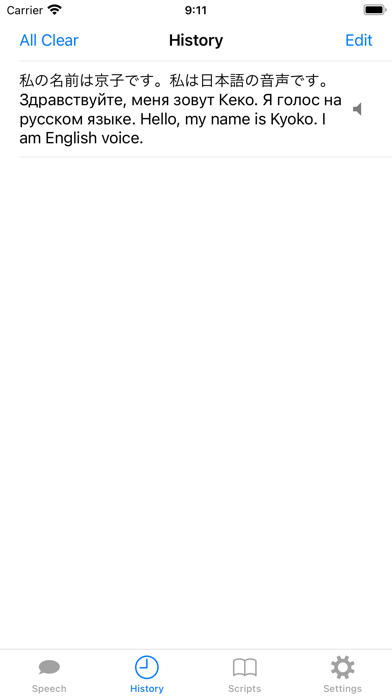
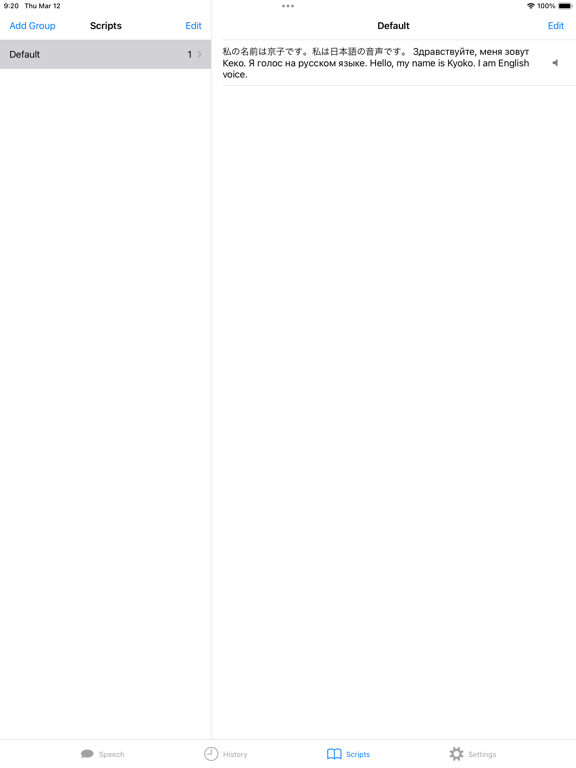
This app serves as a spokesperson for you. It reads input text in multilingual or monolingual mode. If you wish to check how sentences and words are pronounced in a specific language, the app is highly suitable. It utilizes the speech synthesizer in iOS by default, so there's no need for a network connection. ■ Speech Screen The settings on the speech screen, also applicable to the history and scripts screens, include the following: - Language: Sets the default language. If the speech engine struggles to analyze words in a speech text, it defaults to the chosen language. - Pitch: Allows selection between three types - bass (mainly male voice), middle (mainly female voice), and treble. - Rate: Adjusts the speaking rate. - Start/Stop: Controls the initiation and termination of speech. - X icon: Clears the inputted speech text. - Multilingual (Globe icon): When activated, the engine speaks after separating words into each language. If turned off, the engine speaks in a monolingual manner. ■ History Screen The history screen records speech texts. Tapping a text initiates the engine to read the selected text. A second tap cancels the reading. Additionally, an edit button allows you to register a selected text to the scripts screen and input the text into the speech screen. ■ Settings Screen The settings screen includes the following options: - Do Not Keep History: When enabled, the app won't record speech texts in the history. - Prioritize American English: In multilingual mode, the engine prioritizes American English for English parts. - Emphasize Speaking Word: Highlights the currently spoken word on the speech screen. ■ URL Scheme 1. Speech - Format: “sp://speech/text” or “spokesperson://speech/text” - Example: “sp://speech/ニンドスハッカッカ,ヒジリキホッキョッキョ。Nindosu-hakkakka%2c%20hijiriki-hokkyokkyo.” - Note: If your iPhone doesn't interpret the URL scheme well, try replacing spaces with “%20” and commas with “%2c”. 2. Add to the Scripts - Format: “sp://script/group-name/text1/text2/...” or “spokesperson://script/group-name/text1/text2/...” - Example: “sp://script/Ex/ニンドスハッカッカ,ヒジリキホッキョッキョ。Nindosu-hakkakka%2c%20hijiriki-hokkyokkyo./時を超えて,僕らは行く,まばゆい光の中で。Looking%20for%20our%20hope.%20Looking%20for%20our%20dream.%20We're%20gonna%20find%20a%20way%20to%20change.” ■ Exemption from Liability ASTI will not be held liable for anything that transpires as a result of using this information. No liability whatsoever will be accepted for any damage, injury, or loss that may be suffered as a result of using the app.
Latest release
What’s New
- Supported iOS 26.
Audience growth
Ratings growth
Baseline captured. Growth appears after the crawler observes a changed rating count.
Momentum comes from crawler snapshots for the tracked storefront. “Viral growth signal” means unusually fast recent rating gains; it is an indicator, not download data.
Price tracking
Price intelligence
First snapshot captured. The trend line starts after the next crawler price observation.
- First observed Aug 16, 2026 · 11:22 AM Free
Screenshots