About this app
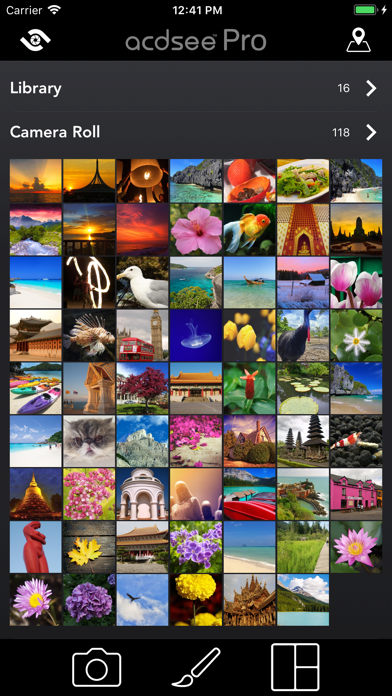
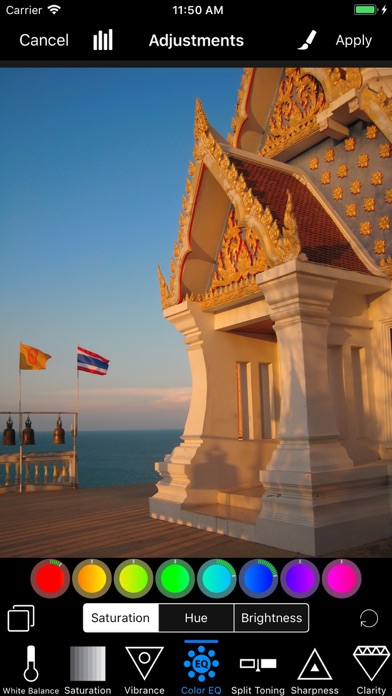
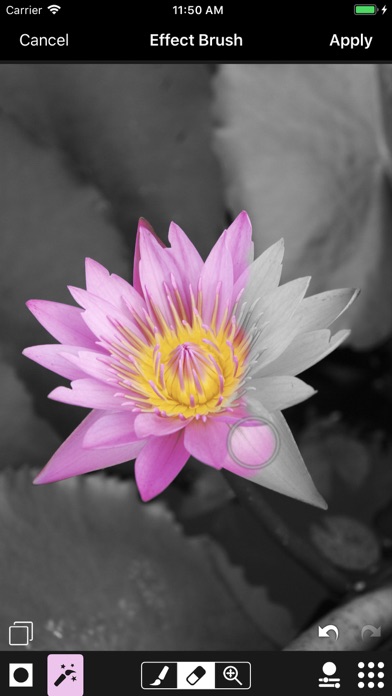
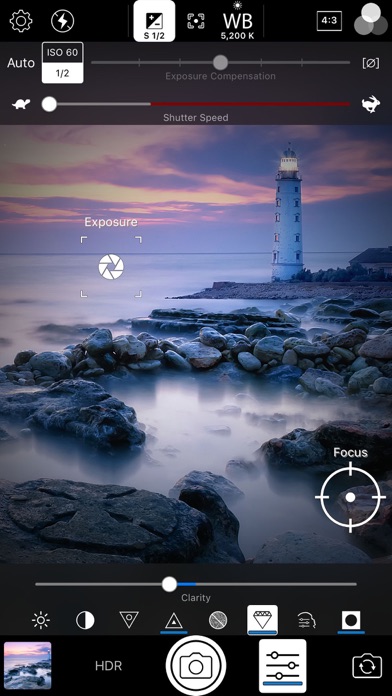
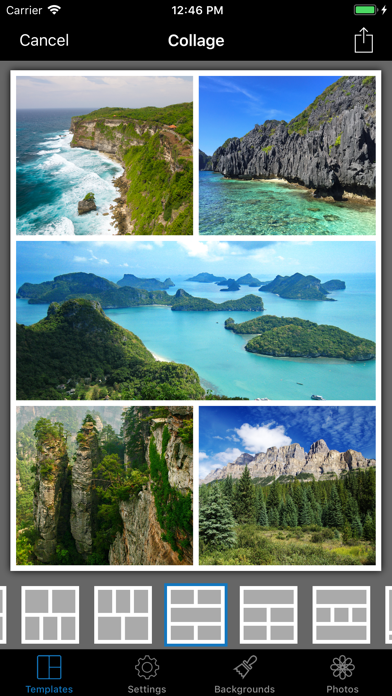
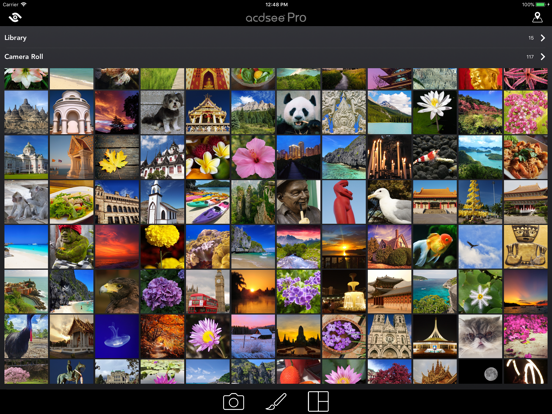
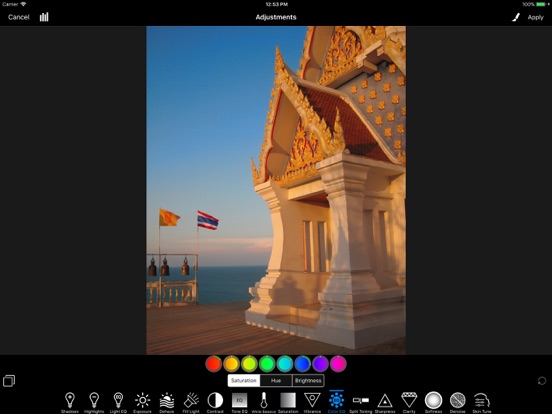
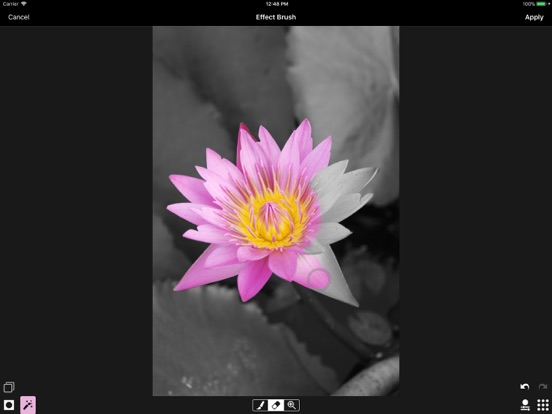
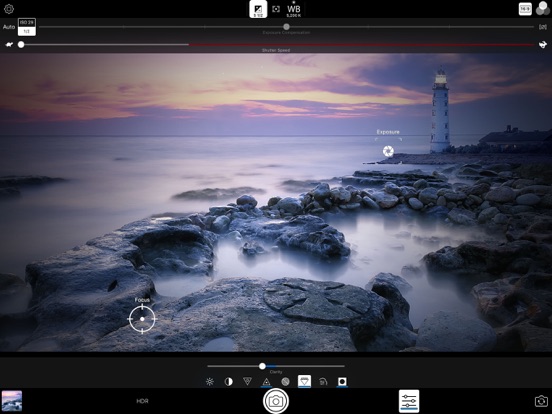
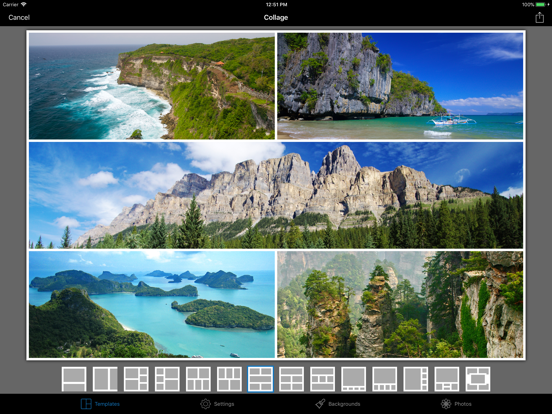
Capture, perfect, and share your photos with ACDSee Pro for iPhone. ACDSee Pro combines a professional-grade camera and photo editor with all the tools you need to produce stunning photographs. Camera Harness the full power of your device's camera with specialized shooting modes, lossless RAW, TIFF and PNG support, manual controls for exposure/focus/white balance, real-time effects and adjustments, HDR & flash fusion, separate exposure and focus points, dual-axis level indicator, and more. Edit Perfect your photos with a powerful, nondestructive photo editor with RAW processing. Use gradients and brushing to selectively apply adjustments and special effects, including shadows & highlights, contrast, dehaze, white balance, saturation, vibrance, sharpness, split toning, and noise removal, and our one-of-a-kind Light EQ, Tone EQ, and Color EQ. Collage Convenient collage maker for sharing your memories. Quickly combine multiple photos into a single image for easy sharing. Choose from over 100 layouts. — CAMERA FEATURES RAW Support Shoot RAW on capable devices and write captured photos in DNG format. Lossless TIFF/PNG Write captured photos in lossless TIFF or PNG format, or choose one of three JPEG quality settings. Manual Controls Precisely control exposure, focus and white balance, including a custom white balance preset. Real-time overexposure and underexposure visualization. Shutter Priority Mode Set the shutter speed and ACDSee Camera Pro automatically chooses the ISO for proper exposure. Selfie Mode Look your best with skin smoothing and lightening, plus a front-facing torch/flash for low-light situations. Real-time Effect Filters Choose from 24 effects, including high-quality black & white, Orton, film grain, halftone, and various color tone filters. Real-time Adjustments See brightness, contrast, vibrance, sharpness, clarity, skin tune and vignette adjustments in real time and add additional noise reduction during capture. Exposure Bracketing Capture three exposures at once at different exposure levels. HDR Fusion Combine three shots taken at different exposures to create a single high-dynamic-range image, with manual override of composition parameters. Flash Fusion Combine a naturally-illuminated capture with a flash-illuminated capture. Video Mode Capture those special moments with video and apply filters and adjustments in real-time. Flash Modes Choose from six flash modes: Off, On, Auto, Torch, Torch & flash, and Flash Fusion. All modes work with either the rear-facing or the front-facing camera. Focus and Exposure Touch to select focus and exposure point. For more precise control, independently select focus and exposure points. Lockable AF, AE and AWB Independently lock focus, exposure, and white balance. Cropping modes Crop before you shoot to square, 4:3, 3:2, and 16:9 aspect ratios. Independent settings for front and rear cameras, still photo and video modes. Level Indicator Compose your shots with precise alignment using a dual-axis level indicator. — EDITOR FEATURES Image adjustments, including: - Shadows & Highlights - Light EQ - Exposure - Dehaze - Contrast - Tone EQ - Fill Light - White Balance - Saturation & Vibrance - Color EQ - Split Toning - Sharpness - Clarity - Softness - Denoise - Skin Tune Effects Apply a variety of creative effects to your photos, including film, light leaks, halftone, and more. Use gradients and brushes to mask adjustments. Focus Bring your subject into focus. Simulate a shallow depth of field by blurring the background. Vignette Adds a vignette effect around the edges of your photo. Geometry Crop, rotate, straighten, and mirror your photo. Filter Splash Creatively splash on effects such as selective coloring to draw attention to your subject. ACDSee is a trademark of ACD Systems International Inc. and may be registered in Canada, the United States, the European Union, Japan, or certain other jurisdictions.
Latest release
What’s New
Performance improvements and bug fixes.
Audience growth
Ratings growth
Baseline captured. Growth appears after the crawler observes a changed rating count.
Momentum comes from crawler snapshots for the tracked storefront. “Viral growth signal” means unusually fast recent rating gains; it is an indicator, not download data.
Price tracking
Price intelligence
- First observed Aug 7, 2026 · 11:06 PM $5.99
Screenshots