About this app
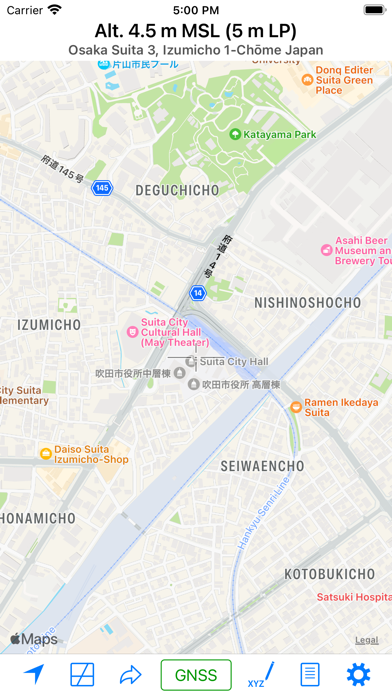
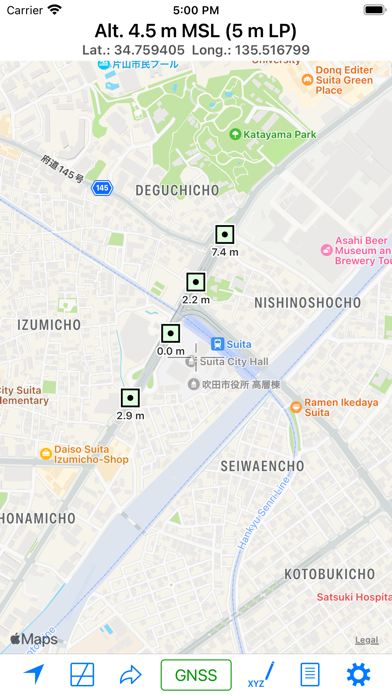
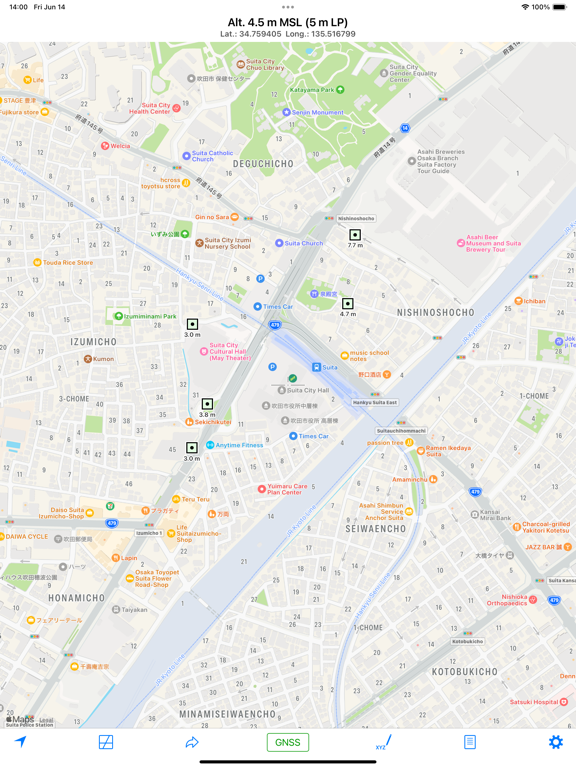
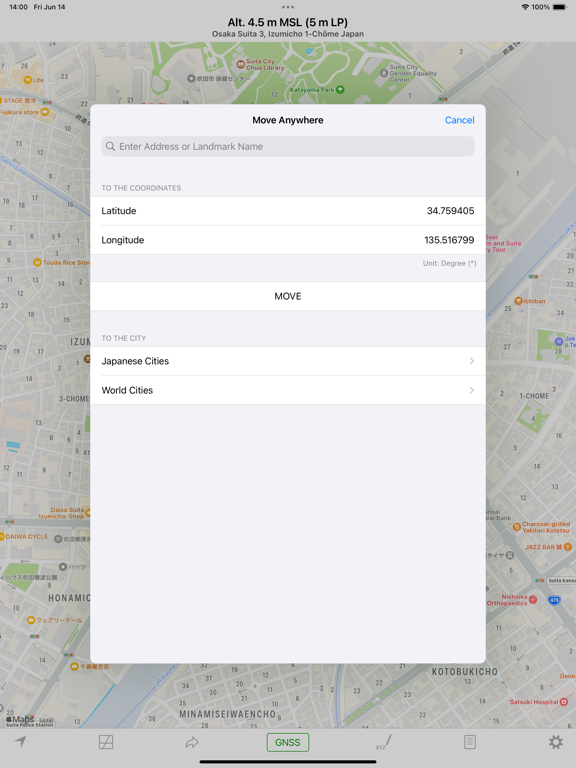
This app is a tool for measuring altitude, either at your current location or at arbitrary points. The app offers two measurement modes: Map Measurement Mode and GNSS Mode. Map Measurement Mode: When you launch the app, it enters this mode. In Map Measurement Mode, the app measures the altitude of the center position of a map using a digital elevation model (DEM). The app utilizes SRTM30 V2 data for altitude measurements. If you enable the “Use GSI’s API” switch in the settings, it can also make use of GSI’s API to obtain the altitude of Fundamental Geospatial Data (FGD) in Japan. GNSS Mode: Tapping on the “Get GNSS Altitude” button activates the GNSS Mode. In this mode, altitude is calculated using GNSS data. For users with an iPhone 3GS or earlier, the returned value represents ellipsoidal height. Settings: - Unit: Choose between Meter and Foot for altitude measurements. - Special Datum: Select from Default (MSL), A. P. (Arakawa), Y. P., O. P., K. P., S. P., A. P. (Yoshinogawa), T. P. W., and B. S. L. - Coordinate System: Opt for “Japan Plane Rectangular Coordinate System” instead of Latitude-Longitude. - Display Address: Toggle this switch to display the address of the current location. When it’s off, coordinates are shown instead of an address. - Use GSI’s API: As mentioned previously. - Use GSI Tiles: Choose to use GSI tiles instead of Apple Maps. - Update to Map Coordinates: Automatically update coordinates on the “Move Anywhere” page to the current position on the maps. - Use Light Mode for Maps: Maps are displayed in Light Mode, even when Dark Mode is enabled. About URL Scheme: - Format: alt://lat/long - lat: Latitude (double value) - long: Longitude (double value) If the latitude is not within the range of ±90 degrees, it will be replaced with the latitude and the longitude.
Latest release
What’s New
- Adjusted timeout settings. - Added new datasources.
Audience growth
Ratings growth
Baseline captured. Growth appears after the crawler observes a changed rating count.
Momentum comes from crawler snapshots for the tracked storefront. “Viral growth signal” means unusually fast recent rating gains; it is an indicator, not download data.
Price tracking
Price intelligence
First snapshot captured. The trend line starts after the next crawler price observation.
- First observed Aug 16, 2026 · 11:22 AM Free
Screenshots