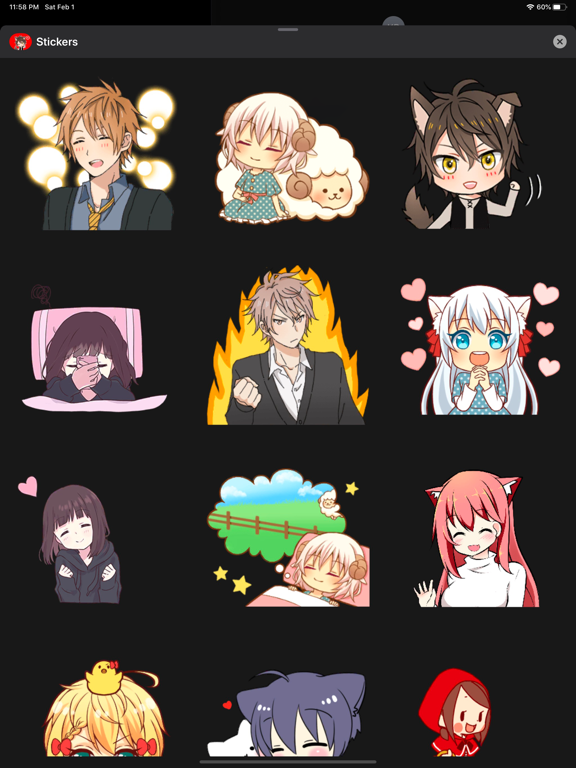
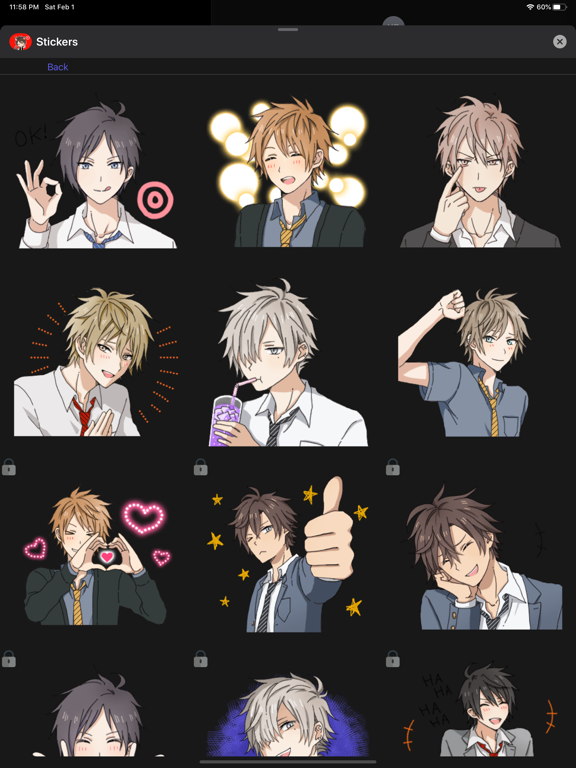
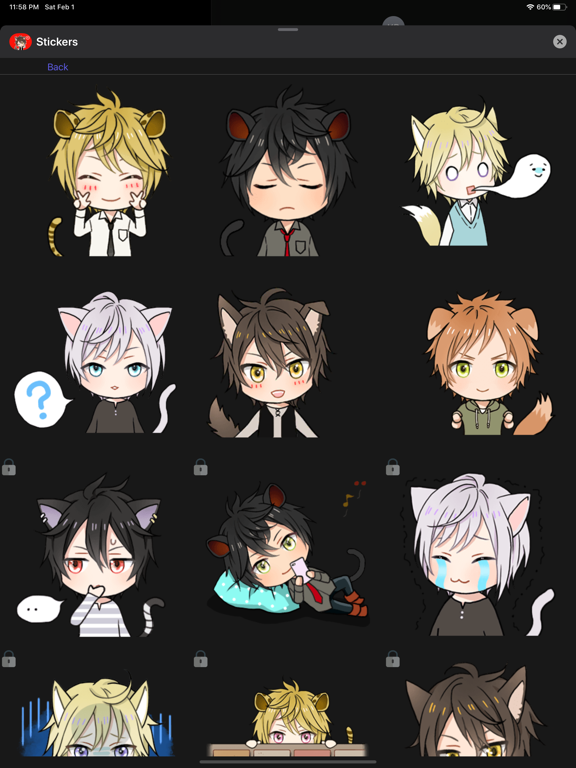
About this app
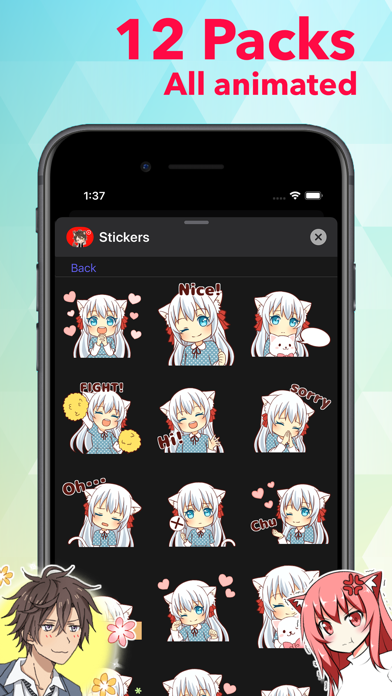
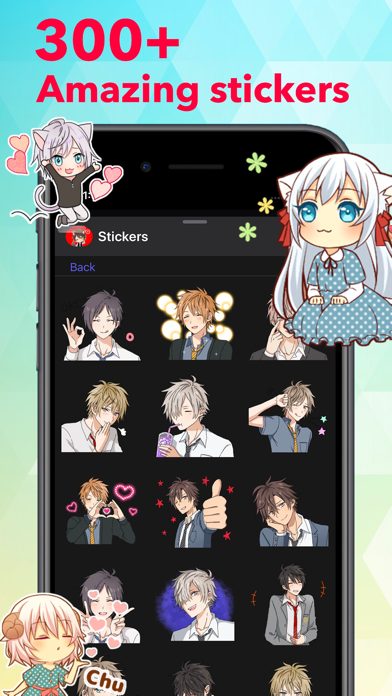
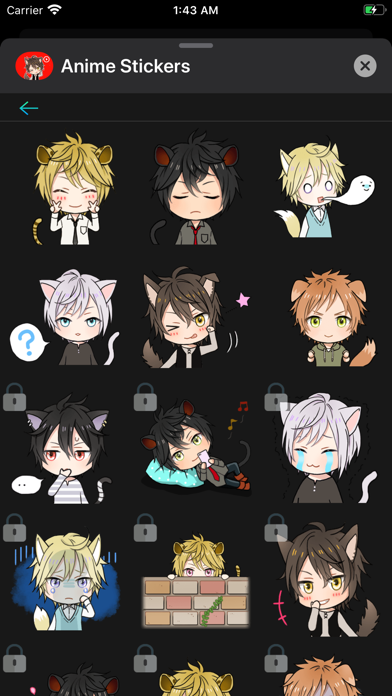
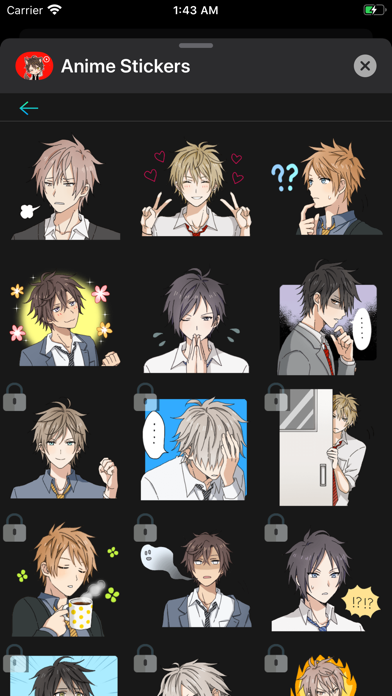
Add more emotion to your messages with all of these cute stickers! Stick them on your message, stick them on a friend's message. Less talk, more stickers. To start using stickers: Step 1: Open a message and tap ">" button to the left to the text box Step 2: Tap the app button that appears and then tap the button in the lower left. Step 3: Tap icon to start sending stickers RESTORE: If you have already bought stickers, then to restore it on another device, you will need to make the same purchase, no money will be charged again.
Latest release
What’s New
- Added support for iOS 26 - Stickers loading optimization - Fixed a navigation issue - New stickers reordering
Audience growth
Ratings growth
Baseline captured. Growth appears after the crawler observes a changed rating count.
Momentum comes from crawler snapshots for the tracked storefront. “Viral growth signal” means unusually fast recent rating gains; it is an indicator, not download data.
Price tracking
Price intelligence
First snapshot captured. The trend line starts after the next crawler price observation.
- First observed Aug 15, 2026 · 10:15 PM Free
Screenshots