About this app
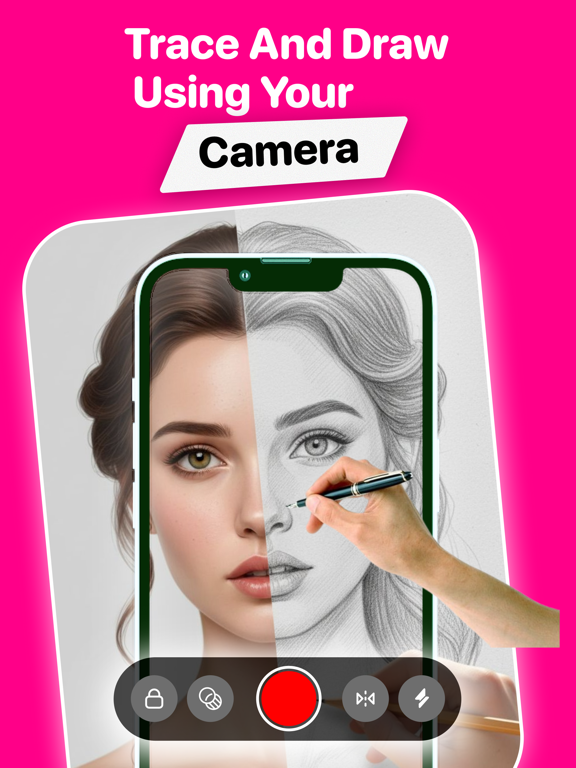
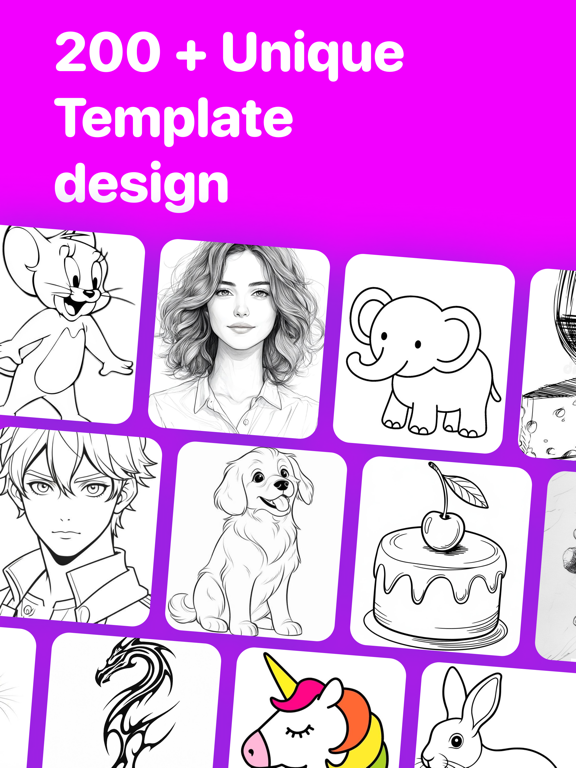
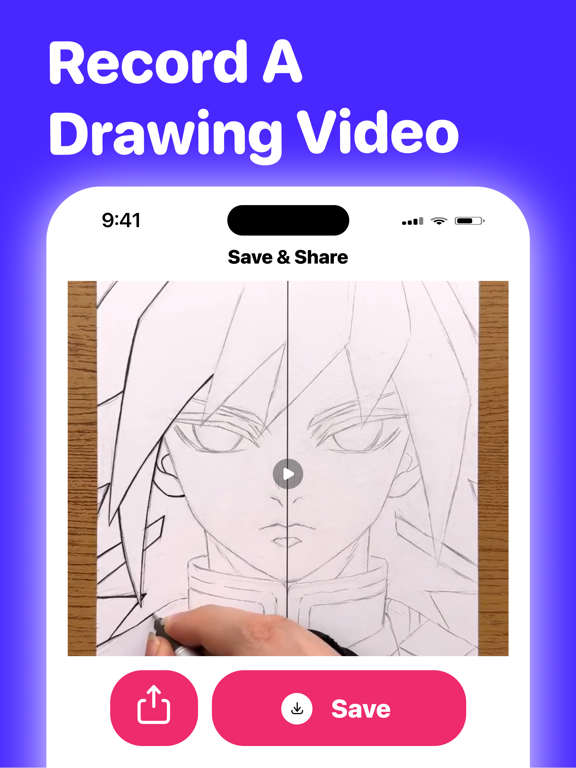
AR Drawing: Draw on Paper AR Drawing is the easiest way to learn drawing and create digital art. Pick a sketch, point your camera at paper, and trace the projected image. Paint, add fonts, and create stunning artwork — no experience needed! HOW IT WORKS Browse hundreds of templates from our drawing library Choose your drawing — animals, cartoons, anime, cars & more Select your mode: Camera, Screen, or Painting Trace onto paper or paint on screen CAMERA MODE Place paper on a table, point your camera, and trace the projected image. Front & rear camera with flash toggle 0.5x and 1.0x zoom levels Adjustable opacity control AR positioning with scale, distance & rotation Flip/mirror image horizontally Screen lock to prevent accidental touches Video recording with timer SCREEN MODE Use your phone as a light source. Place paper on screen and trace the lines. Pinch to zoom, rotate & pan gestures Adjustable opacity & screen lock PAINTING MODE A full digital painting canvas with professional tools: Brush, Eraser & Fill tools 15 Preset Colors + Custom Color Picker Undo & Redo — 30-state history Stickers — Add from gallery, camera or files Save & Share to photo library or social media AI IMAGE TO SKETCH Convert any photo into a pencil sketch with 20 style variations. Choose your favorite and draw it — Pro feature. FONT & TEXT STYLES 100+ Device Fonts with Bold, Rounded, Thin & Heavy styles Font Size Slider — 20pt to 100pt Stroke & Fill styling with live preview ADD YOUR OWN PHOTOS Import any image from your photo library. Use the original or convert to a sketch outline for easier tracing. RECORD & SHARE Record your drawing session as video. Save or share with friends on social media. DRAWING CATEGORIES Anime, Kawaii, Tattoo, Animals, Cartoon, Cars, Nature, People, Food, Architecture, Geometry, Holidays & more — plus fresh drawings updated regularly from our team! OFFLINE SUPPORT All drawing templates work offline. Previously loaded images are cached automatically. GO PRO Access all premium templates AI Image to Sketch converter Unlimited photo imports Full painting & font tools Weekly, monthly and yearly plans Start your drawing journey today! Terms of Use: https://sites.google.com/view/ar-drawing-terms-of-use-uz/home Privacy Policy: https://sites.google.com/view/ar-drawing-privacy-policy-uz/home
Latest release
What’s New
Bug fixes and improvements.
Audience growth
Ratings growth
Baseline captured. Growth appears after the crawler observes a changed rating count.
Momentum comes from crawler snapshots for the tracked storefront. “Viral growth signal” means unusually fast recent rating gains; it is an indicator, not download data.
Price tracking
Price intelligence
First snapshot captured. The trend line starts after the next crawler price observation.
- First observed Aug 14, 2026 · 12:30 AM Free
Screenshots