About this app
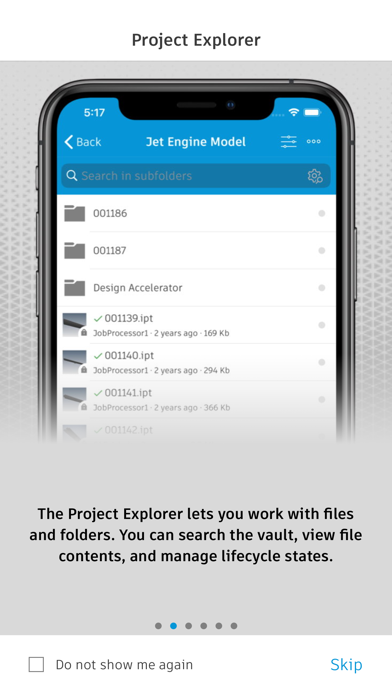
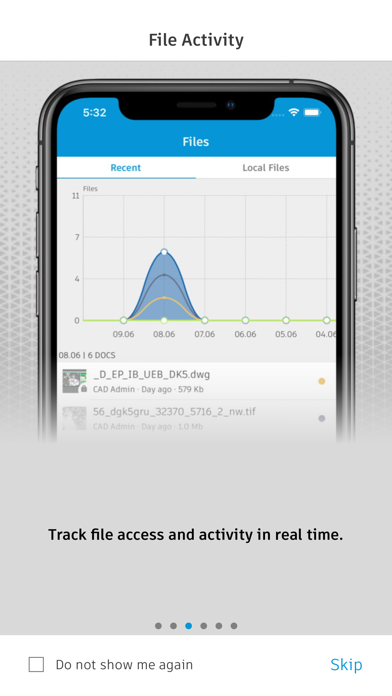
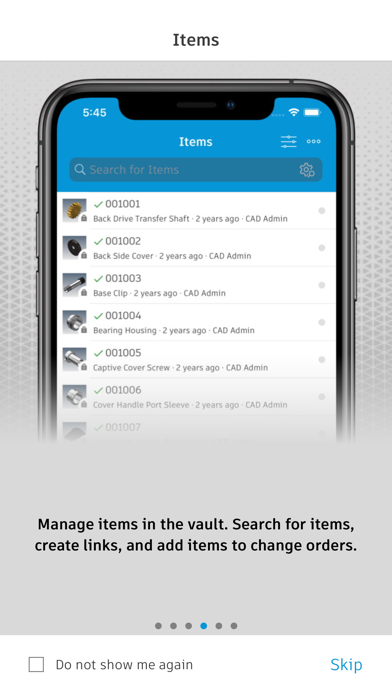
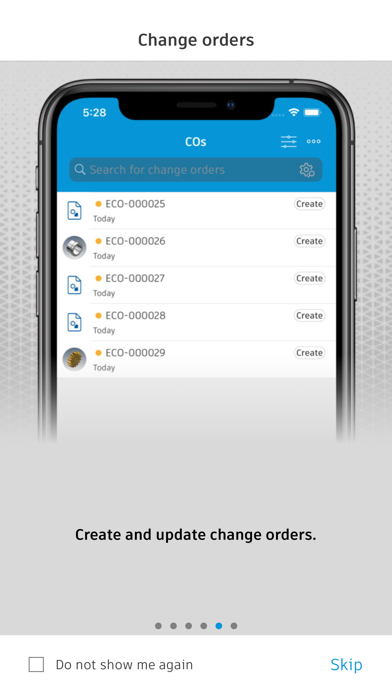
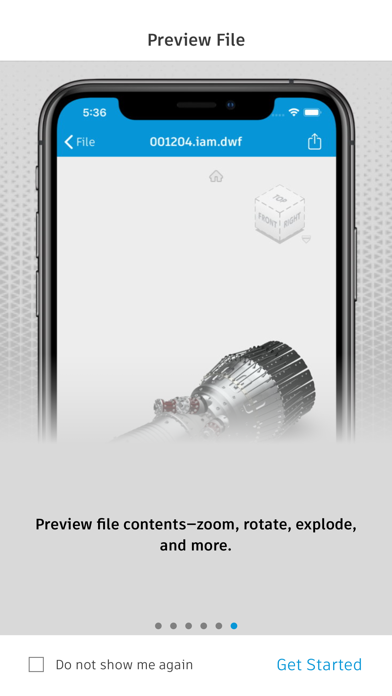
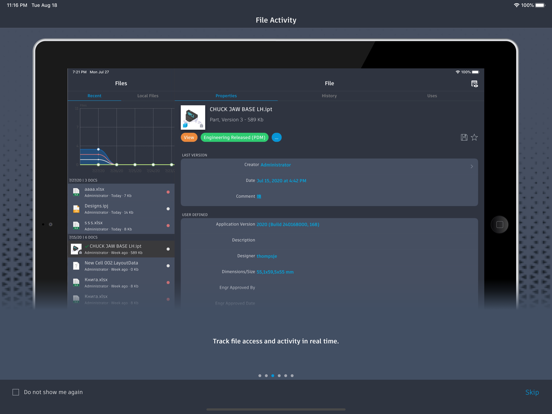
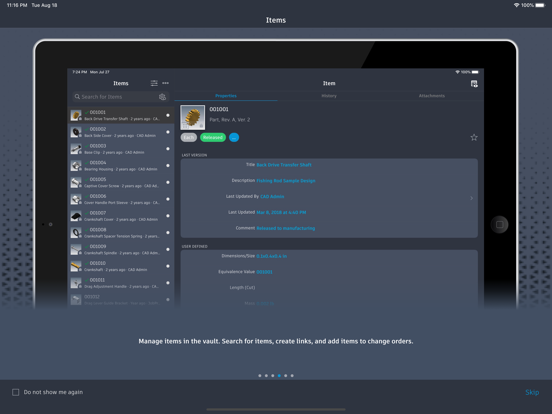
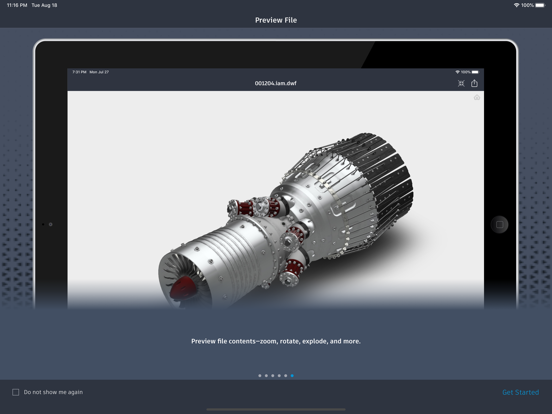
Autodesk® Vault for iPhone and iPad allows you to work with your design and engineering data on your mobile device. You can use the Vault mobile app to view 2D and 3D designs, check non-CAD files in and out, approve and sign documents, create and participate in change orders, perform QR, barcode, simple and extended data searches, and more. Supporting over 100 file formats, the Vault mobile app makes it easy to stay up to date on your projects and collaborate with others anytime, anywhere. The mobile app works in conjunction with its companion desktop product, Autodesk® Vault product data management software. To use the Vault mobile app for iPhone and iPad, you will need to sign in with your Vault account information. Capabilities: File Workflows: Properties, History, Uses, Where Used, & Attachments Add to Change Order Send Link, or File Change Lifecycle State Check-in\Check-out non-CAD files Set Favorites Save files locally Preview Capabilities: View DWF files with a new viewing experience Ability to submit a job to create the visualization file Preview images, PDF & Office files Change Order Capabilities: Create New Change Orders for Files or Items View User Worklist View Details Edit State View Comments Add Records & Attachments View Records &Attachments Add to Favorites Item Capabilities: View All Items View Details Edit Item Lifecycle State View Versions & Revisions View Bill of Materials (BOM) Search Capabilities: Search files, items and change orders Advanced Search Saved Searches QR & Bar code Search capability Files Capabilities: Recent Files List Insights on file activities in Vault Local File Storage List Favorites: Select Favorites for Files, Items Change Orders View Favorites for Files, Items & Change Orders
Latest release
What’s New
Adding support for Vault 2023
Audience growth
Ratings growth
Baseline captured. Growth appears after the crawler observes a changed rating count.
Momentum comes from crawler snapshots for the tracked storefront. “Viral growth signal” means unusually fast recent rating gains; it is an indicator, not download data.
Price tracking
Price intelligence
- First observed Aug 14, 2026 · 1:34 AM Free
Screenshots