About this app
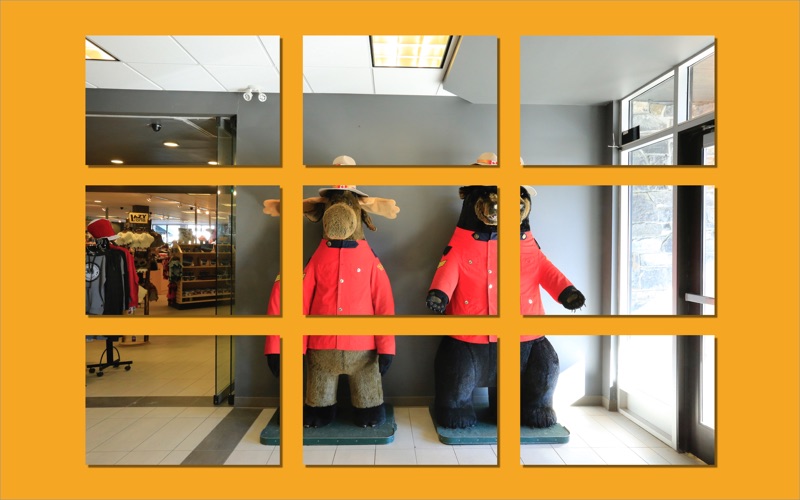
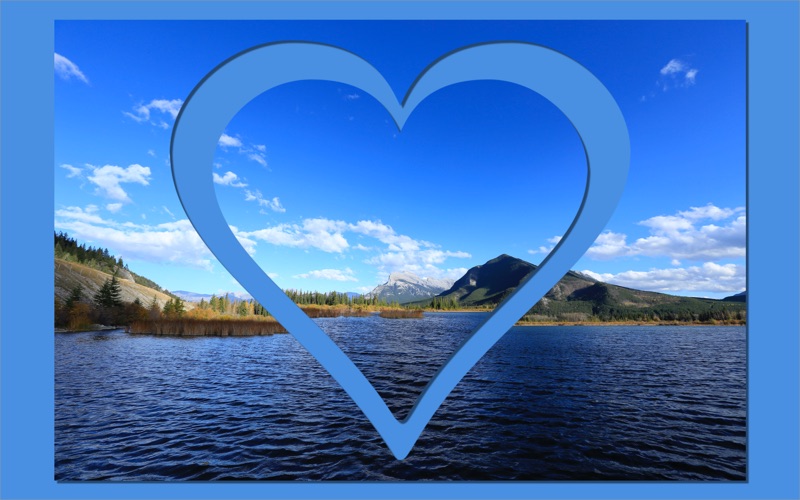
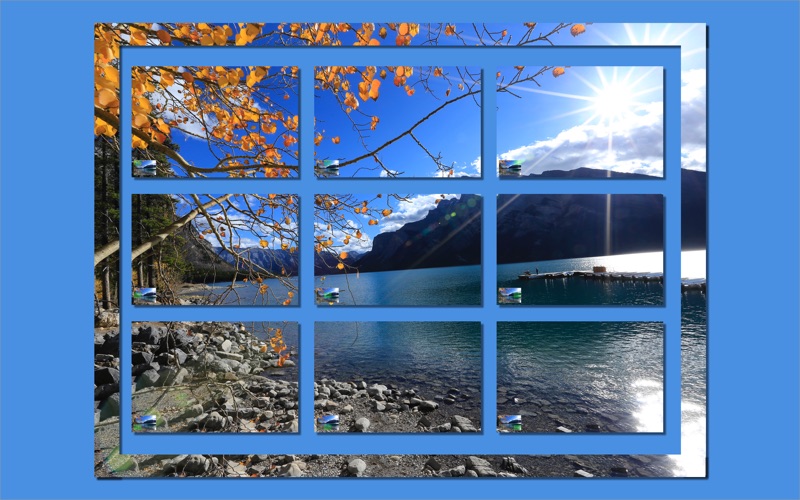
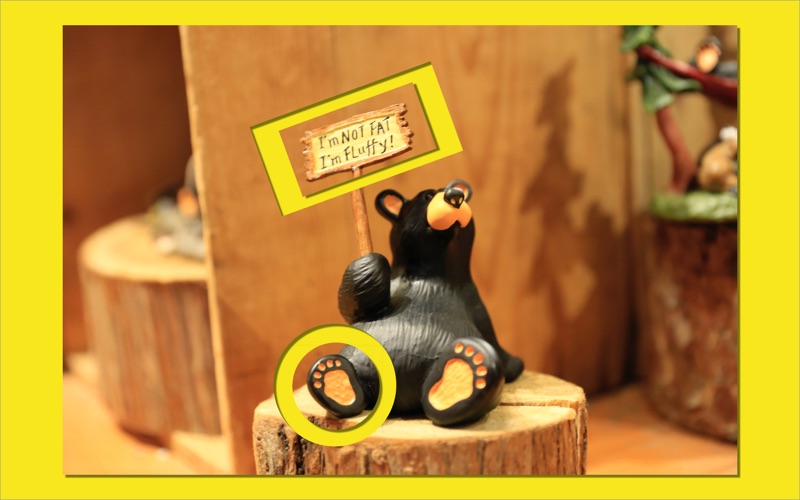
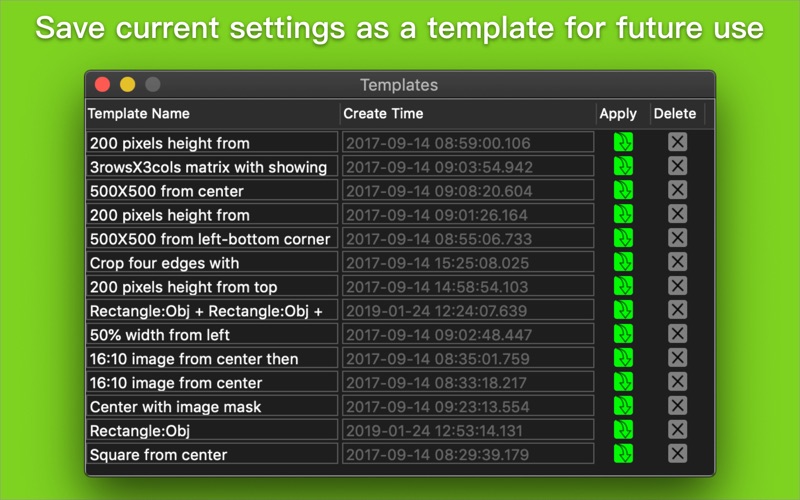
Batch to crop photos or videos with mixed mode of pixels & percentage. Features: - Crop many areas at a time - Crop by percent | pixels | mixed modes - Rectangle mask or image mask are available - Matrix cropping - Output cropped tiles and hollow at the same time - Able to print a thumbnail on the corner of cropped image to show where it was cropped from. How to it works: 1. Drag images or folders onto the Import button 2. Set a frame you want to crop 3. Drag the Export icon out from toolbar to save cropped images Extra options for output file: 1. To save current settings as a template for future use 2. To reserve origin EXIF information 3. To set DPI\Copyright information Mouse Gestures: . Magnification gestures to scale single or multi object(s)' size . Drage object's edge to adjust its size . Rotation gesture to rotate single or multi object(s) . Pan gesture to move single or multi object(s) . Left click on object to select or deselect object . Left click on blank area to cancel all object(s)' selected status .Right click on object to pop up menu with items of Removing/Duplicating/Copying/Adjusting Z hierarchic . Right click on blank area of image to pop up menu with items of Pasting/Selecting All/Unselecting All Keyboard Command: . Command + Z to undo . Command + Shift + Z to redo . Control or Command + Left Click to multiply select objects . Command + A to select all objects . Command + Shift + A to unselect all objects . Command + C to copy one or more objects . Command + V to paste one or more objects ( You should to click at a point on image that you want to paste object to before pasting) . Backspace to delete one or more selected objects Please note: The lite version is limited to output high quality image for THREE TIMES . If you need to export image with high quality forever,please purchase the Full Version. Input image type: | JPG | JPEG | PNG | TIF | TIFF | DNG | RAW | 3FR | PPM | DCR | ORF | ARW | RAF | NEF | CR2 | RW2 | IIQ | MEF | MRW | PEF | MOS | ERF | BMP | GIF | ICNS | ICO | JP2 | J2K | JPF | JPX | JPM | MJ2| Output image type: | JPG | JPEG | PNG | TIF | TIFF | IIQ | BMP | GIF | JP2 | J2K | JPF | JPX | JPM | MJ2|
Latest release
What’s New
Compatiblity update for macOS 11.0
Audience growth
Ratings growth
Baseline captured. Growth appears after the crawler observes a changed rating count.
Momentum comes from crawler snapshots for the tracked storefront. “Viral growth signal” means unusually fast recent rating gains; it is an indicator, not download data.
Price tracking
Price intelligence
First snapshot captured. The trend line starts after the next crawler price observation.
- First observed Sep 21, 2026 · 2:55 AM Free
Screenshots