About this app
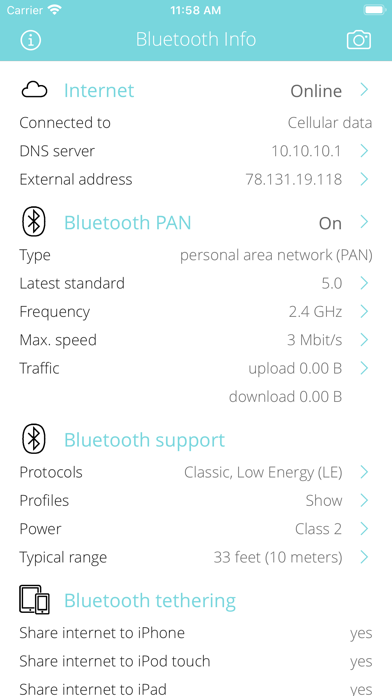
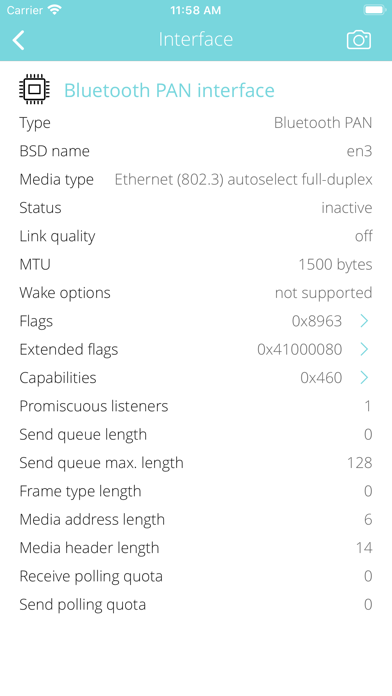
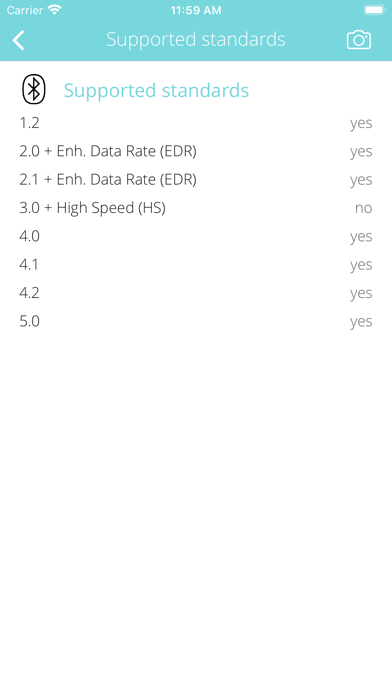
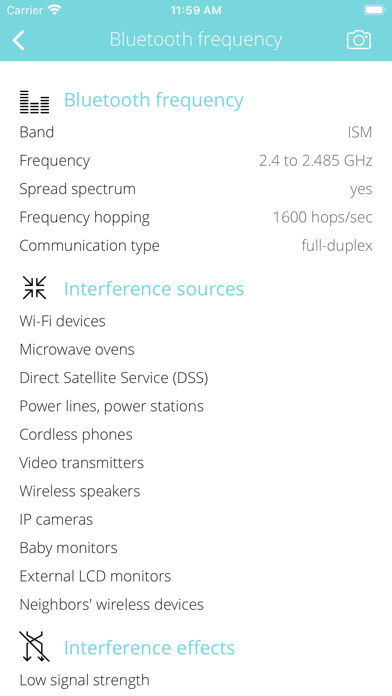
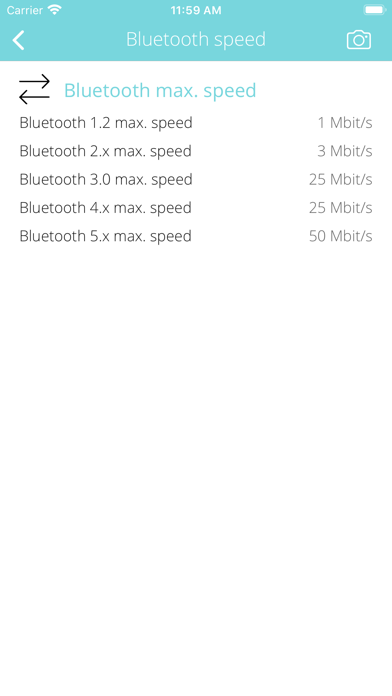
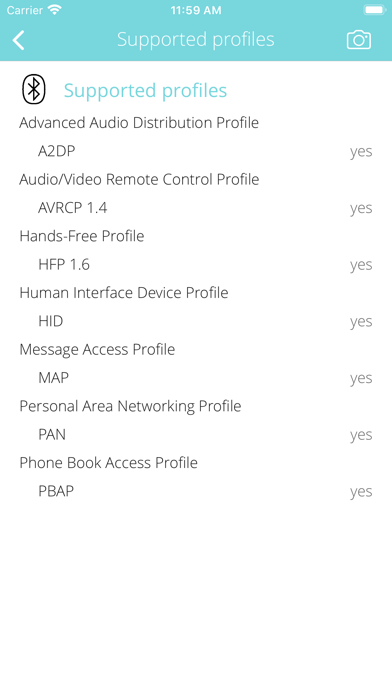
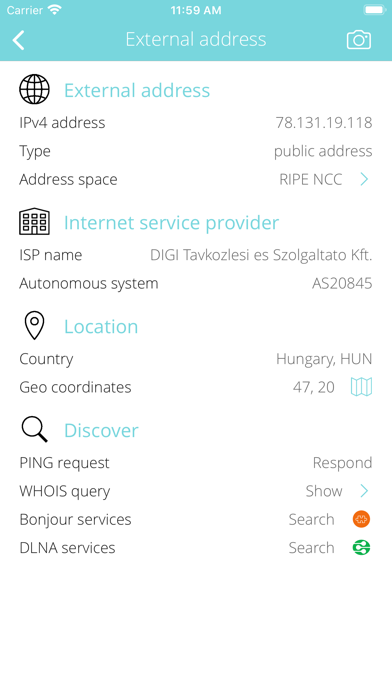
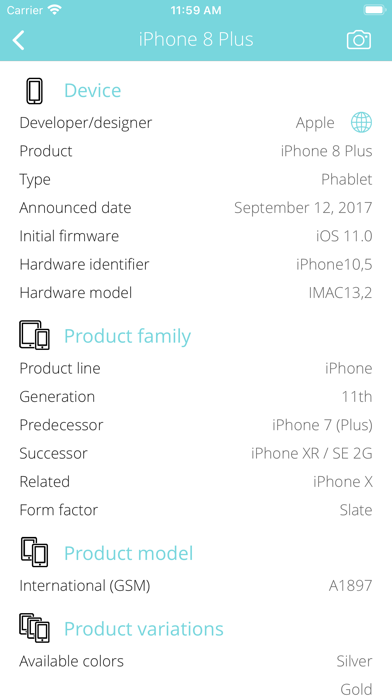
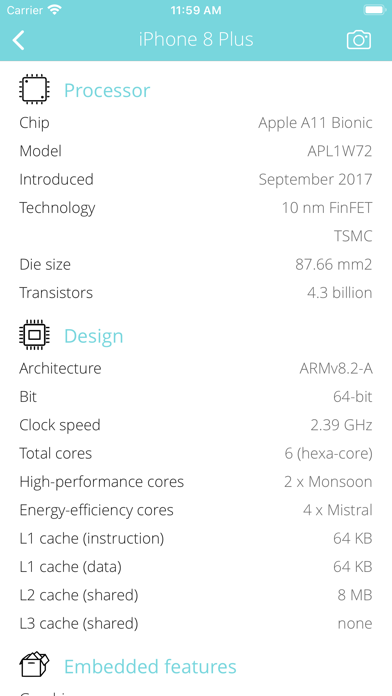
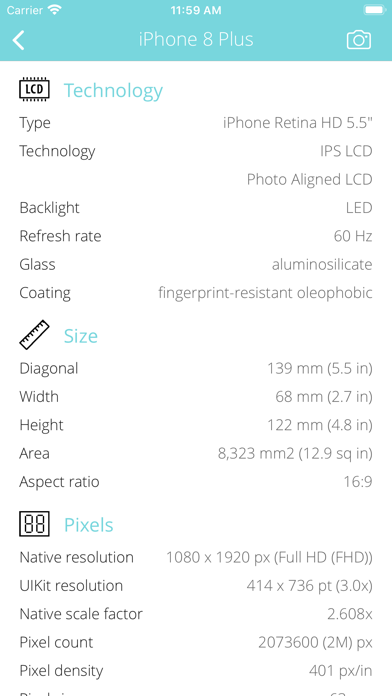
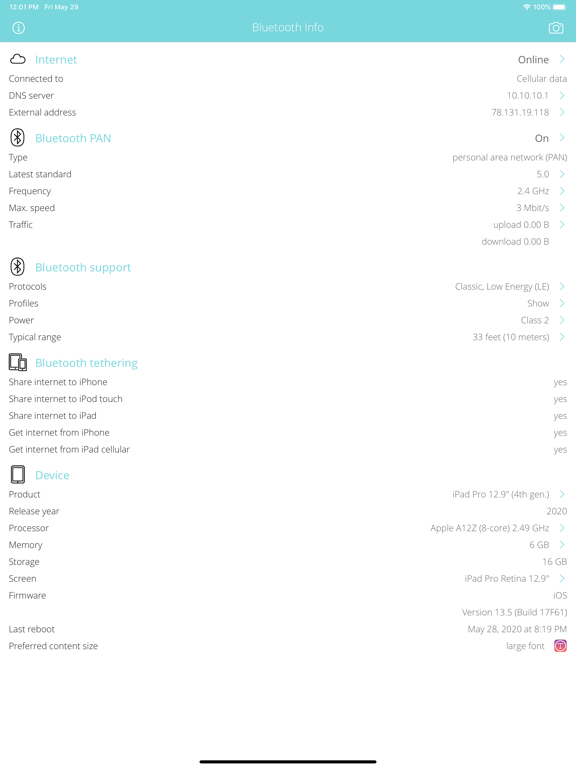
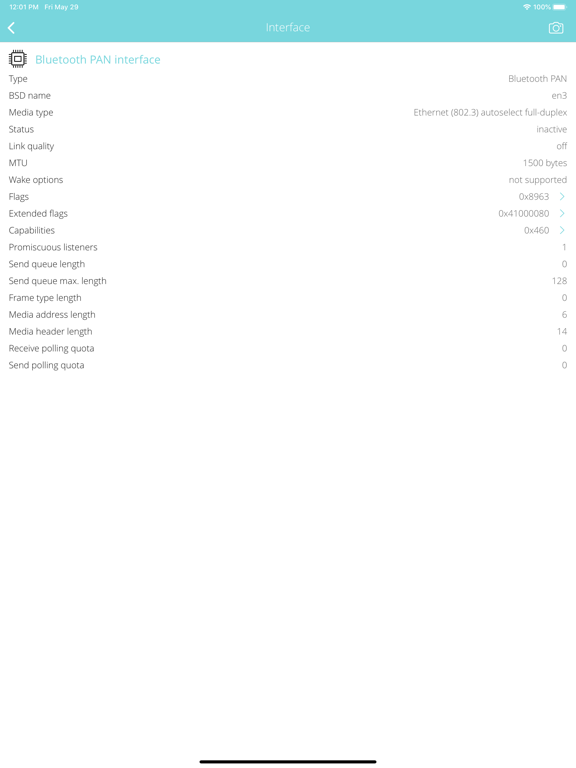
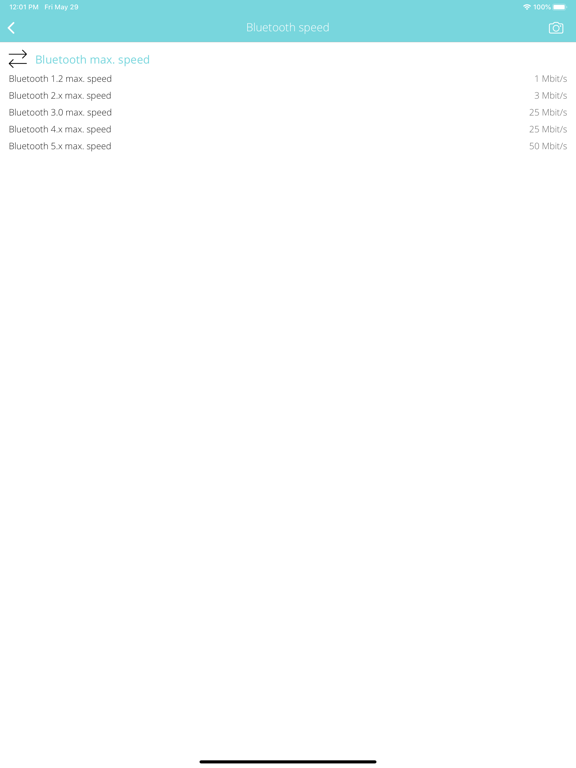
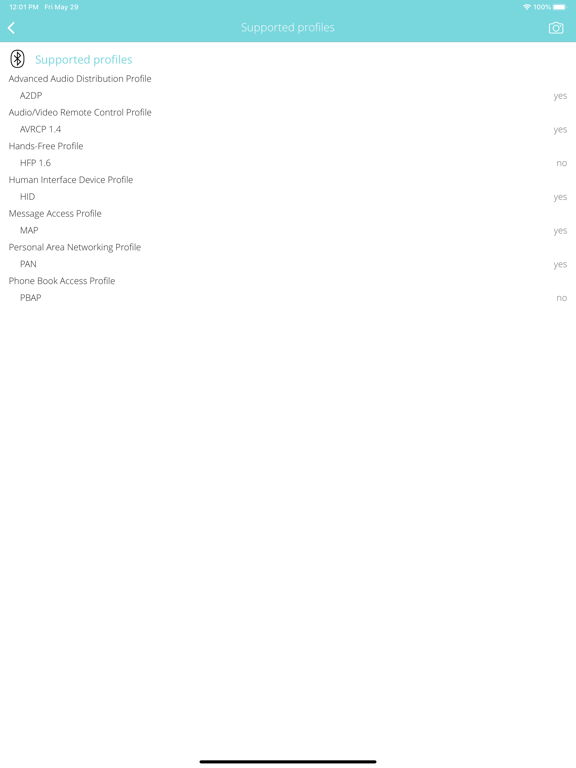
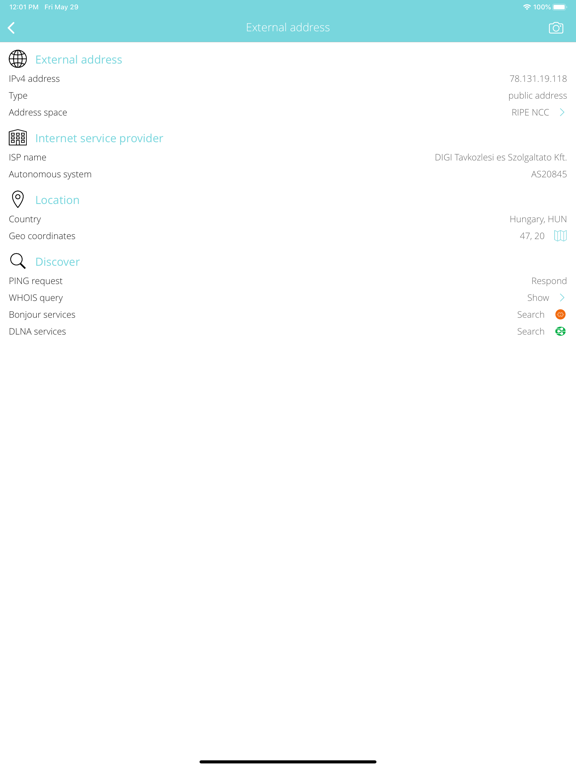
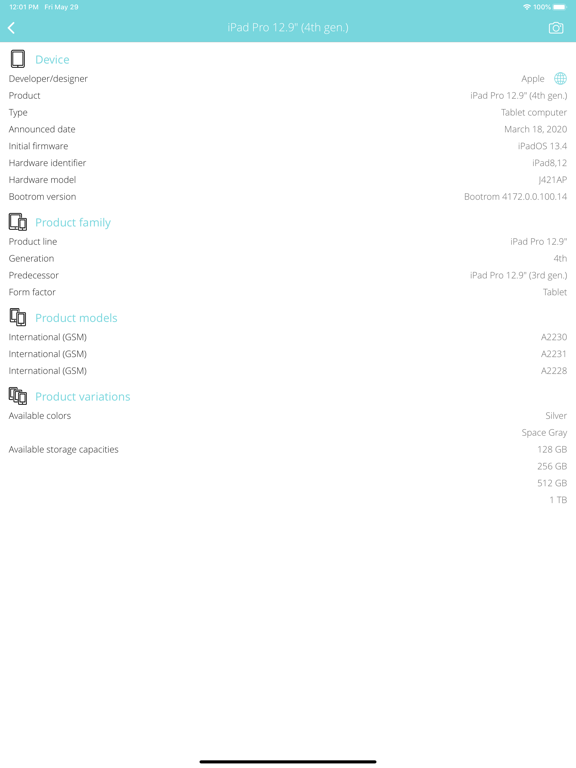
Everything you want to know about your BLUETOOTH PAN but were afraid to ask. Bluetooth Info is a small and useful utility that lets you see detailed information about current Bluetooth Personal Area Network (PAN) connection from max. speed to supported Bluetooth profiles and more. BLUETOOTH CONNECTION INFO • Detect Bluetooth protocols and standards supported by your device: Classic, High Speed (HS), Low Energy (LE) or Bluetooth Smart. • Detect Bluetooth profiles and versions supported by your device: • Advanced Audio Distribution Profile (A2DP). • Audio/Video Remote Control Profile (AVRCP). • Hands-Free Profile (HFP). • Human Interface Device Profile (HID). • Message Access Profile (MAP). • Personal Area Networking Profile (PAN). • Phone Book Access Profile (PBAP). • Detect Bluetooth tethering options: cellular internet connection sharing options via Bluetooth to other iOS devices. • Detect supported Bluetooth power class, max. ranges. • Detect device supported Bluetooth frequencies and channels with radio interference informations. • Show Bluetooth PAN traffic counters: upload, download, errors, quality of service (QoS) categories. • Detect max. physical Bluetooth speeds in the supported Bluetooth standards. • Show Bluetooth PAN network interface IP address, ISP name, autonomous system name, whois, ping, regional internet registry info. • Low-level informations about the Bluetooth PAN interface, technical parameters, flags. INTERNET INFO • Show default gateways, IP addresses, networks. • Show DNS servers, search domain names, local MAC addresses, host name resolve. • Depth external address analysis: ISP name, autonomous system name, whois, ping, regional internet registry info. • Full offline MAC vendor database. DEVICE INFO • Detect device type and model. • Detect processor type. • Detect memory size. • Detect storage size. • Detect firmware name, version. • Detect last reboot time. REACH UI FEATURES • Info menu with feedback and privacy settings • Use the camera icon (upper-right corner) to create and print/send/share a screenshot from the entire page. • Pull down with your finger to refresh the informations. • Long press on a cell to copy/print/send/open as/share the cell value. • Shake your device to refresh the informations.
Latest release
What’s New
BUG FIXES AND STABILITY IMPROVEMENTS
Audience growth
Ratings growth
Baseline captured. Growth appears after the crawler observes a changed rating count.
Momentum comes from crawler snapshots for the tracked storefront. “Viral growth signal” means unusually fast recent rating gains; it is an indicator, not download data.
Price tracking
Price intelligence
First snapshot captured. The trend line starts after the next crawler price observation.
- First observed Sep 17, 2026 · 8:50 AM $3.99
Screenshots