About this app
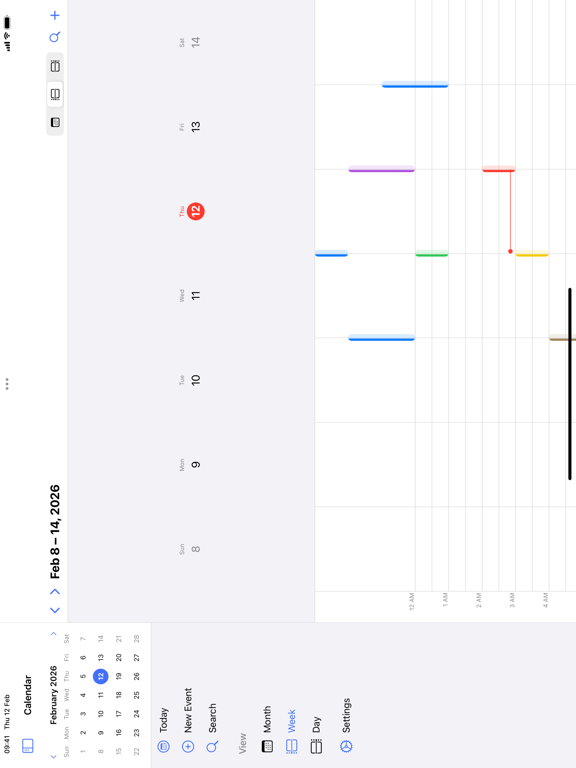
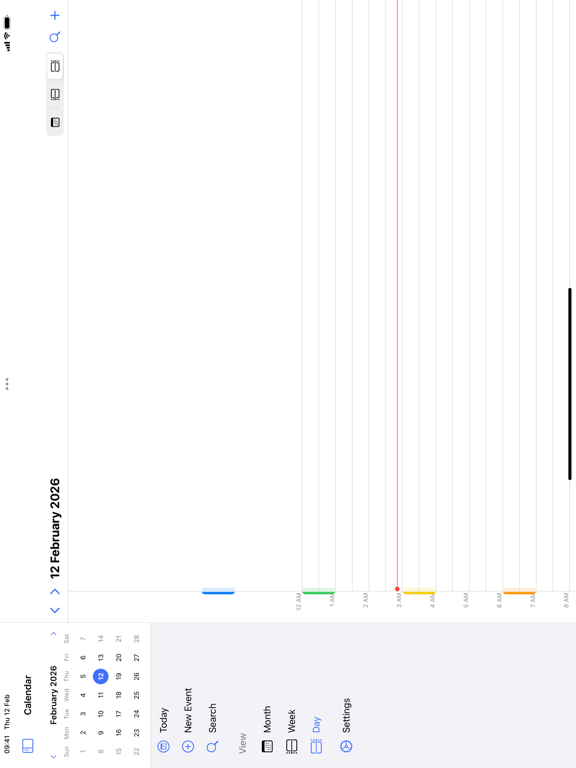
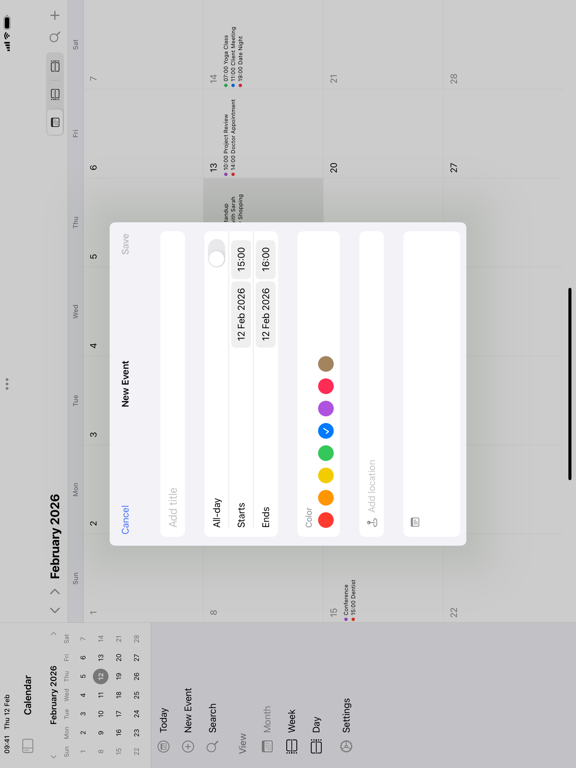
Calendar for iPad Pencil Plan — the most intuitive calendar app designed exclusively for iPad. Draw events directly on the calendar with Apple Pencil. Just sketch a rectangle on the time grid, and your event is created instantly. KEY FEATURES: • Month, Week & Day Views — Beautiful, responsive calendar views optimized for iPad's large screen • Apple Pencil Drawing — Create events by drawing on the time grid. Sketch rectangles, write text, and manage events with natural gestures • Apple Calendar Integration — See all your iCloud, Google, and Exchange calendars in one place • Year Overview — See your entire year at a glance with event indicators • Agenda View — Upcoming events list for quick planning • Recurring Events — Daily, weekly, monthly, yearly repeats with full customization • Smart Notifications — Never miss an event with customizable reminders • Event Quick Card — Draw a rectangle and instantly fill in event details • Drag & Drop — Move events between time slots effortlessly • Multiple Calendars — Create and manage unlimited local calendars with custom colors • Dark Mode — Beautiful dark theme that's easy on the eyes • Keyboard Shortcuts — Full keyboard navigation for power users APPLE PENCIL GESTURES: • Draw rectangle - Create event • Write text - Create named event at that time • Strike through - Delete event • Circle around - Change event color Designed with love for iPad. No iPhone version, no compromises — just the best calendar experience on the big screen. --- Subscription Terms: - Payment will be charged to your Apple ID account at confirmation of purchase - Subscription automatically renews unless it is canceled at least 24 hours before the end of the current period - Your account will be charged for renewal within 24 hours prior to the end of the current period - You can manage and cancel your subscriptions in your App Store account settings - Any unused portion of a free trial period will be forfeited when you purchase a subscription Terms of Use: https://www.apple.com/legal/internet-services/itunes/dev/stdeula/ Privacy Policy: https://britetodo.com/legal/PrivacyPolicyBrite.pdf
Latest release
What’s New
5 new study templates for students: Exam Prep - countdown to each exam with a topic checklist and progress bar Assignment Tracker - track homework and projects from To Do to Done, with grades Lecture Notes - capture and organize notes by course, with tags and date sorting GPA Tracker - add courses, credits, and letter grades for instant GPA calculation Flashcard Study - create decks and study with confidence-based spaced repetition Find all new templates under the new Education category in the template picker.
Audience growth
Ratings growth
Baseline captured. Growth appears after the crawler observes a changed rating count.
Momentum comes from crawler snapshots for the tracked storefront. “Viral growth signal” means unusually fast recent rating gains; it is an indicator, not download data.
Price tracking
Price intelligence
First snapshot captured. The trend line starts after the next crawler price observation.
- First observed Aug 10, 2026 · 6:10 AM Free
Screenshots