About this app
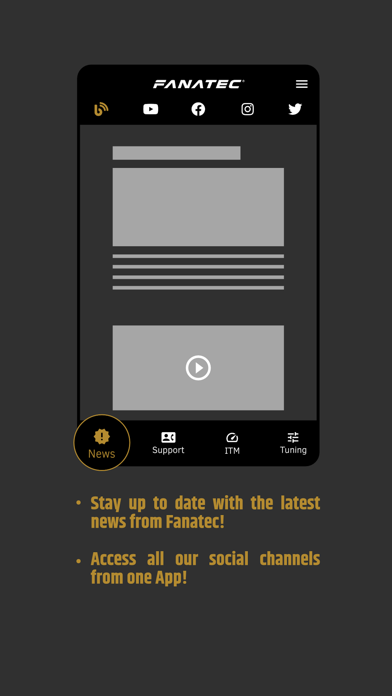
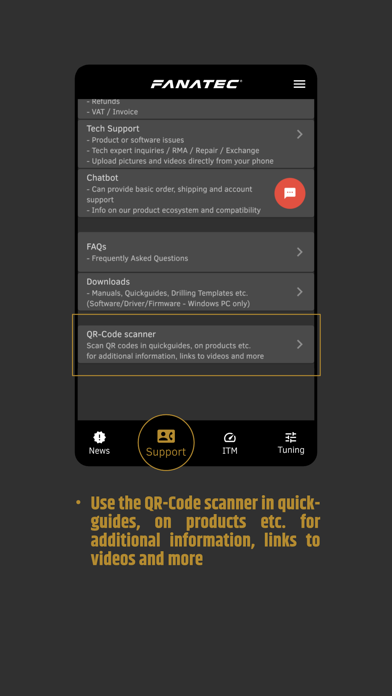
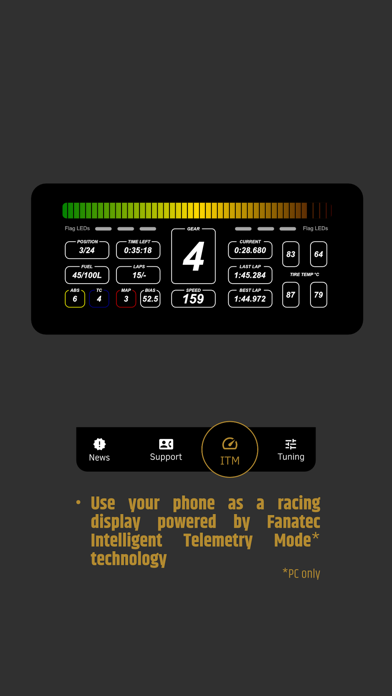
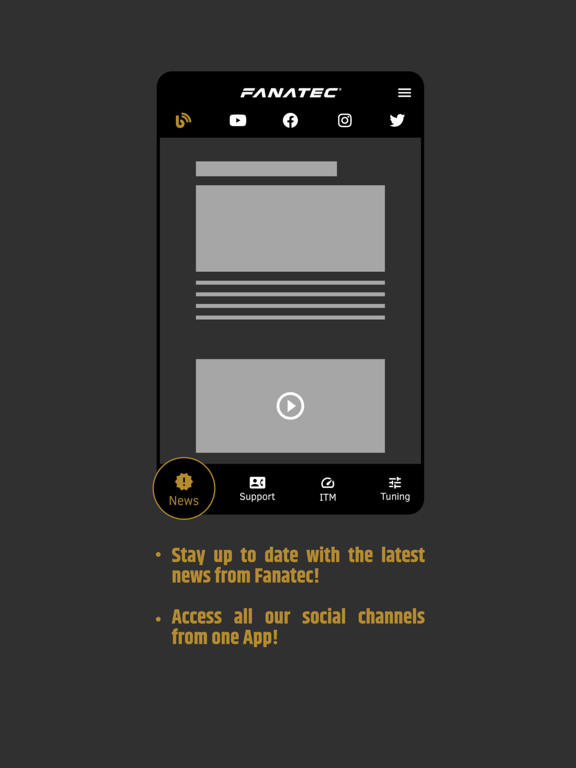
Find FANATEC® news and support all in one place. Take control of your Fanatec hardware with your mobile device. The Fanatec App connects with Windows PC, allowing wireless Tuning Menu adjustments and turns your phone into a racing display via WiFi. Features: - Stay informed of the latest news by browsing our social channels all from one menu - Get in touch with our customer care teams easily. Create a support ticket directly from the app and attach media to your support case from your phone - Access the chatbot for instant answers to the most commonly asked questions - Use Live Chat (during opening hours) to connect directly to a Fanatec customer service or technical support agent - Scan QR Codes found on Quick Guides and directly on the products for additional information, links to video guides, and more - Use your phone as a racing display with Fanatec Intelligent Telemetry Mode (PC only) - Control Tuning Menu settings wirelessly from your phone while driving (PC only) Video Manual: https://www.youtube.com/watch?v=qrhLPKnUp5Q The app is currently in alpha state and we would like to gather as much feedback as possible to improve it's functionality. Please deliver your valuable feedback in our forum: https://forum.fanatec.com/categories/fanatec-app Thank you very much for checking our our new app and helping us to evolve it over time!
Latest release
What’s New
– Updated Links to match the new Website and Shop – Bug fixes and stability improvements – Updated libraries and dependencies
Audience growth
Ratings growth
Baseline captured. Growth appears after the crawler observes a changed rating count.
Momentum comes from crawler snapshots for the tracked storefront. “Viral growth signal” means unusually fast recent rating gains; it is an indicator, not download data.
Price tracking
Price intelligence
First snapshot captured. The trend line starts after the next crawler price observation.
- First observed Aug 11, 2026 · 4:41 PM Free
Screenshots