About this app
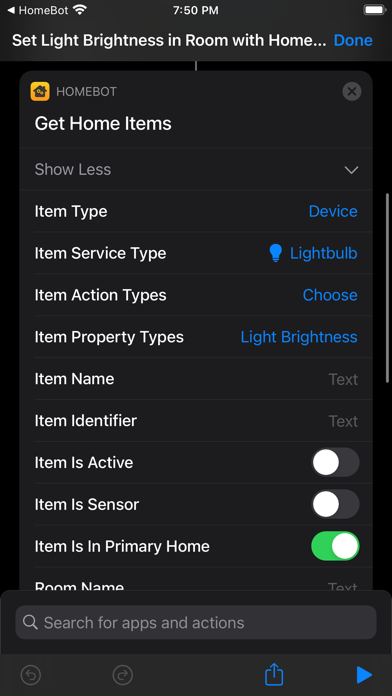
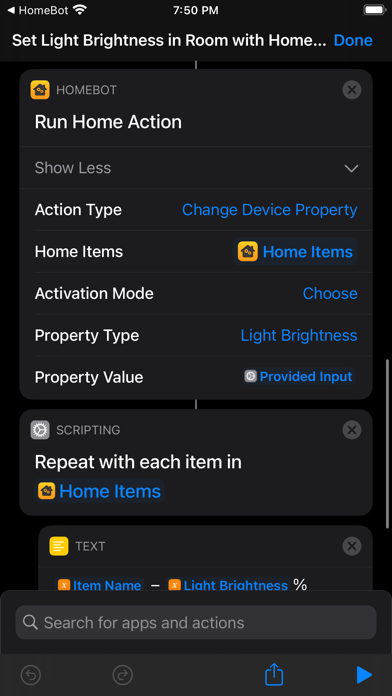
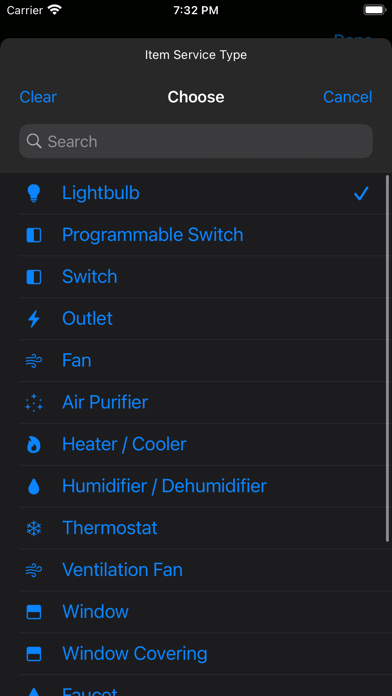
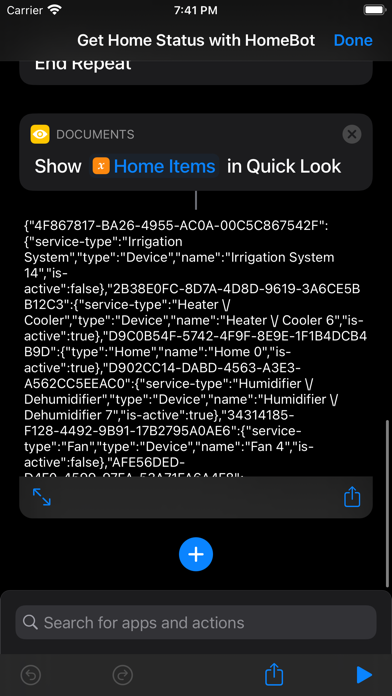
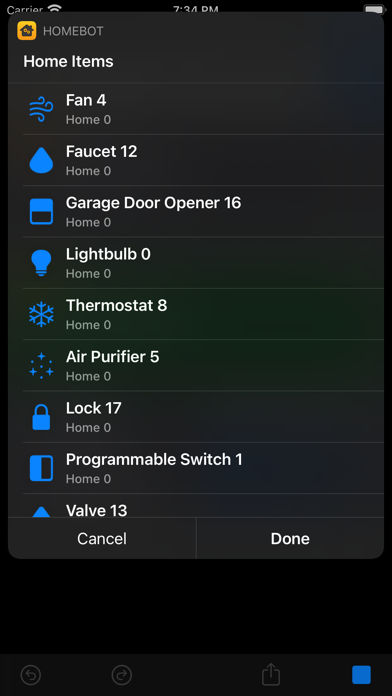
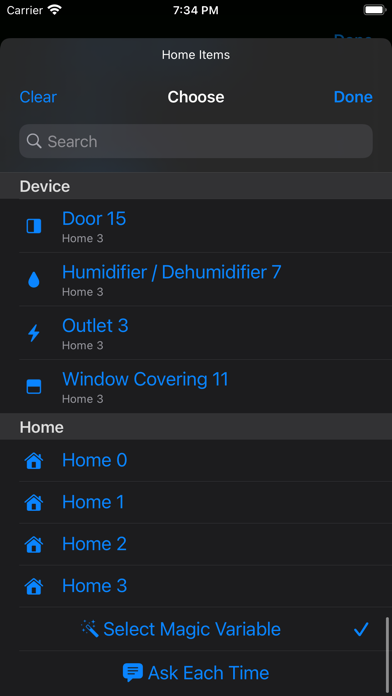
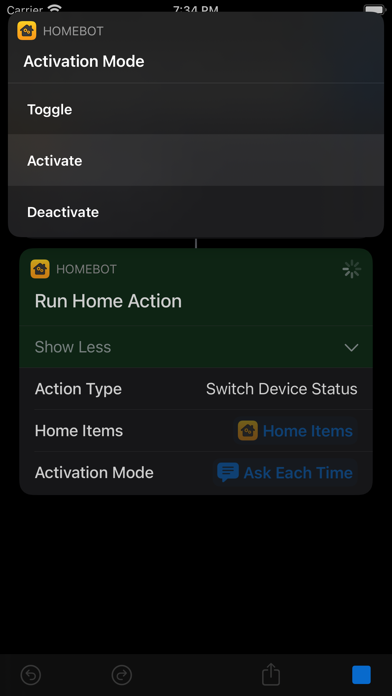
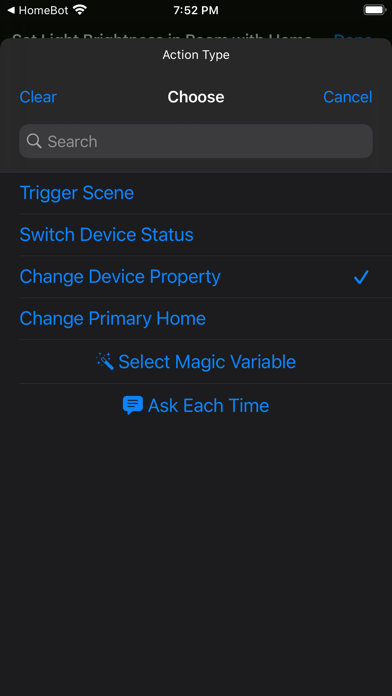
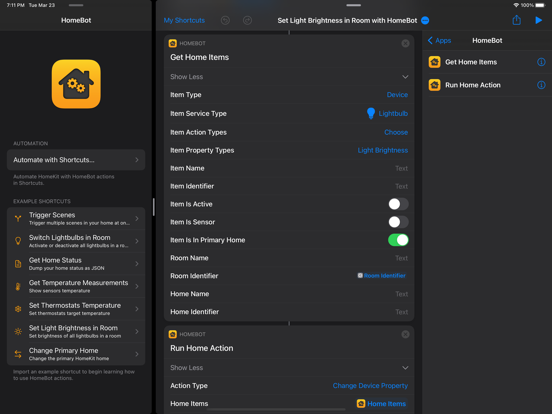
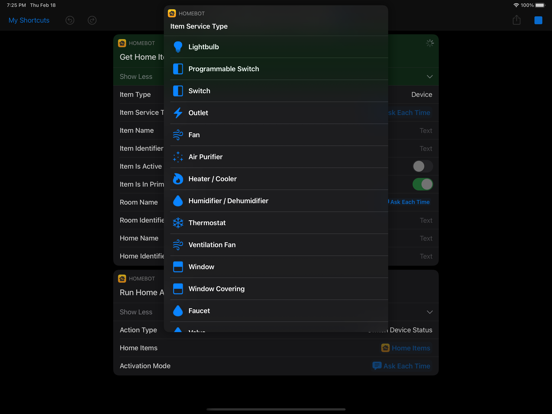
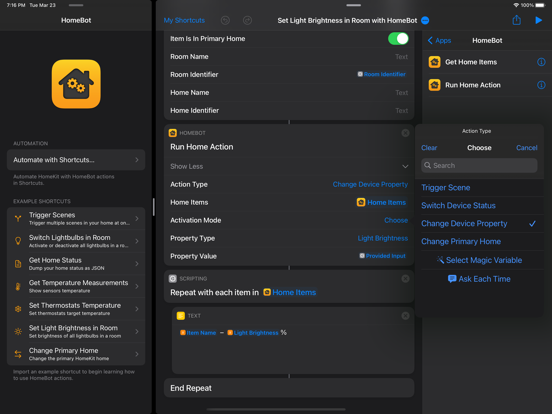
HomeBot for Shortcuts allows you to automate your HomeKit setup in a powerful new way. HomeBot exposes the following Shortcuts actions: • Run Home Actions: This powerful action allows you to apply four types of HomeKit actions in bulk to the input items: Trigger Scene, Switch Device Status, Change Device Property and Change Primary Home. • Get Home Items: Lists all HomeKit items and allows you to filter them with lot of configurable parameters like type (scenes, devices, device groups, rooms and homes), service type (like lightbulb, outlet, thermostat), name, room, home, activation status and a lot more! The action output includes all these fields, device properties (like light brightness or a thermostat target temperature) and additional sensor information (like temperature, humidity, air quality). Action Types: • Trigger Scene: Allows you to trigger one or multiple HomeKit scenes. • Switch Device Status: Activate, deactivate or toggle one or multiple device or device groups. • Change Device Property: Allows you to change any supported device or device group property (like light brightness or thermostat target temperature; see the notes below for the full list). • Change Primary Home: Set the default HomeKit home. Changing you primary home will propagate the change to all your devices and Siri will also automatically use your selected primary home by default With these actions you can automate HomeKit in a lot of new ways and HomeBot includes some example shortcuts to show its power in action: • Trigger Scenes: Lists all scenes available in you primary home and allows you to choose the ones to trigger in bulk. • Switch Lightbulbs in Room: Allows you to toggle, activate or deactivate all lightbulbs in a room. • Get Home Status: Dumps all home items status in your primary home to a JSON file. • Get Temperature Measurements: Shows the measurement of each temperature sensor in your HomeKit setup. • Set Thermostats Temperature: Set the target temperature of one or multiple thermostats. • Set Light Brightness in Room: Set the light brightness of all lightbulbs in a room. • Change Lightbulb Colors: Iterates through multiple rainbow colors and updates the lightbulb hue accordingly. • Change Primary Home: Lists all available homes and allows you to choose the one to set as primary home. HomeBot supports macOS, iOS and iPadOS. Notes: • HomeBot can detect and control the status of the following type of devices: outlets, lightbulbs, switches, thermostats, fans, air purifiers, heaters, dehumidifiers, windows, window coverings, faucets, valves, irrigation systems, doors, garage door openers and locks! • HomeBot also supports reading measurements or detections from the following types of sensors: temperature, humidity, air quality, carbon dioxide, carbon monoxide, contact (doors, window, window coverings), smoke, leak, motion, light and occupancy sensors. • HomeBot supports changing and reading the following device properties: light brightness, light hue, light saturation, light color temperature, thermostat mode (auto, cool, heat or off), thermostat target temperature, heater-cooler mode, cooling threshold temperature, heating threshold temperature and door, window, blinds or shades position. Privacy by Design: HomeBot works completely on-device and does not store or send any information outside of the protected app sandbox.
Latest release
What’s New
• Added support for scene deactivation. • Bug fixes and stability improvements.
Audience growth
Ratings growth
Baseline captured. Growth appears after the crawler observes a changed rating count.
Momentum comes from crawler snapshots for the tracked storefront. “Viral growth signal” means unusually fast recent rating gains; it is an indicator, not download data.
Price tracking
Price intelligence
- First observed Aug 8, 2026 · 12:29 AM $5.99
Screenshots