About this app
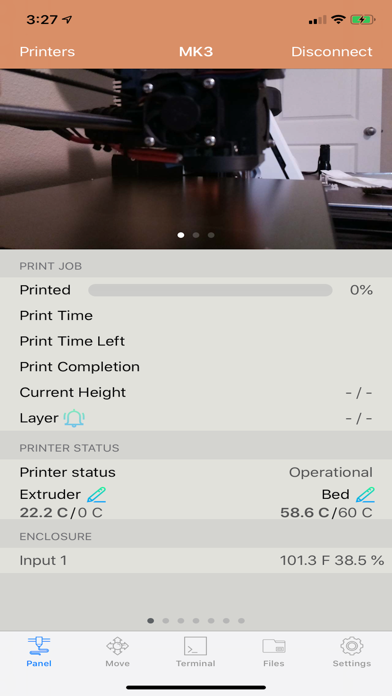
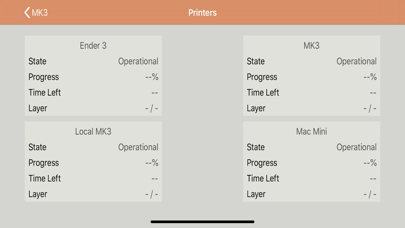
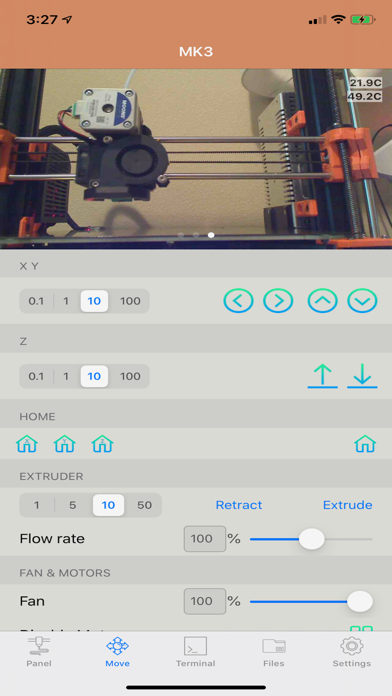
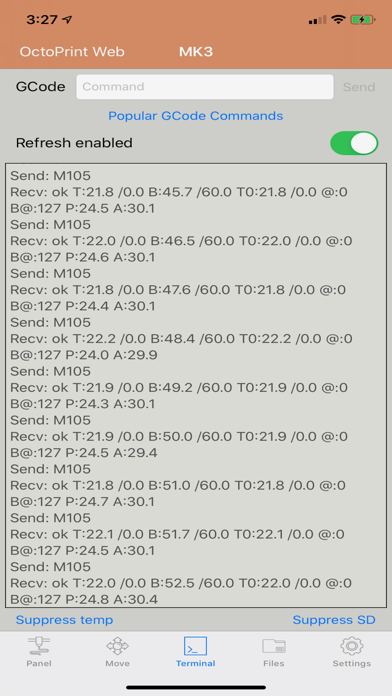
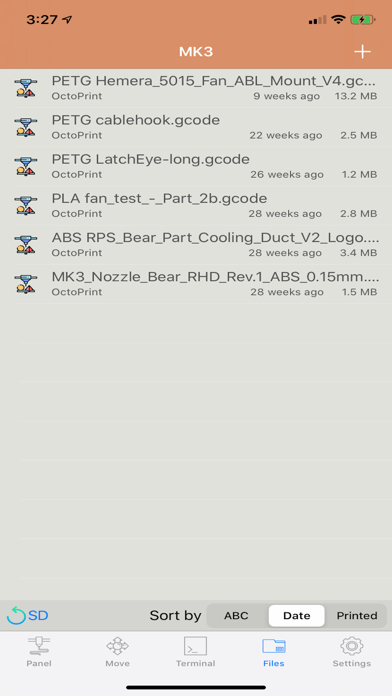
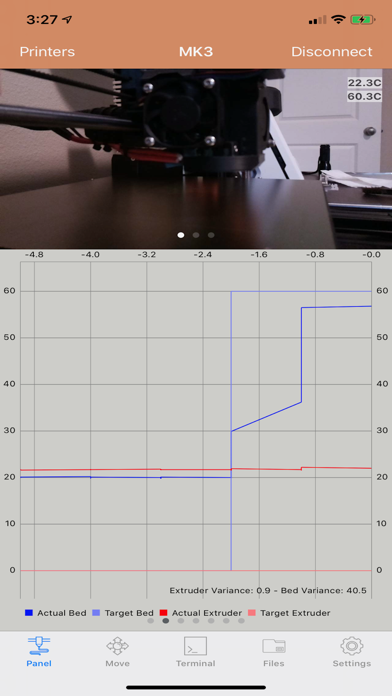
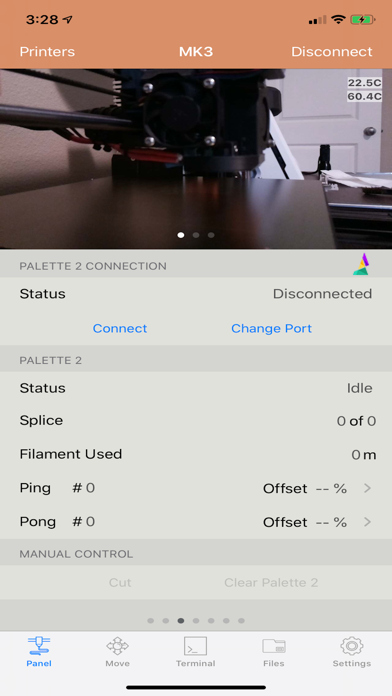
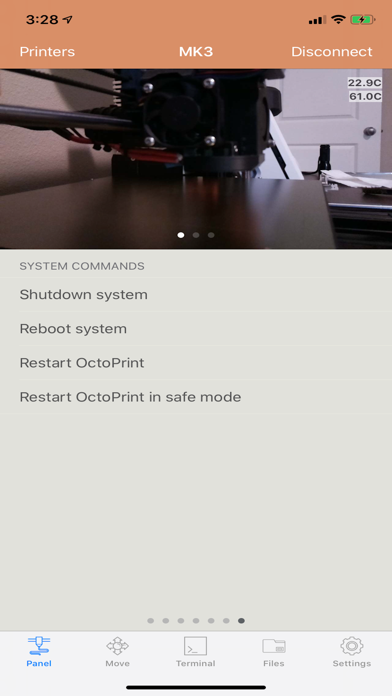
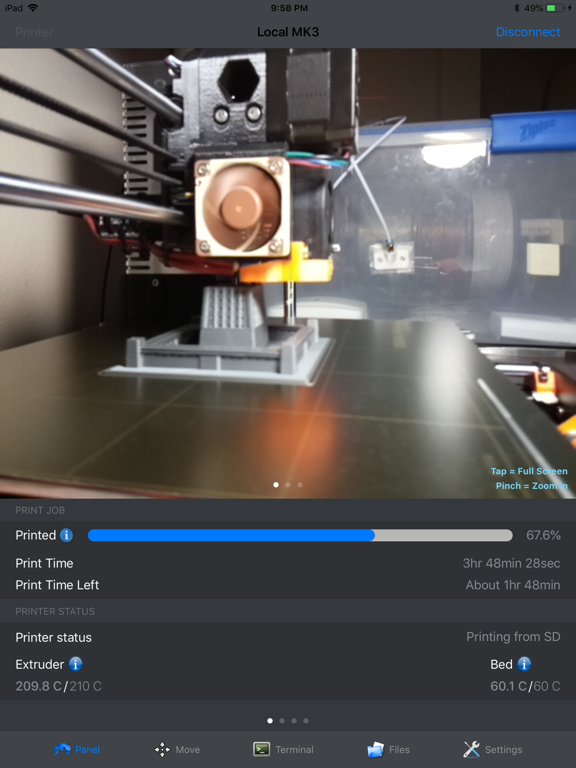
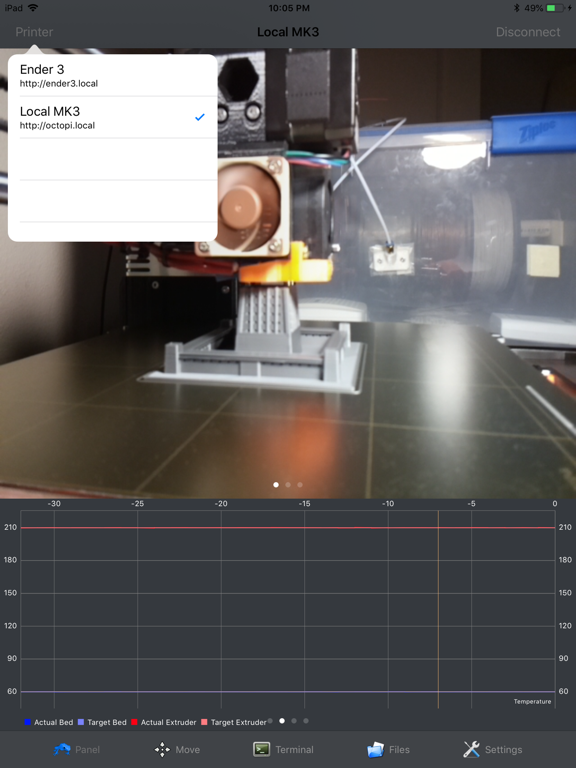
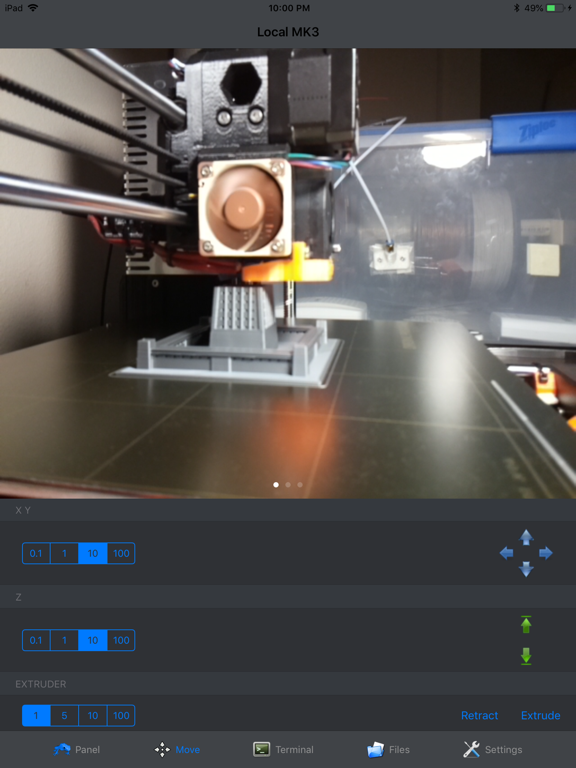
OctoPod — Control your OctoPrint printers from anywhere. OctoPod is a free, open-source OctoPrint client for iPhone, iPad, Apple Watch and Apple TV. Monitor multiple printers, watch live camera feeds, manage print jobs, receive notifications and control your printers from one app—with no subscription required. Connect directly on your local network or use services such as OctoEverywhere and Obico for secure remote access. MULTIPLE PRINTERS • Add an unlimited number of OctoPrint printers • Monitor every printer from a single dashboard • Quickly switch between printers • Synchronize printer configurations between your iOS devices • Automatically discover OctoPrint installations on your network MONITOR YOUR PRINTS • View print status, progress, elapsed time and estimated completion time • Monitor extruder, bed and heated-chamber temperatures • View live temperature charts and history • Watch multiple MJPEG or HLS cameras • Open cameras full screen, zoom and use supported picture-in-picture features • Monitor Raspberry Pi temperature and receive overheating alerts • View file thumbnails generated by supported slicer plugins CONTROL YOUR PRINTER • Start, pause, resume, restart, cancel and stop prints • Set target temperatures • Move the X, Y, Z and extruder axes • Home individual axes • Adjust fan speed, flow rate and feed rate • Disable individual motors • Run OctoPrint system commands and custom controls • View the terminal and send G-code commands • Manage files stored in OctoPrint or on an SD card • Upload and print files from iCloud Drive and other Files-compatible providers • Watch, save and share timelapse videos LIVE ACTIVITIES AND NOTIFICATIONS Install the free OctoPod plugin for OctoPrint to receive: • Push notifications with optional images • Live Activity updates on the Lock Screen and Dynamic Island • Printing milestones and completion alerts • Temperature and printer-status notifications APPLE WATCH • Monitor multiple printers from your wrist • View print progress and printer status • Use Apple Watch complications • Control supported printer functions APPLE TV Monitor your printers and camera feeds from your television using the included Apple TV app. SIRI AND SHORTCUTS Use Siri and Shortcuts to monitor or control printers, supported smart switches, enclosures and Palette devices. WIDGETS View printer status from Home Screen, Lock Screen and desktop widgets and open the appropriate printer directly from a widget. REMOTE ACCESS OctoPod supports direct OctoPrint connections as well as: • OctoEverywhere • Obico, including self-hosted servers • Basic and Digest HTTP authentication • Reverse-proxy and custom-header configurations PLUGIN INTEGRATIONS Supported OctoPrint integrations include: • Cancel Object • DisplayLayerProgress • PrintTimeGenius • Spool Manager and Filament Manager • OctoLight Home Assistant • Enclosure • BLTouch • OctoRelay • PSU Control • TP-Link Smartplug • Domoticz • Wemo • Tasmota • Palette 2 PERSONALIZATION AND ACCESSIBILITY • Light and Dark Mode • Multiple app themes • Dynamic Type and larger-text support • App Locked read-only mode to help prevent accidental commands OctoPod is available in English, German, Italian, French, Spanish, Norwegian, Czech, Swedish, Russian, Dutch and Simplified Chinese. OctoPod is an independent, open-source application and is not affiliated with the OctoPrint project. Source code: https://github.com/gdombiak/OctoPod FAQ and setup assistance: https://github.com/gdombiak/OctoPod/wiki/FAQ-using-the-app
Latest release
What’s New
NEW FEATURES • Added UIScene lifecycle support for improved compatibility with modern iOS versions IMPROVEMENTS • Improved app launch, background and foreground behavior • Improved Live Activity and deep-link handling, including cold launches and printer selection • Improved printer synchronization when settings are updated from multiple devices • Improved camera view lifecycle and picture-in-picture handling • Improved startup behavior when no printers are configured • Added safer database failure handling and more detailed diagnostics • Improved compatibility with newer iOS and iPadOS versions BUG FIXES • Fixed crashes related to Core Data access and CloudKit account changes • Fixed persistence issues when saving or deleting printers and related data • Fixed potential data conflicts when multiple background operations update the same printer • Fixed incorrect iPad tab bar presentation on newer iPadOS versions • Fixed UI lifecycle warnings that could occur during app startup and navigation • Fixed several minor UI, asset catalog and project configuration issues
Audience growth
Ratings growth
Baseline captured. Growth appears after the crawler observes a changed rating count.
Momentum comes from crawler snapshots for the tracked storefront. “Viral growth signal” means unusually fast recent rating gains; it is an indicator, not download data.
Price tracking
Price intelligence
- First observed Aug 10, 2026 · 6:16 PM Free
Screenshots