About this app
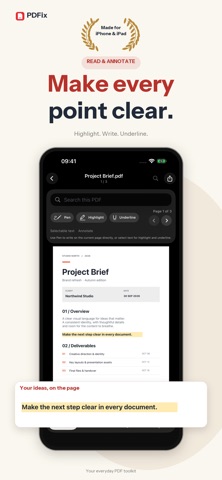
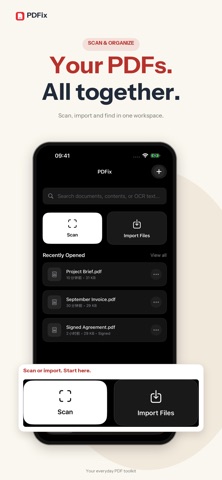
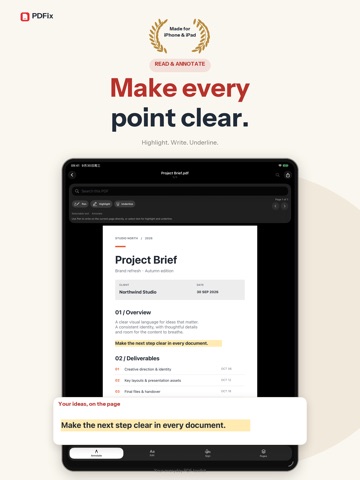
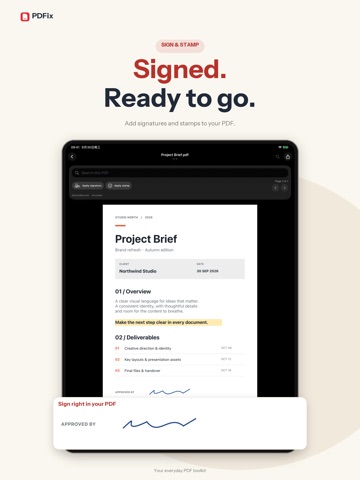
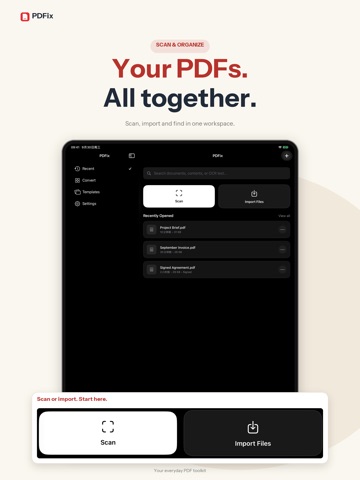
PDFix is a local-first PDF toolkit for work, study, and everyday document tasks. Import PDFs or images, scan paper files, build OCR text indexes, and manage everything in one workspace for search, reading, and organization. With PDFix, you can highlight, underline, annotate, replace text, add text boxes, apply signatures and stamps, and clean up documents with page tools like rotate, split, and image export. It also supports common file conversions, including image to PDF, plain text extraction, and PDF conversions with Word, Excel, and PowerPoint. PDFix also includes a template center to help you start faster with resumes, note pages, to-do lists, and common work documents. Important files stay in a local workspace whenever possible, making the app a strong fit for users who care about privacy, control, and daily efficiency. Privacy Policy: https://mcnzv1vkrtox.feishu.cn/wiki/I5F2w6YiSi9a9UkNGmNcZxNbn7w?from=from_copylink Terms of Use: https://mcnzv1vkrtox.feishu.cn/wiki/KmLYwvpB4iFeY4kcmgecXRx8nEe?from=from_copylink
Latest release
What’s New
Improve the user experience
Audience growth
Ratings growth
Baseline captured. Growth appears after the crawler observes a changed rating count.
Momentum comes from crawler snapshots for the tracked storefront. “Viral growth signal” means unusually fast recent rating gains; it is an indicator, not download data.
Price tracking
Price intelligence
First snapshot captured. The trend line starts after the next crawler price observation.
- First observed Oct 7, 2026 · 7:41 PM Free
Screenshots