About this app
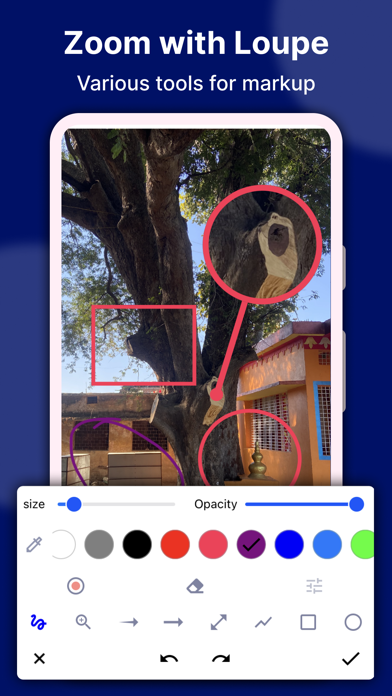
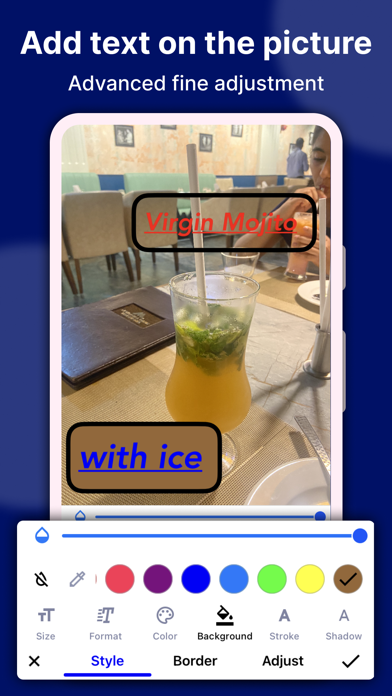
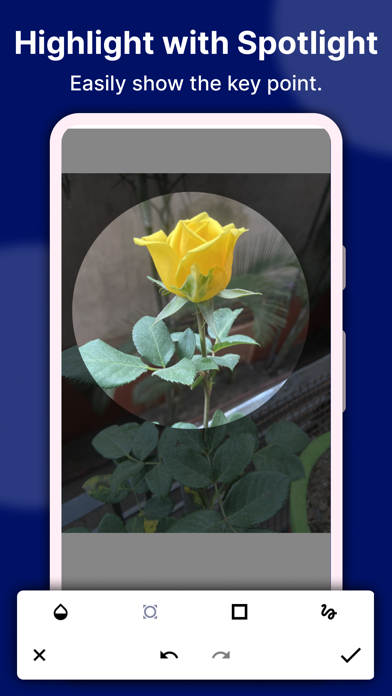
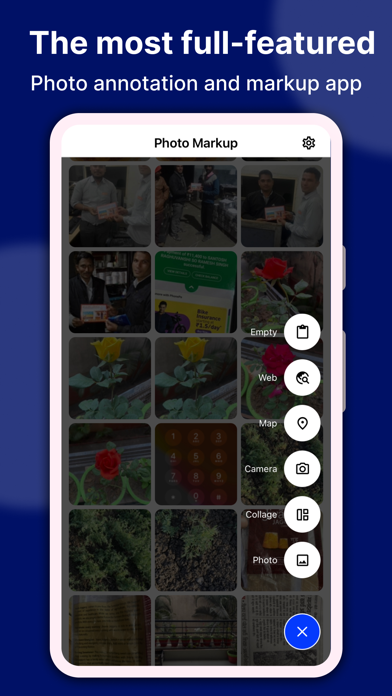
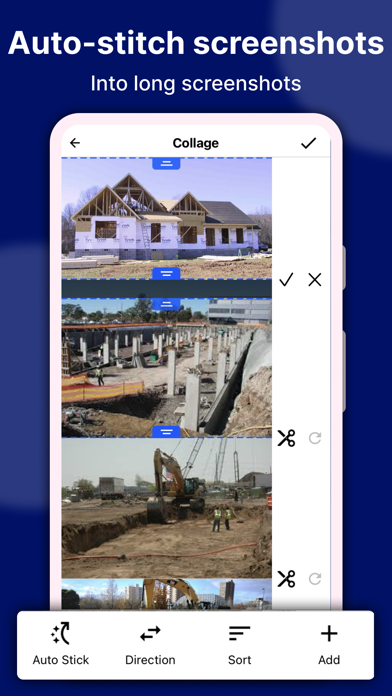
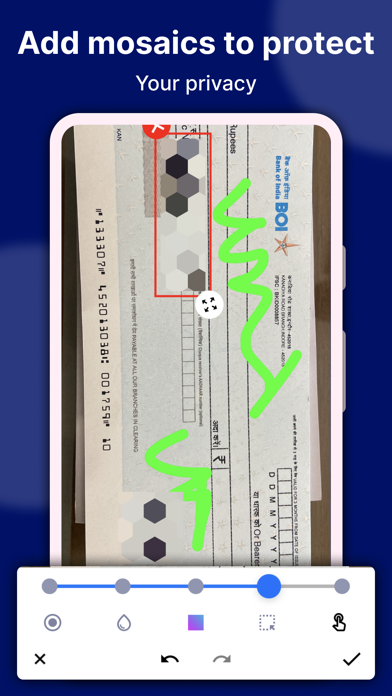
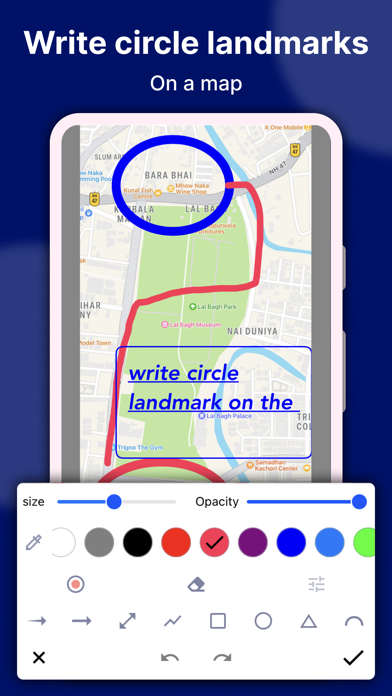
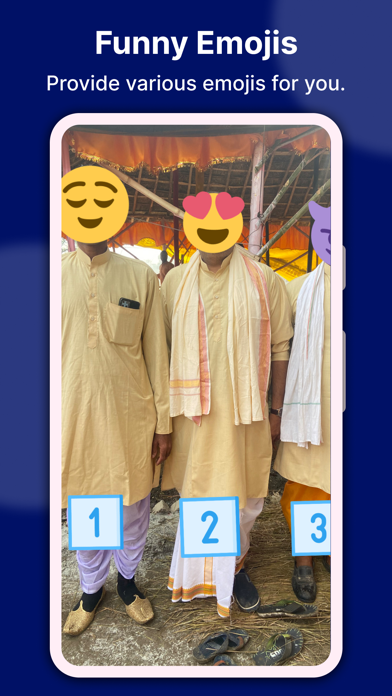
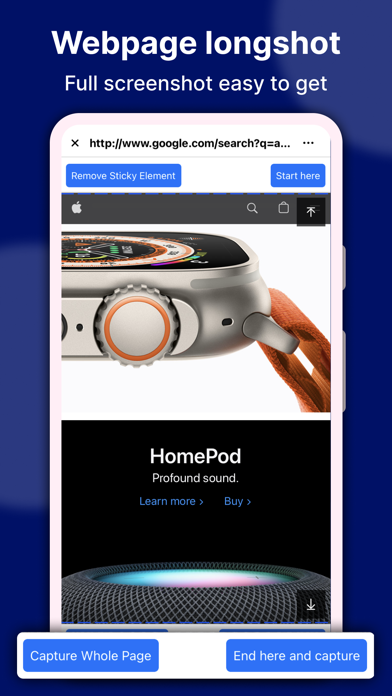
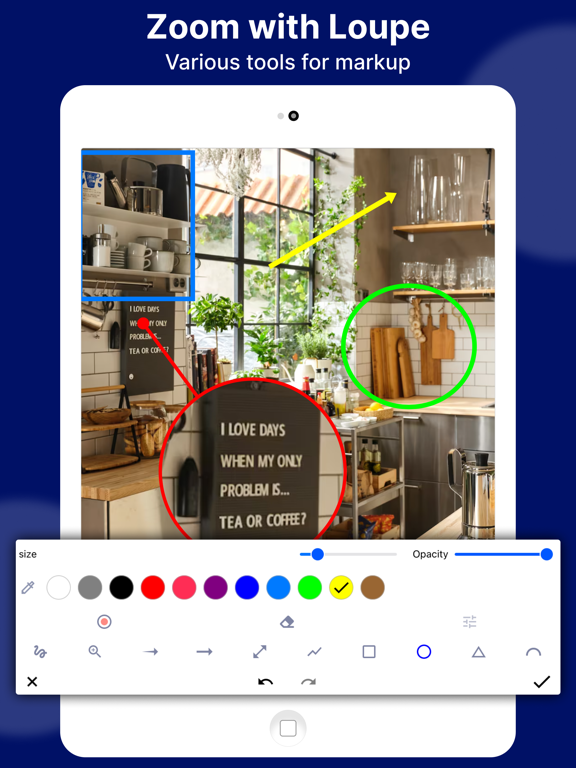
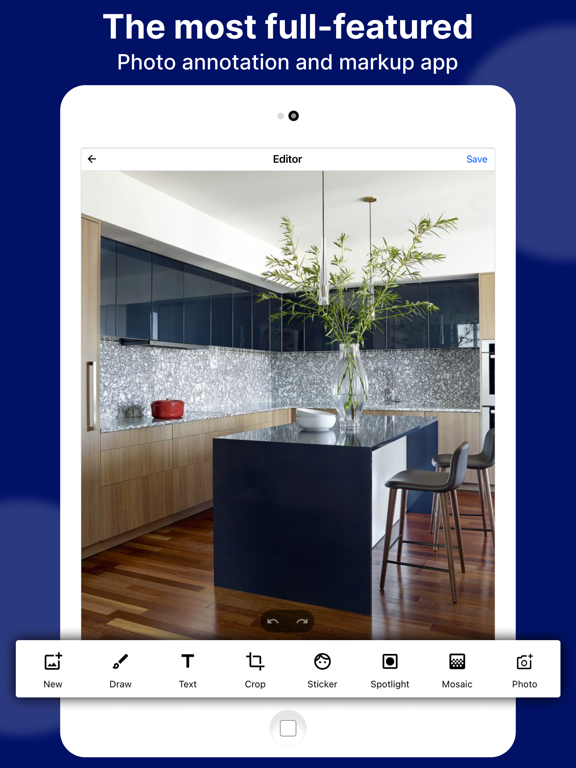
Photo Markup - Draw on Images, The most full-featured all-in-one image annotation tool. Easily edit and annotate high-resolution images and large photos without cropping. Ideal for quick and effective photo and image markups, supporting a wide range of annotation features. Key Features - Crop and rotate images with rectangular, round, star, triangle, and other shapes. - Highlight drawings on images using the spotlight function. - Pixelate and blur images to cover sensitive information. - Magnify selected sections of an image with a loupe. - Update pictures with emoji stickers, numbers, and more. - Add customizable text to photos, with options for color, background, shadow, stroke, style, size, and more. - Annotate images using freehand drawing, arrows, rectangles, circles, lines, and more. - Utilize blank image support for creating drawings. - Supports multiple languages. - Capture high-quality screenshots for an engaging photo editing experience. - Stitch photos horizontally and vertically. Photo Stitching Automatically recognize and stitch multiple photos into a long screenshot, which can be stitched both horizontally and vertically. Map annotation Easily mark it up on maps, and share them with your friends to show your ideas. Markup the blank image Create a blank image and draw shapes effortlessly with our intuitive tools. Additional Features Photo Markup also offers specific features such as cropping and rotating images into different shapes, spotlighting key information, blurring images, magnifying sections with a loupe, and stitching multiple photos into panoramic images. We value your feedback and suggestions for further improvements to the Photo Markup tool. If you have any queries or need support, reach out to us at support@appculus.com.
Latest release
What’s New
This release is all about creating and sharing more — with powerful new tools and a faster, cleaner Photo Markup. New creative tools • GIF Maker — turn your photos into animated GIFs with transitions (fade, slide, push, zoom, rotate, blur & more), 14 filters, custom background colors, boomerang, and a live preview as you build • Photo Splitter — slice any photo into a grid for Instagram carousels and giant grids, with quick presets or custom rows & columns (1–6) • Batch Resize — resize many photos at once and save to Photos, share, or export as files More powerful export • HEIC export, DPI control & custom resolution — choose the exact format, print DPI, and width × height for your images • Format-preserving sharing — what you pick is what you get: HEIC stays HEIC, no surprise JPEGs when you share or save Better text & markup • Smarter text editing — see your chosen font, color, and background right in the editor as you type, and pick up any existing text to keep styling it • Fixed text color & styling — colors now apply instantly and reliably • Improved keyboard support — typing in Chinese, Japanese & Korean (Zhuyin/Pinyin) no longer drops the first character Polish • A refreshed, black-and-white themed interface across the new tools and a cleaner Create menu • Many UI and alignment refinements throughout
Audience growth
Ratings growth
Baseline captured. Growth appears after the crawler observes a changed rating count.
Momentum comes from crawler snapshots for the tracked storefront. “Viral growth signal” means unusually fast recent rating gains; it is an indicator, not download data.
Price tracking
Price intelligence
- First observed Sep 25, 2026 · 10:07 AM Free
Screenshots