About this app
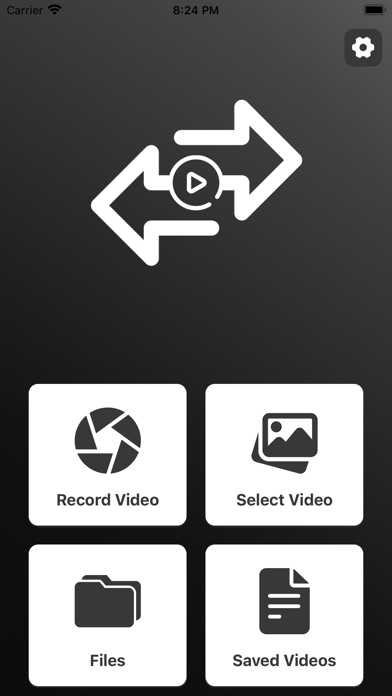
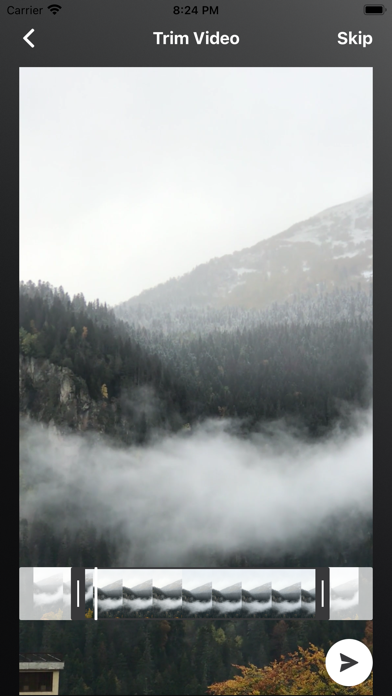
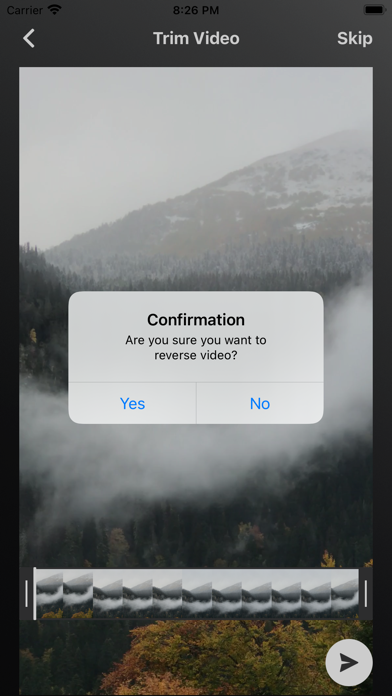
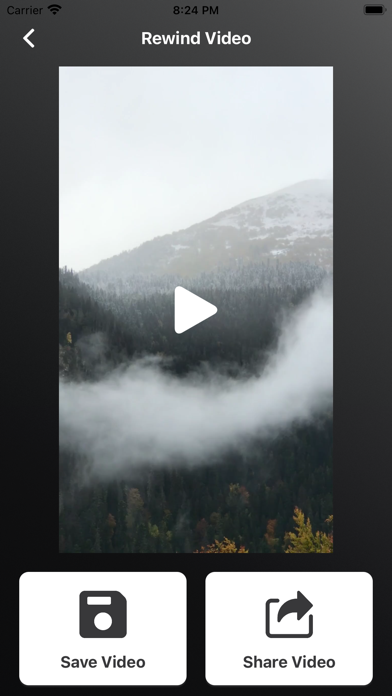
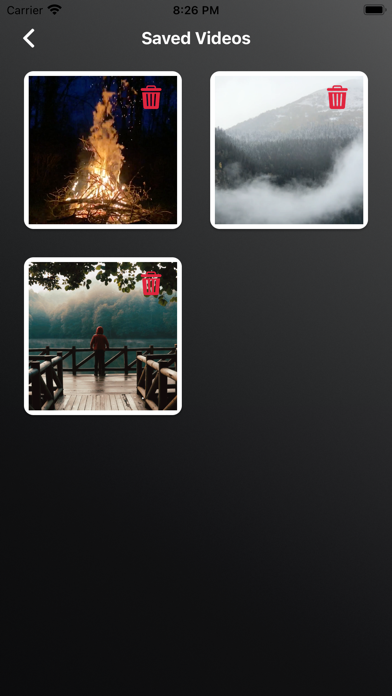
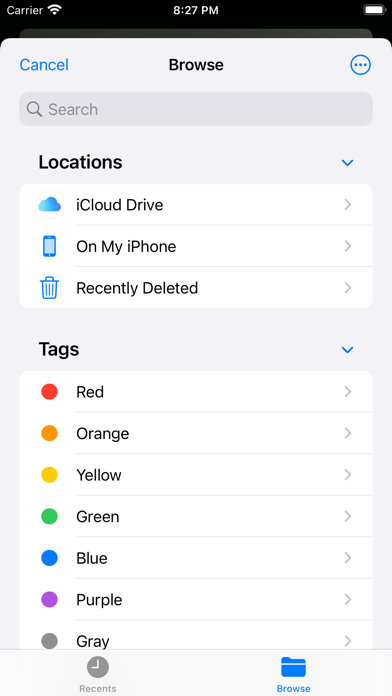
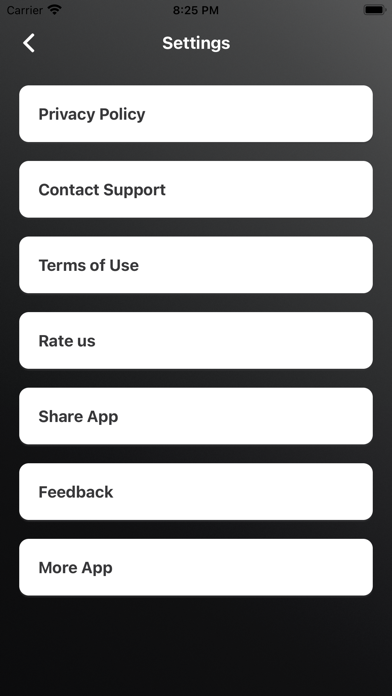
Want to play some videos backward to surprise your relatives and friends? All you need is a special app that enables you to take advantage of this exciting effect using Reverse Video: Trim & Rewind App. Reverse Video: Trim & Rewind is an app that allows you to rewind videos with extremely interesting and live Reverse videos. You can pick a video from Gallery or record a new video using a Phone Camera. You can reverse video in HD quality. There are two ways to reverse a video, Either you can Reverse the full video or you can Trim a part of the long video to reverse. Features - Simple & Easy to use - Reverse Full video - Also you can trim Video before reversing. - High-quality Lossless video output - Fast Video Processing - Save and share video Download and enjoy the Reverse Video: Trim & Rewind. Privacy Policy: https://glistensolution.com/Apps/App_Privacy.html Terms of use: https://glistensolution.com/Apps/App_TOS.html
Latest release
What’s New
- Crashes Fixed - Performance Improved
Audience growth
Ratings growth
Baseline captured. Growth appears after the crawler observes a changed rating count.
Momentum comes from crawler snapshots for the tracked storefront. “Viral growth signal” means unusually fast recent rating gains; it is an indicator, not download data.
Price tracking
Price intelligence
First snapshot captured. The trend line starts after the next crawler price observation.
- First observed Aug 11, 2026 · 7:54 AM Free
Screenshots