About this app
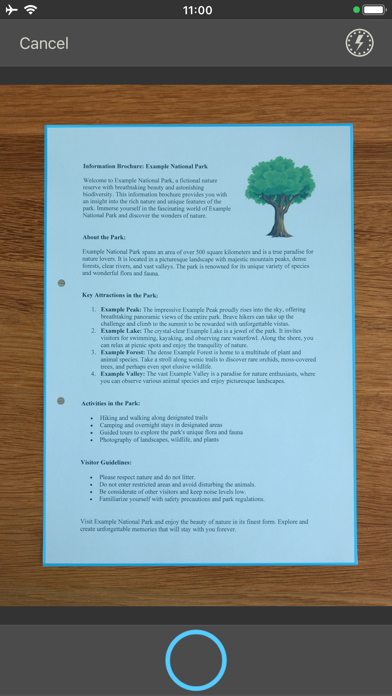
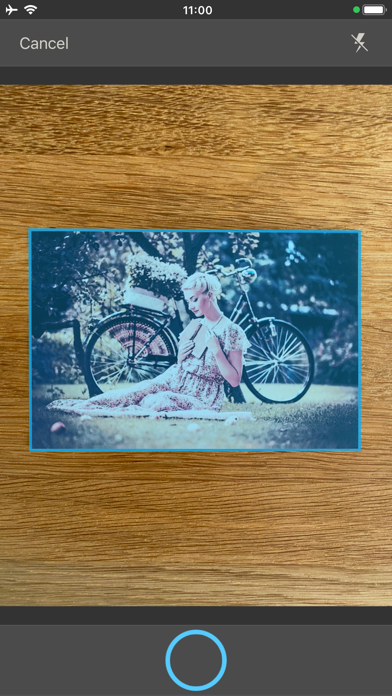
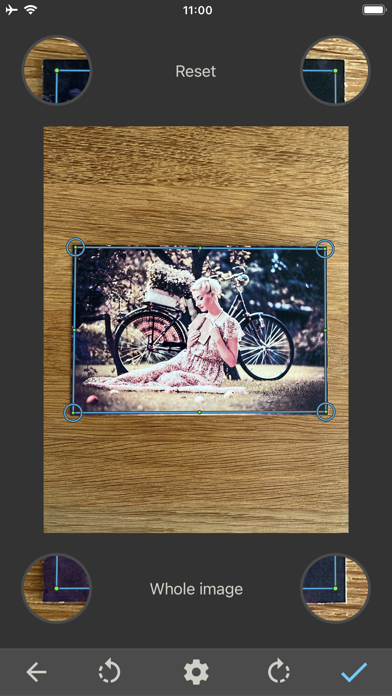
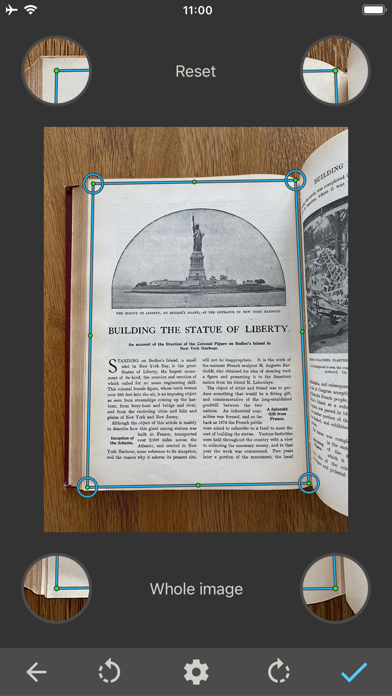
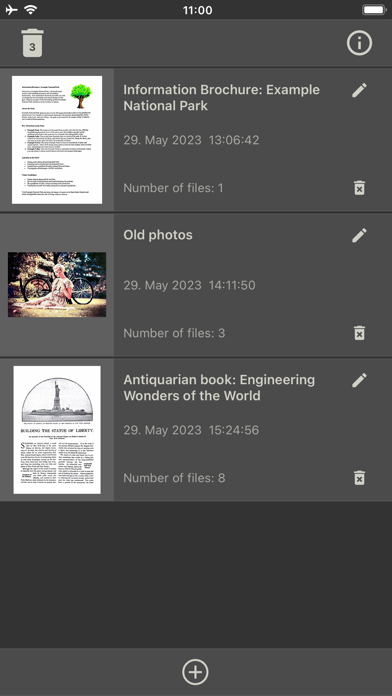
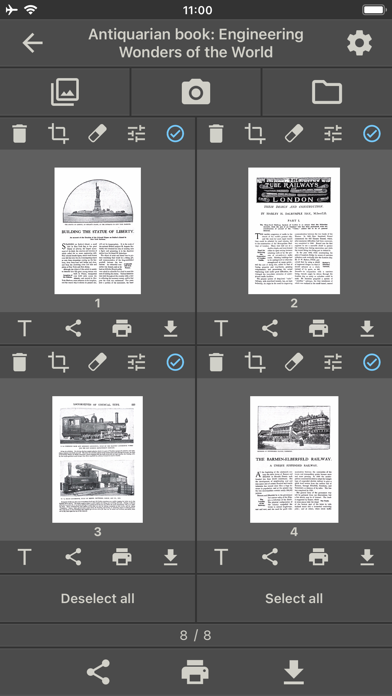
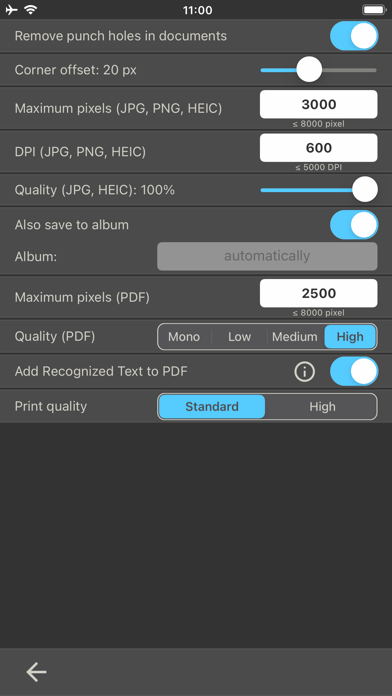
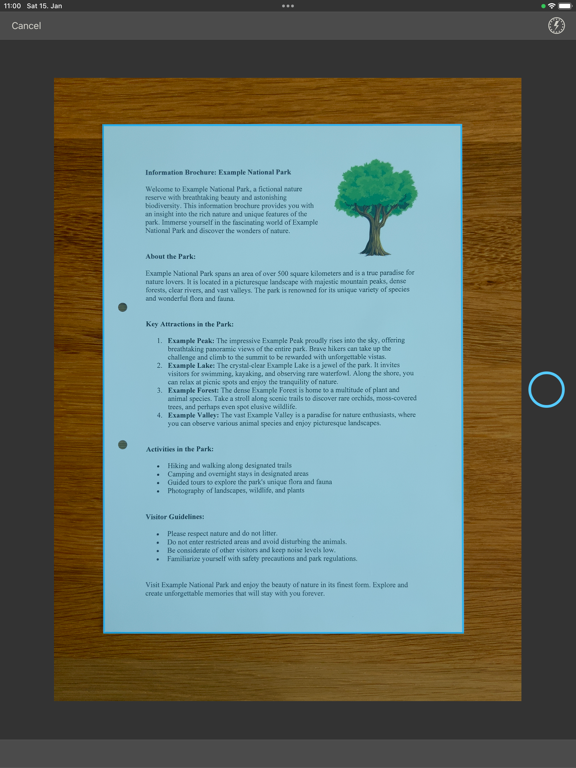
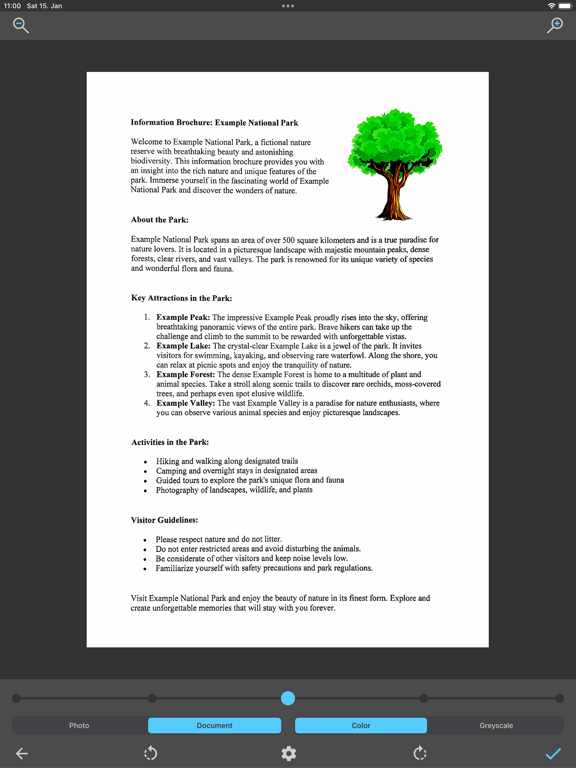
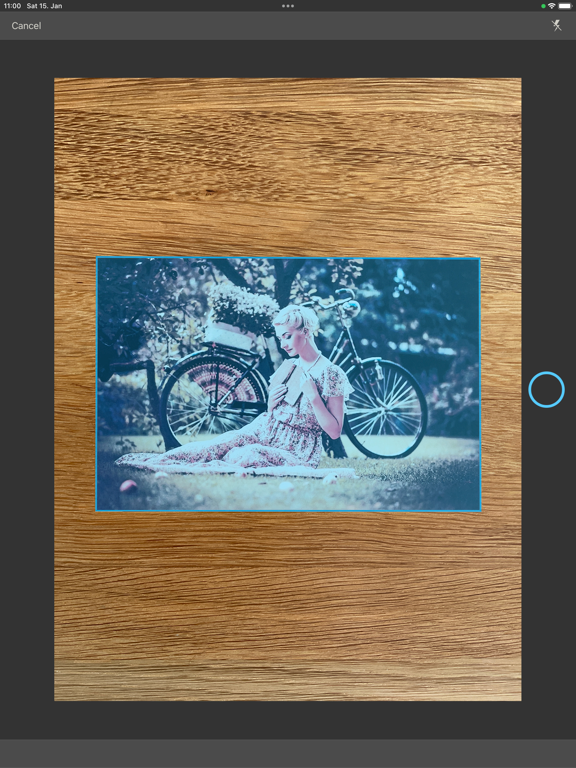
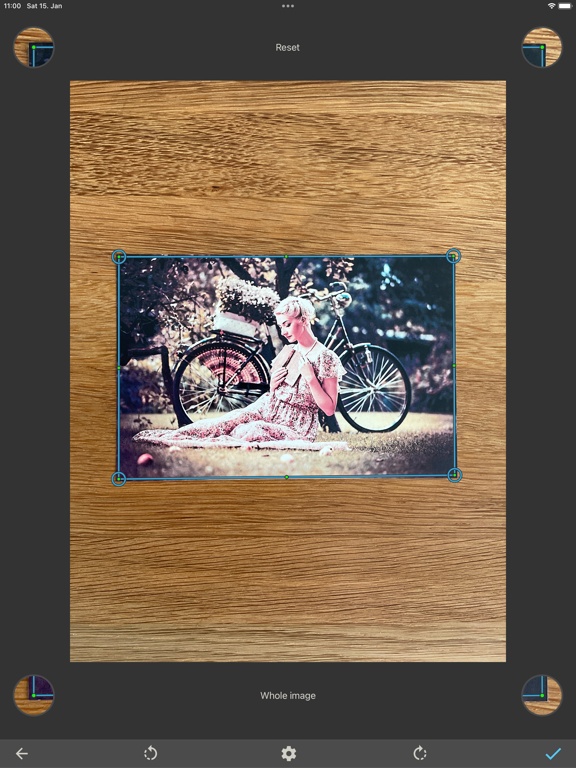
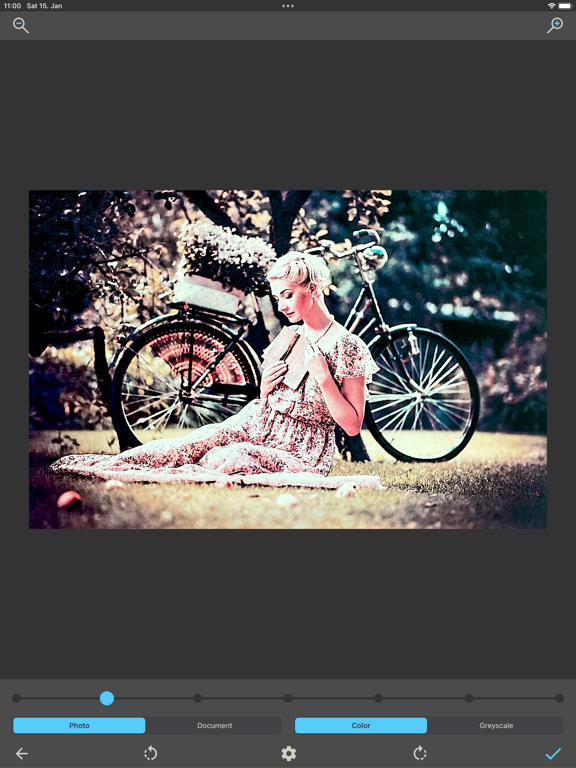
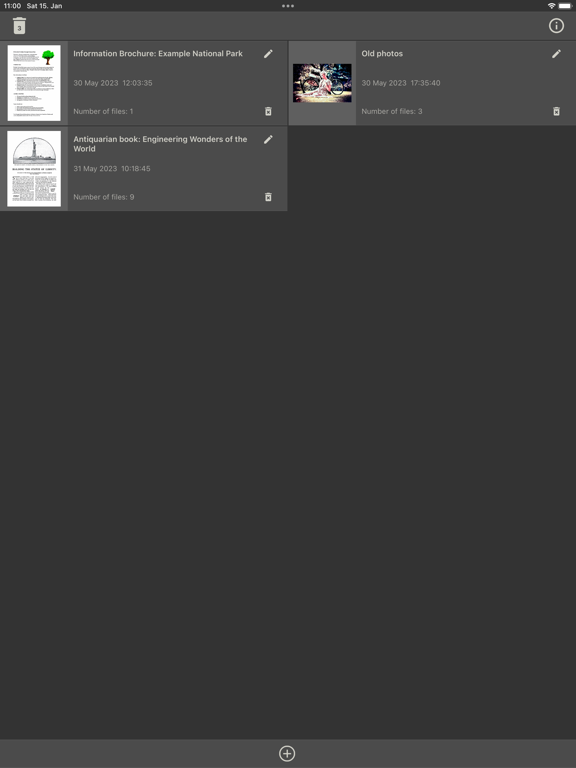
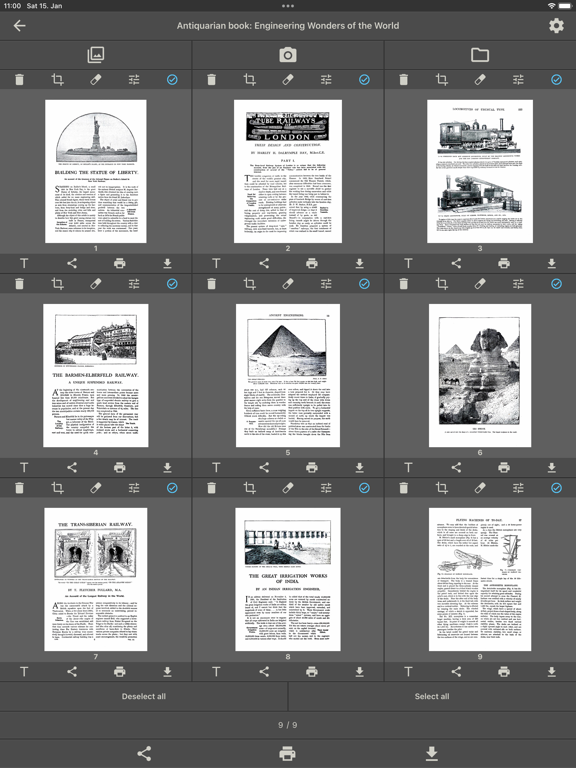
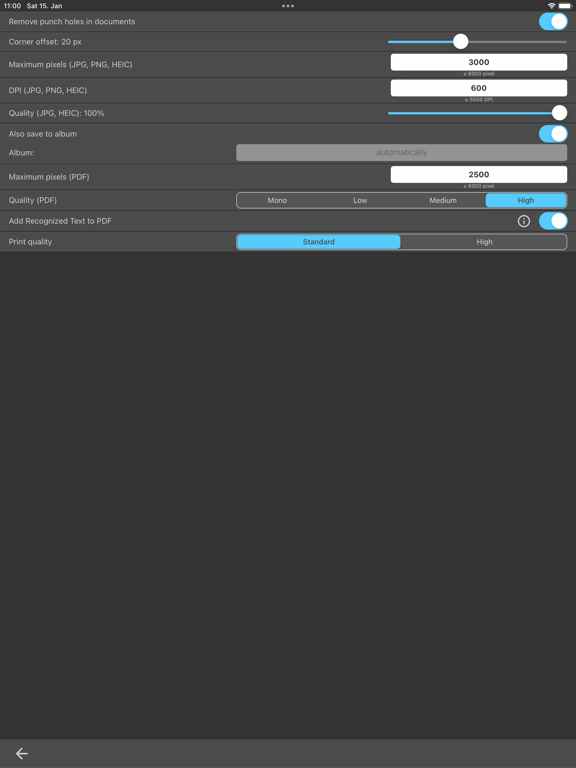
Welcome to a world where scanning documents and photos has become much easier! Our innovative scanner app offers a variety of outstanding features to digitize, enhance, and copy your documents and photos. An important feature of our app is the extraordinary enhancement of scanned documents. Whether it's old photos, contracts, invoices, or other important documents, the app automatically detects the edges of the document or photo and optimizes the image quality to deliver sharp results. The text recognition technology of our app is a real highlight. After scanning a document, the app extracts the text and allows you to convert the documents directly into searchable PDF files. You can search the content of the created PDF files for any terms, greatly facilitating organization and access to important information. But that's not all! Our app offers an intelligent feature to automatically remove punched holes from scanned documents. Additionally, you can effortlessly remove unwanted content from your documents using an eraser tool. Our app ensures that your documents always look perfect. The documents and photos created by our app impress with exceptional quality. With a resolution of up to 8000 pixels, you capture every detail sharply and obtain high-resolution documents and photos that meet professional standards. In addition to digital processing, our app allows you to print images and documents in high quality directly from the app. Discover the future of document scanning and download our scanner app today. Scan, enhance, print, and share documents and photos with ease and enjoy the benefits of an intuitive and powerful app. The text recognition currently supports the following languages: English, French, Italian, German, Spanish, Portuguese, Chinese, Cantonese, Korean, Japanese, Russian, Ukrainian. Important: Text recognition is not always 100% accurate. The text should be reviewed and corrected by the user before creating a PDF file. In the free version, only one image per document can be used. You can permanently remove this limitation by making a one-time in-app purchase. This app includes advertising, which can also be completely and permanently removed through an in-app purchase.
Latest release
What’s New
Bug fixes and improvements
Audience growth
Ratings growth
Baseline captured. Growth appears after the crawler observes a changed rating count.
Momentum comes from crawler snapshots for the tracked storefront. “Viral growth signal” means unusually fast recent rating gains; it is an indicator, not download data.
Price tracking
Price intelligence
First snapshot captured. The trend line starts after the next crawler price observation.
- First observed Aug 10, 2026 · 6:12 PM Free
Screenshots