About this app
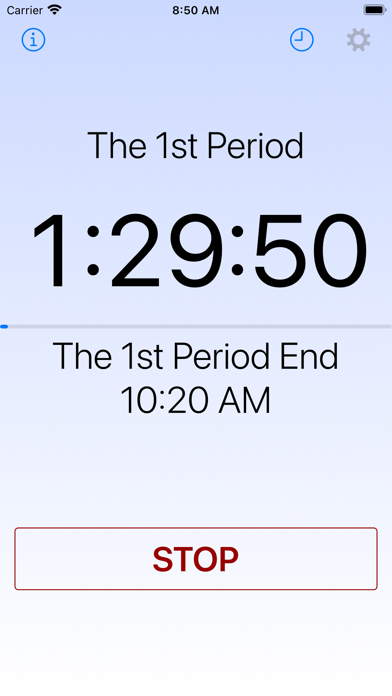
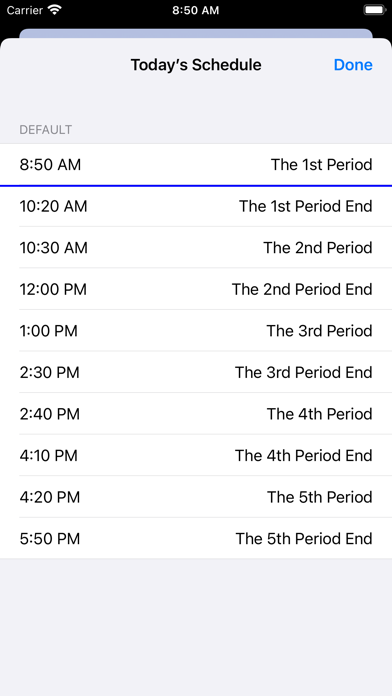
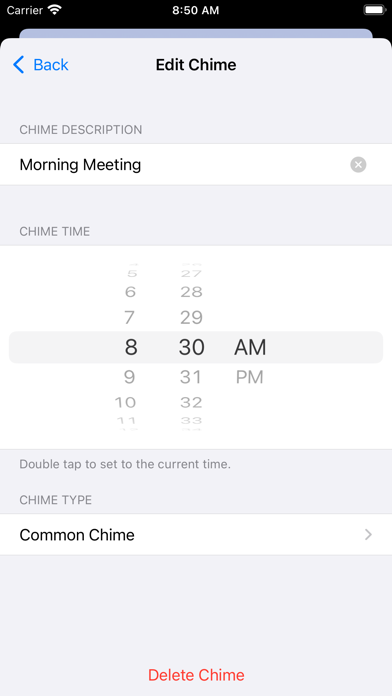
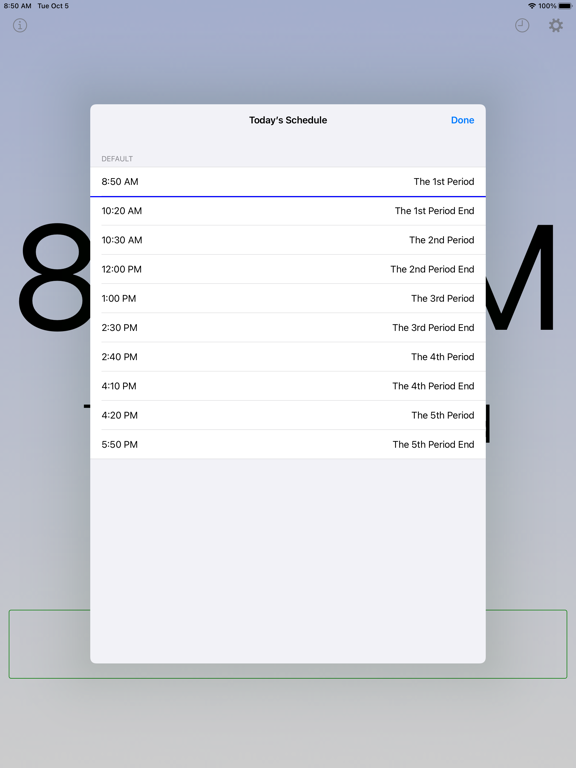
This app is a basic alarm with scheduling capabilities. If you wish to use a school chime inspired by the Westminster Quarters, this app can fulfill your request. In Japan, the school chime is commonly used to signal the beginning and end of class periods. Settings: - Schedule Check: This feature allows you to check chime times with a list. - Schedule: You can choose a schedule, create a new schedule, and modify an existing one. - Chime Type: Select the tone or chime type. - Display Notifications: When turned off, notifications will only include sound. - Chime Test: Use this to ring the selected chime. - Information (i button): This section provides information about the app. URL Schemes: 1. ON/OFF (Format) sc://a/b/c - a: on or off. If set to off, the following items (b, c) are invalid. - b (optional): schedule number, with the top of the list (Default) being 0. - c (optional): tone number, with the top of the list (Westminster 1) being 0. Example: - Start with Default and Westminster 2: sc://on/0/1 - Stop: sc://off 2. Add a schedule (Format) sc://add/a/hhmmb/... (repeat, max 64 times) - add: constant - a: schedule name - hhmm: time in 24-hour format - b: description Example: - Add a “Test” schedule: sc://add/Test/0800Start/1200Noon/1700End If your iPhone doesn't read the URL scheme correctly, try converting spaces to %20 and commas to %2c.
Latest release
What’s New
- Fixed bugs.
Audience growth
Ratings growth
Baseline captured. Growth appears after the crawler observes a changed rating count.
Momentum comes from crawler snapshots for the tracked storefront. “Viral growth signal” means unusually fast recent rating gains; it is an indicator, not download data.
Price tracking
Price intelligence
First snapshot captured. The trend line starts after the next crawler price observation.
- First observed Aug 16, 2026 · 11:22 AM Free
Screenshots