About this app
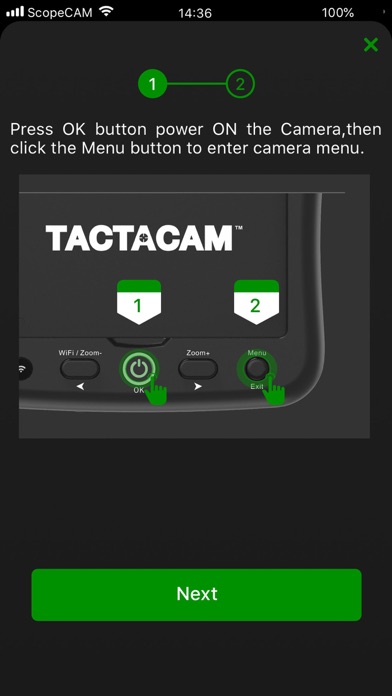
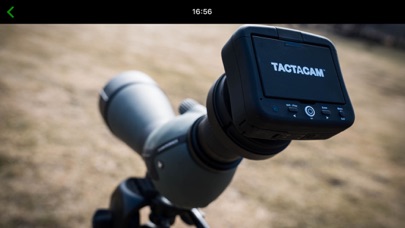
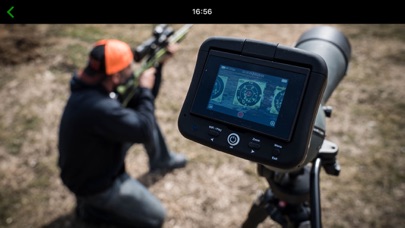
You can connect the Tactacam Spotting Cam to your mobile device with the app, after establishing the connection, you can see live what your camera sees, start or stop recording, view your videos, and download videos to your device for sharing. How to Connect: 1.Turn on your WiFi 2.Scan the QR code from your device 3.Open the Spotting Cam App Features: 1.Watch the live video from camera on your mobile device 2.Start and stop recording 3.Format your Tactacam SD card 4.View, Download or delete videos 5. Automatically sets time and date when connected. 8. Supports most Devices 9. Supports full video playback with audio before downloading
Latest release
What’s New
1.Improved performance. 2.Fix some bugs.
Audience growth
Ratings growth
Baseline captured. Growth appears after the crawler observes a changed rating count.
Momentum comes from crawler snapshots for the tracked storefront. “Viral growth signal” means unusually fast recent rating gains; it is an indicator, not download data.
Price tracking
Price intelligence
First snapshot captured. The trend line starts after the next crawler price observation.
- First observed Aug 17, 2026 · 5:59 PM Free
Screenshots