About this app
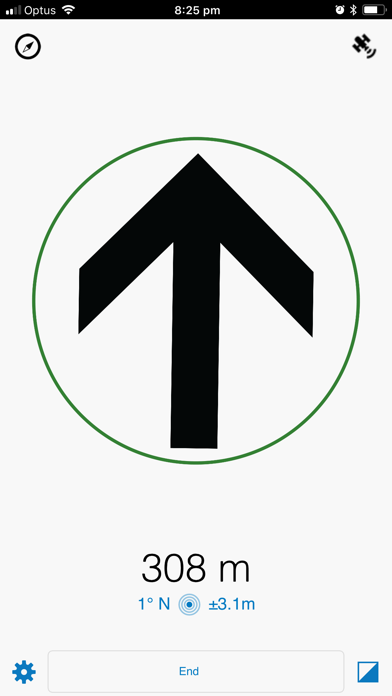
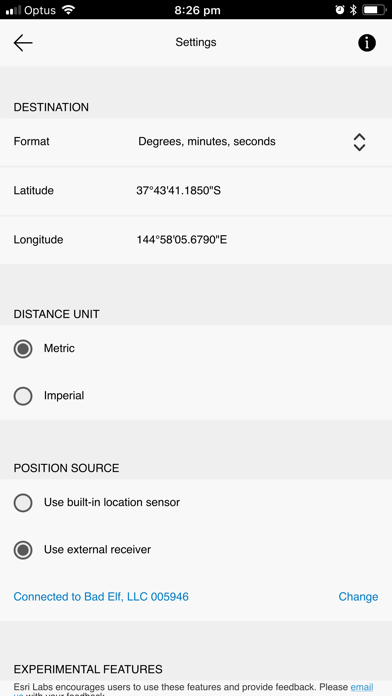
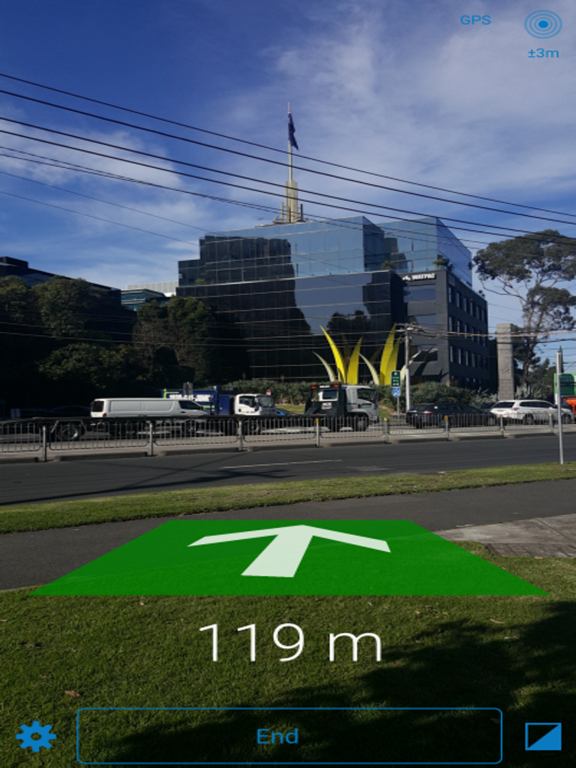
Your typical turn-by turn-direction mobile app helps you get to places, as long as there are streets... but what happens when you’re traveling in a remote location without streets, paths, or trails? Trek2There will help you in that last mile! Use an Esri app sich as Explorer for ArcGIS or Collector for ArcGIS to simply pass Trek2There the exact coordinates of the destination you want to get to, and it will tell you the direction you need to move, and for how long. It’s that easy! Think of Trek2There as a smart arrow that tells you exactly in what direction you should go. If you are a developer, you will love that the source code for this app is available to you under the Apache 2.0 License. If you want to help add new features to the app, notify us of bug fixes etc... be our guest and visit the GitHub repo! https://github.com/ArcGIS/Trek2There Note: Do not attempt to use this directional information unless you are at a complete stop. Travel safely and use common sense when using Trek2There. Trek2There is not to be used for terrain avoidance as direction and distance information does not consider traveling around physical barriers such as cliffs, water bodies, roadways, moving vehicles, buildings, etc. Do not follow any travel suggestions that appear to be hazardous, unsafe, or illegal. Trek2There is provided on an “As-Is” basis. You assume all risk of using the Trek2There app. Please refer to the license agreement for further details. http://esriurl.com/labseula
Latest release
What’s New
- Tap the satellite icon to see new location status data, map, and debug pages. - On the location status data page see current geographic coordinates, switch coordinate formats by tapping on the latitude, longitude or USNG labels, and copy paste coordinate values to from other apps. - On the location status map page see your current location (only if online) - On the location status debug page see incoming NMEA messages and choose to pause, record (to a NMEA log file) or clear messages.
Audience growth
Ratings growth
Baseline captured. Growth appears after the crawler observes a changed rating count.
Momentum comes from crawler snapshots for the tracked storefront. “Viral growth signal” means unusually fast recent rating gains; it is an indicator, not download data.
Price tracking
Price intelligence
First snapshot captured. The trend line starts after the next crawler price observation.
- First observed Aug 10, 2026 · 5:19 PM Free
Screenshots