About this app
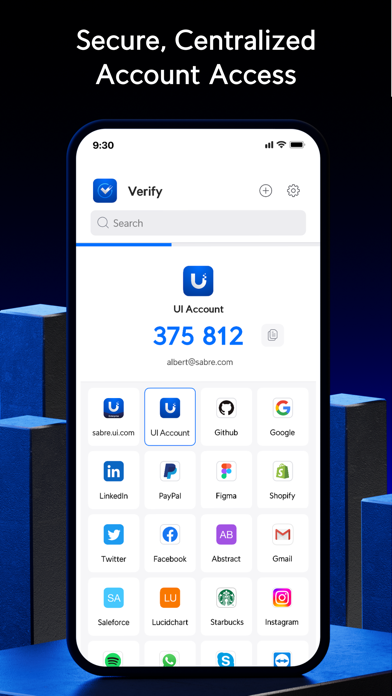
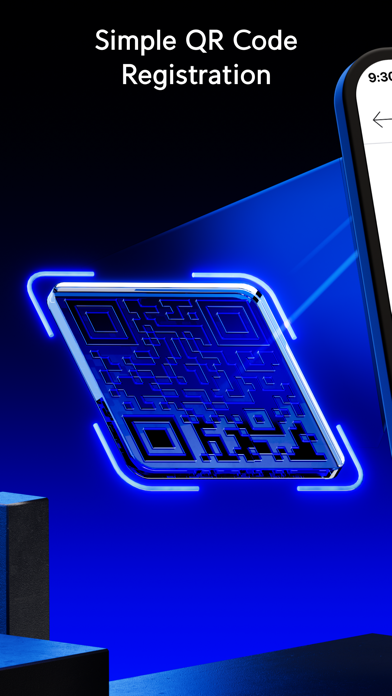
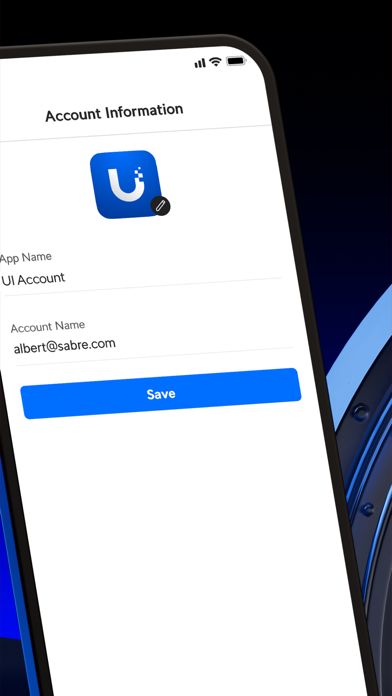
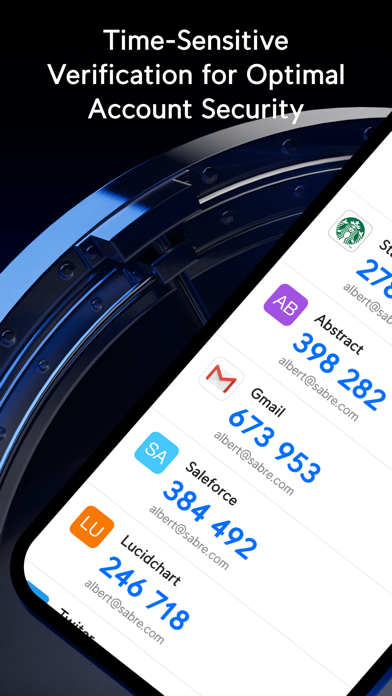
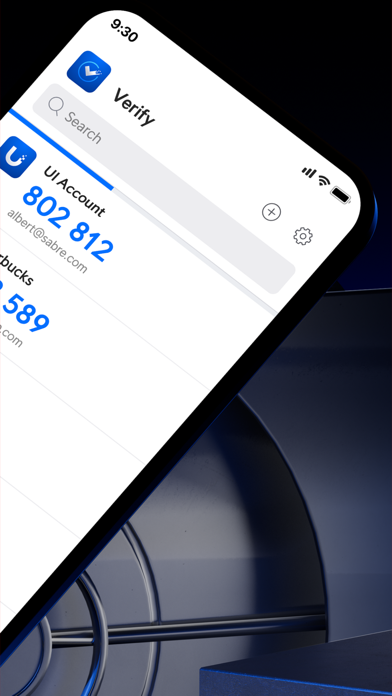
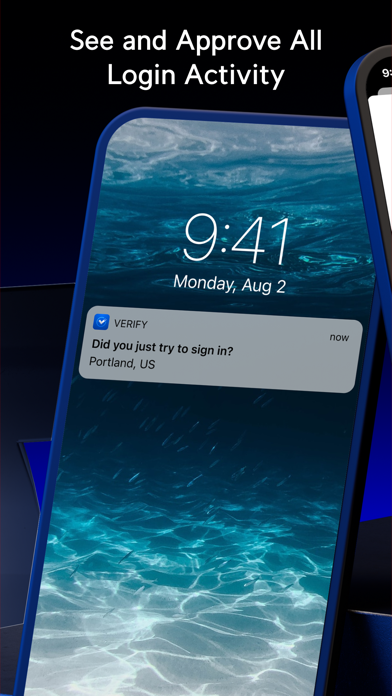
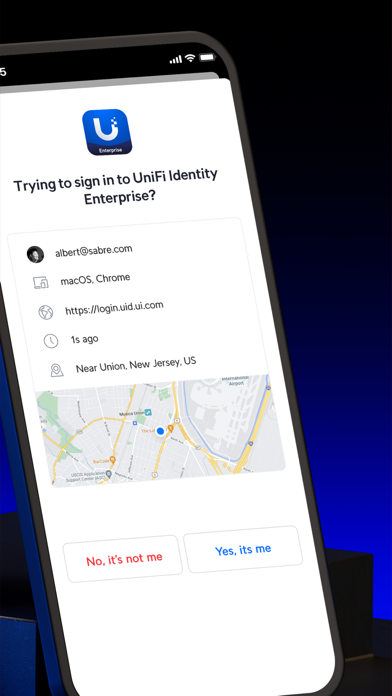
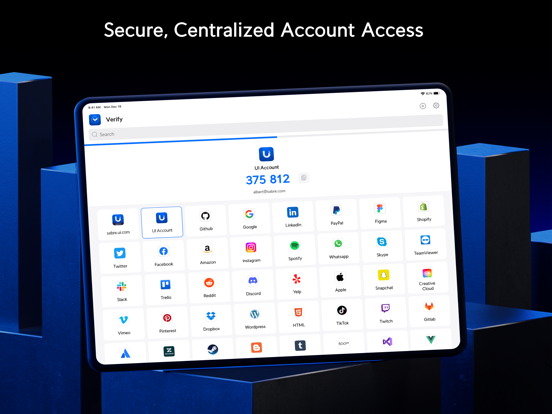
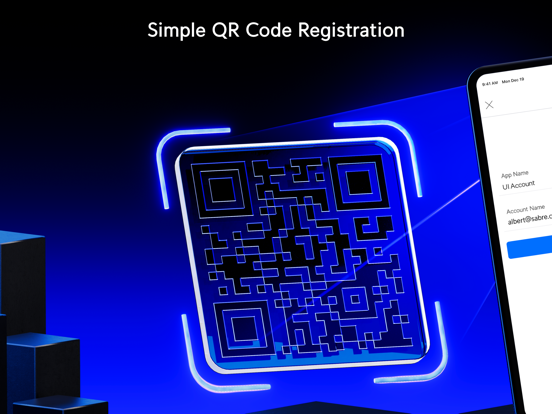
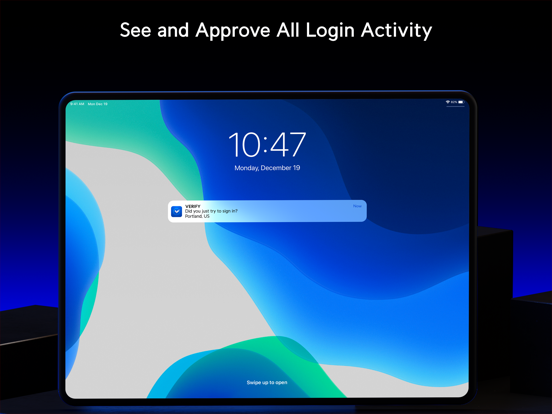
Verify gives your accounts an additional layer of security by requiring two-factor authentication (2FA) of each login attempt. With this feature enabled, users will need to provide their password and a time-sensitive verification code generated either in the app or via push notification. Verify can also supply users with a set of single-use passwords that can be stored locally on their phones should they ever need to circumvent an issue with their main 2FA method. Features: - Instant setup via QR code - Supports multiple user accounts and platforms, including Amazon, Facebook, and GitHub - Generates time-sensitive verification codes and single-use passwords either in the app or via push notification - Unlimited account support
Latest release
What’s New
Overview UniFi Verify iOS 1.0.1 includes the following improvements. Improvements Updated user interface strings from "UniFi Identity Enterprise" to "UID Enterprise."
Audience growth
Ratings growth
Baseline captured. Growth appears after the crawler observes a changed rating count.
Momentum comes from crawler snapshots for the tracked storefront. “Viral growth signal” means unusually fast recent rating gains; it is an indicator, not download data.
Price tracking
Price intelligence
First snapshot captured. The trend line starts after the next crawler price observation.
- First observed Aug 13, 2026 · 11:59 PM Free
Screenshots