About this app
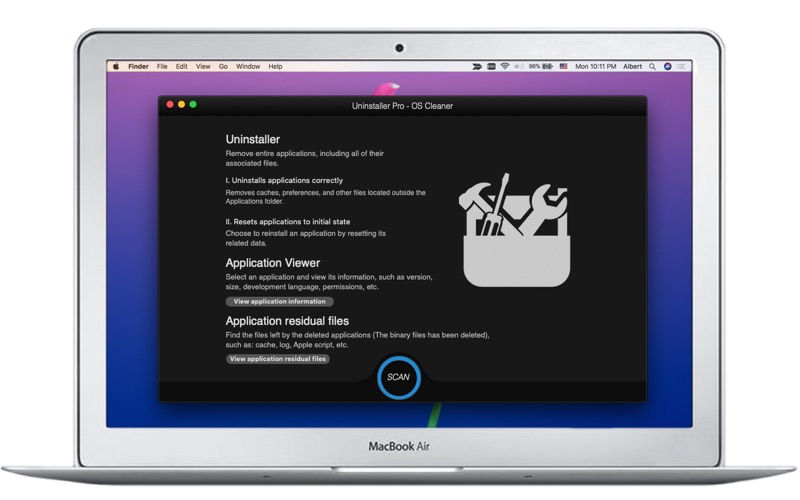
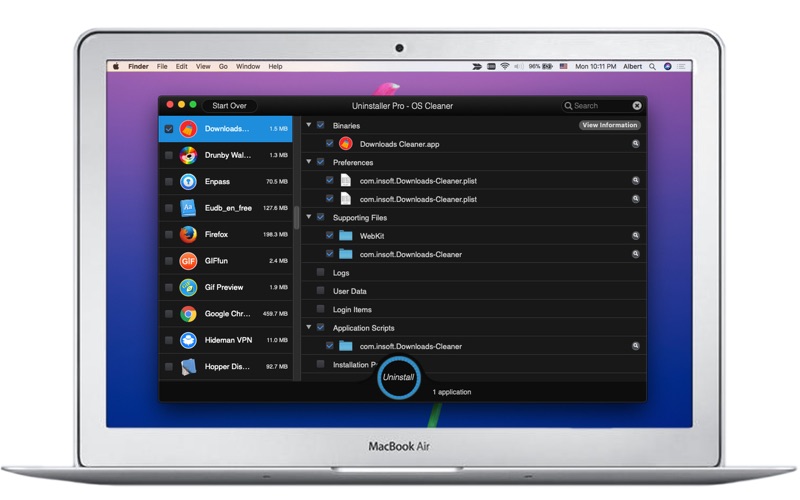
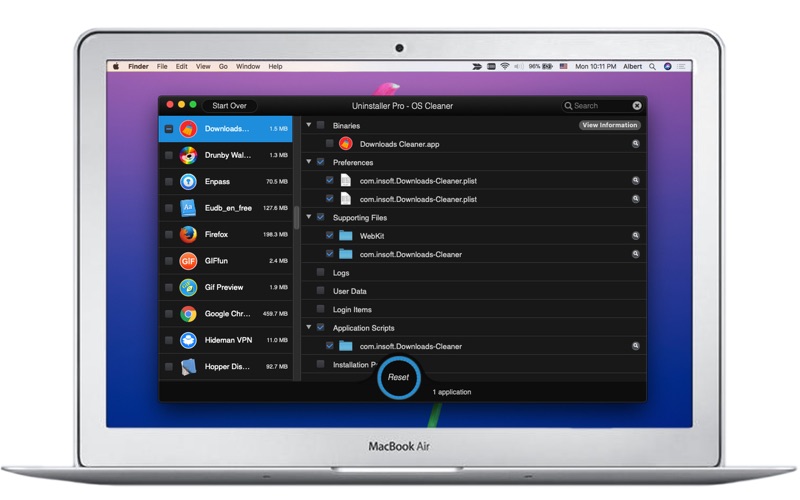
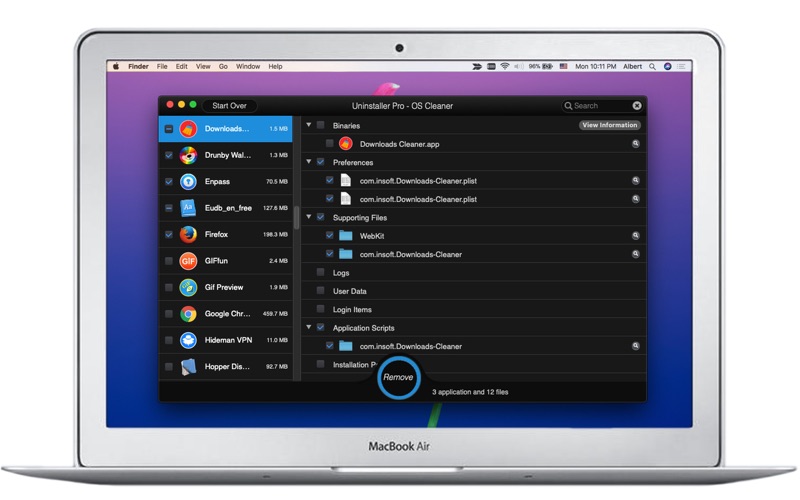
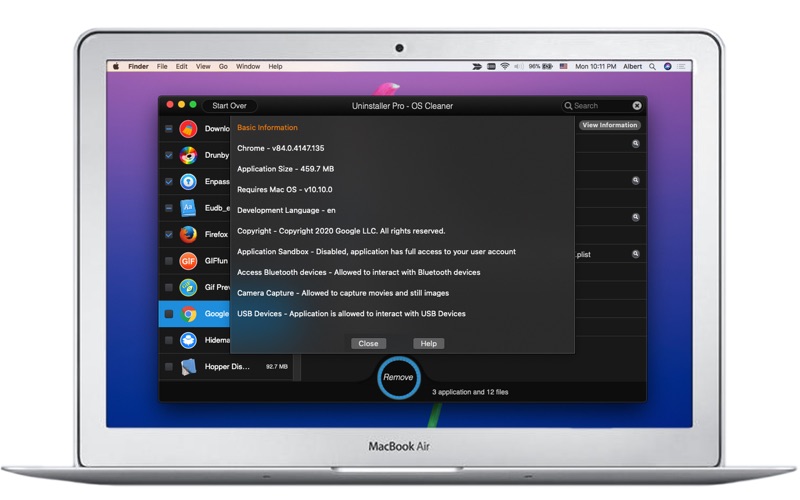
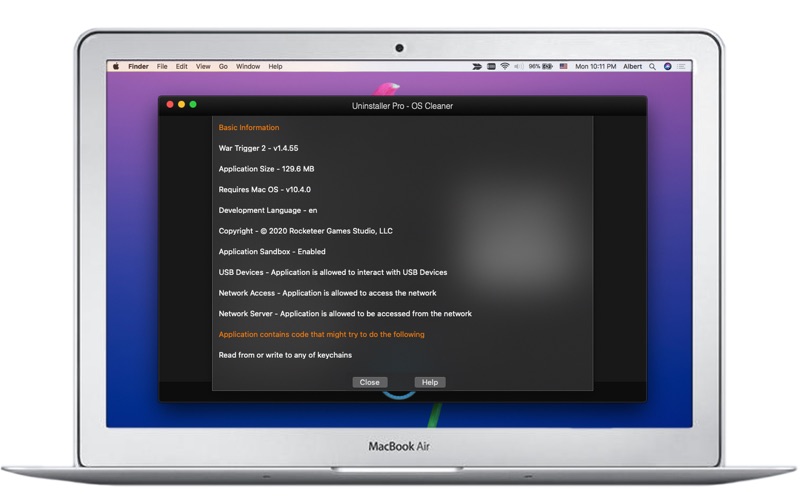
Remove entire applications, including all of their associated files. (You can batch uninstall apps to save much time.) Note:This App is the pro version of Uninstaller-OS Cleaner. Get application’s associated files -> binaries, preferences, logs, user data, login items, installers, application scripts, supporting files, etc… Get application’s information 1. Base Information -> copyright, version, size, required operating system, sandbox state, permissions, etc... 2. The actions that the application may perform -> Access locally stored email, safari history, safari bookmarks and messages history, etc... I. Uninstalls applications correctly Removes caches, preferences, logs and other files located outside the Applications folder. II. Resets applications to initial state Choose to reinstall an application by resetting its related data. III. Clean up the residual files of applications Find and clean the files left by the deleted applications (The binary files has been deleted), such as: cache, log, apple script, etc.
Latest release
What’s New
- Fixed minor UI issues - Stability improvement - Clean up the residual files of applications
Audience growth
Ratings growth
Baseline captured. Growth appears after the crawler observes a changed rating count.
Momentum comes from crawler snapshots for the tracked storefront. “Viral growth signal” means unusually fast recent rating gains; it is an indicator, not download data.
Price tracking
Price intelligence
First snapshot captured. The trend line starts after the next crawler price observation.
- First observed Aug 8, 2026 · 12:08 AM $4.99
Screenshots