About this app
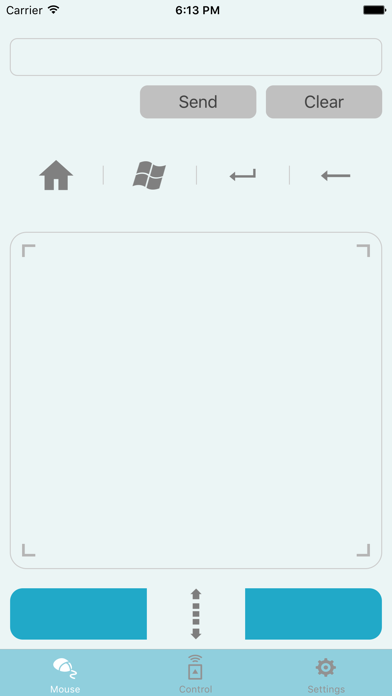
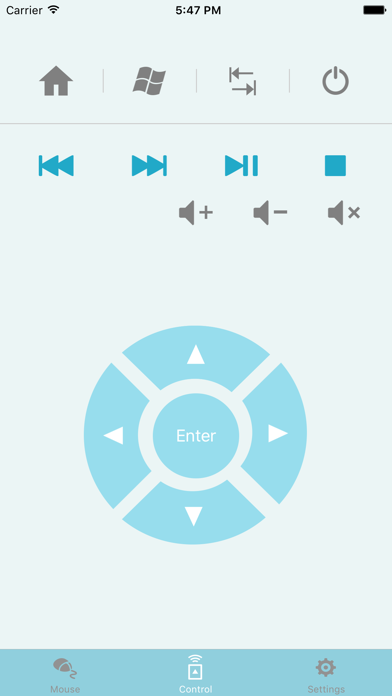
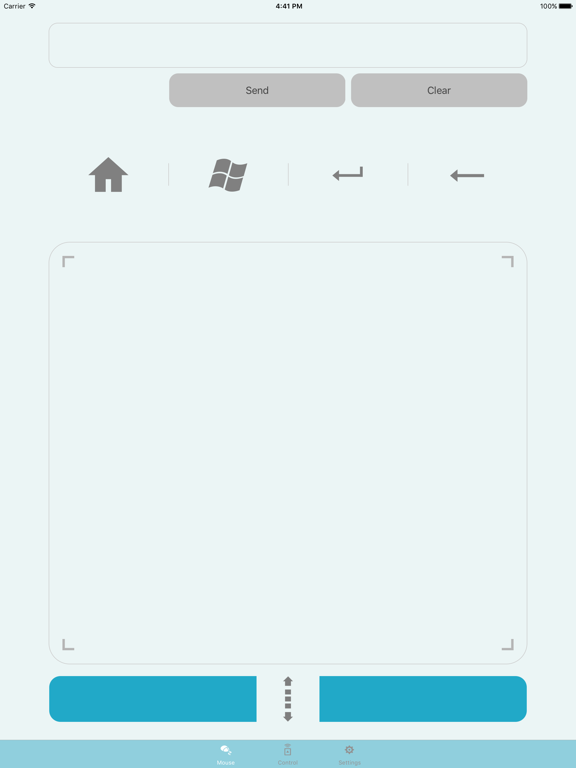
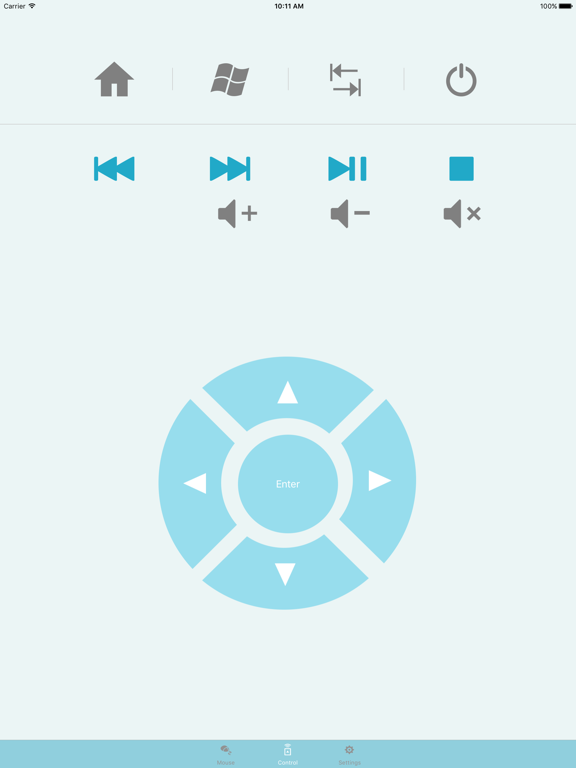
The ASUS VivoRemote app lets you use your mobile device as a keyboard remote for your VivoStick PC. This intuitive app lets you control VivoStick PC via Wi-Fi and features the following: 1. Remote Keyboard & Mouse: Use your smartphone as a wireless keyboard and mouse. 2. Hot keys: Home/Windows start menu/Tab/Enter. 3. Media control Local media playback and voice controls 4. ASUS Launcher Shortcut Customize your experience with categorized folders and shortcuts to open files or execute commands Note: 1. Ensure to install VivoRemote Center software on ASUS VivoStick PC. 2. Ensure to install VivoRemote on your smart devices. 3. Ensure to set up the Wi-Fi connection for your PC and smart devices.
Latest release
What’s New
This update from Apple will improve the functionality of this app. No new features are included. Fix UI problems.
Audience growth
Ratings growth
Baseline captured. Growth appears after the crawler observes a changed rating count.
Momentum comes from crawler snapshots for the tracked storefront. “Viral growth signal” means unusually fast recent rating gains; it is an indicator, not download data.
Price tracking
Price intelligence
First snapshot captured. The trend line starts after the next crawler price observation.
- First observed Aug 14, 2026 · 12:07 AM Free
Screenshots