About this app
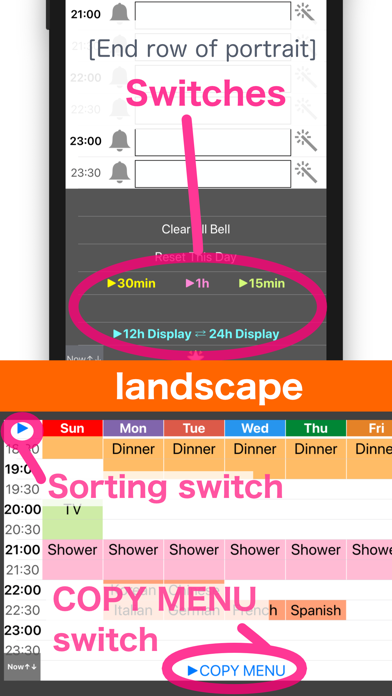
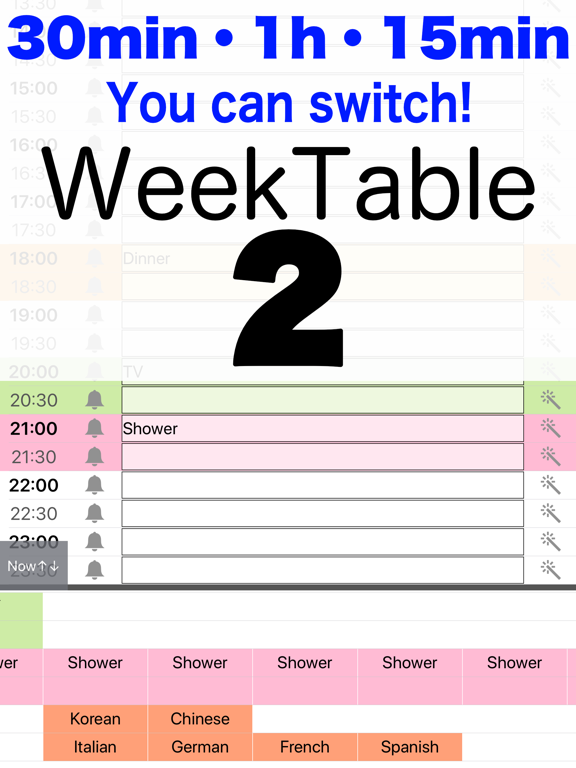
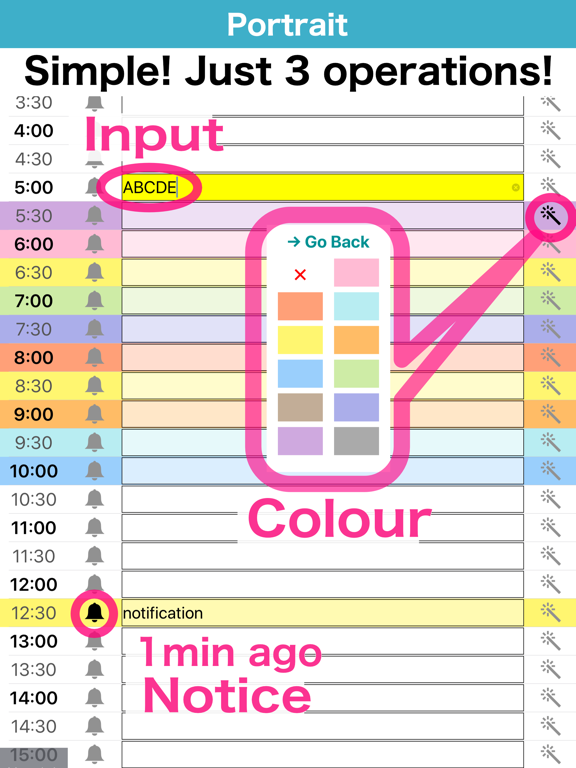
You can plan every 30 minutes (or 15 minutes or 1 hour) / 24 hours! on 7 days. Create a timetable with this simple and easy app. And let's use it for self time management. Purpose - Week schedule (scheduling) - Study plan (time management) - For teacher (lessons or cram) - TV program guide - Self time management - Exercise timesheet Feature - Simple, Easy, Handy - Every 30 minutes (or 15 minutes or 1 hour) / 24 hours! - Holiday - Color scheme - Full-Weekly display (landscape) - Notification 1 minute ago. "Free version" will appear advertisement. "Pro version" will not appear advertisement ~Information of operation ~ [Portrait] Text input / Color change / Notification registration (Bottom row) Change of time mode [Landscape] Show a week (Top left) Switch on Sunday Start and Monday Start (Bottom row) Copy Menu ~Hint~ Q. I did not receive a notification. A. Please confirm that notification is ON from the setting application. Q. The screen does not switch to landscape. A. Please check "the screen rotation lock". Kysymys 2. Ilmoituksia ei näy -> Varmista, että ilmoitukset on sallittu Asetukset-sovelluksessa.
Latest release
What’s New
For the latest iOS.
Audience growth
Ratings growth
Baseline captured. Growth appears after the crawler observes a changed rating count.
Momentum comes from crawler snapshots for the tracked storefront. “Viral growth signal” means unusually fast recent rating gains; it is an indicator, not download data.
Price tracking
Price intelligence
First snapshot captured. The trend line starts after the next crawler price observation.
- First observed Aug 17, 2026 · 1:59 PM Free
Screenshots