About this app
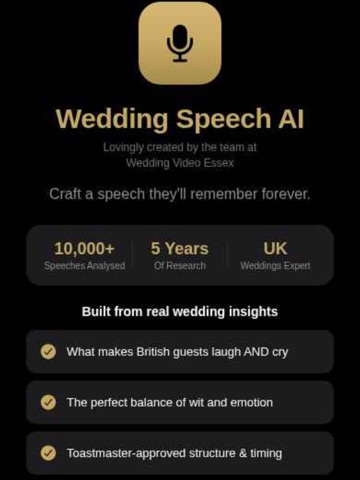
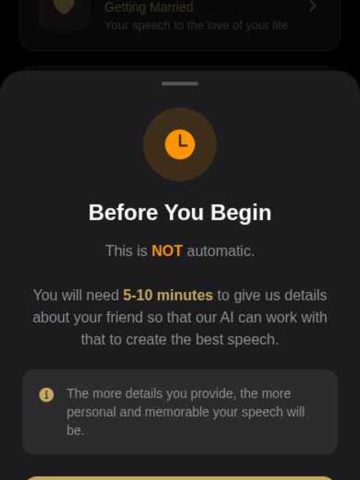
Craft the perfect wedding speech with AI. Whether you're the partner, parent, best man, or maid of honour, WVE Speeches AI helps you create a speech that's personal, authentic, and perfectly timed. Built from analysis of 10,000+ UK wedding speeches, our AI understands: HOW IT WORKS: Choose your role — Partner, Parent, Best Person, or Honour Attendant Answer 12 guided questions about your story and relationship Our AI crafts a unique, personal speech just for you Practice with the built-in teleprompter Save to the cloud and access anywhere FEATURES: • Four speech types tailored to your role • Guided prompts help you give the best answers • AI trained on thousands of real UK wedding speeches • Edit and refine your speech in-app • Teleprompter mode for practising delivery • Save and retrieve your speech via email • Dark premium design with a beautiful interface Built with love by the team at Wedding Video Essex — 5 years of real wedding experience, distilled into one app. For all couples. All love stories.
Latest release
What’s New
We've made big improvements to make writing your perfect speech even easier: • Regenerate with one tap — Not quite right? Instantly create a fresh variation or switch between Short, Medium and Long — no need to re-enter your answers • Rock-solid speech generation — Completely rebuilt for reliability, so your speech generates successfully every time, on every length • Your answers are always safe — Everything you type is auto-saved on your device, and you can save your progress to email at any point • Smoother typing experience — The keyboard no longer covers the answer box while you type • Speech tips, fixed — The lightbulb now shows expert advice on what works, what to avoid, and pro tips • Share as PDF — Export your finished speech as a beautifully formatted PDF, perfect for printing or sharing • Privacy in your control — Delete all your saved data at any time, right from the app Thank you for using WVE Speeches AI — we'd love your feedback and reviews!
Audience growth
Ratings growth
Baseline captured. Growth appears after the crawler observes a changed rating count.
Momentum comes from crawler snapshots for the tracked storefront. “Viral growth signal” means unusually fast recent rating gains; it is an indicator, not download data.
Price tracking
Price intelligence
First snapshot captured. The trend line starts after the next crawler price observation.
- First observed Aug 15, 2026 · 1:31 PM Free
Screenshots