About this app
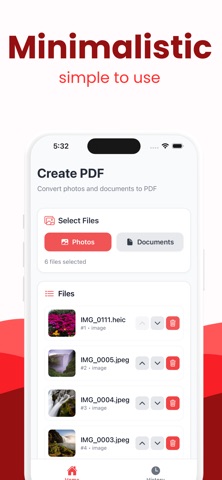
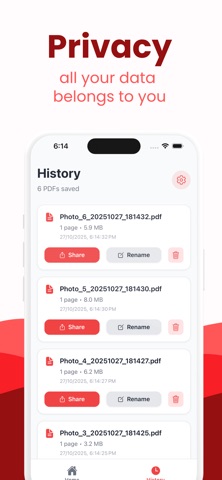
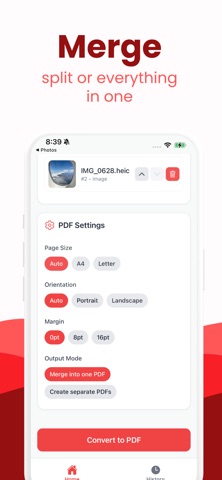
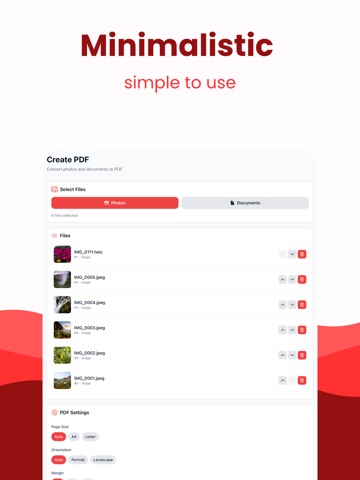
Create a polished PDF from your photos in a few taps. Pick multiple images, arrange the order, choose page size and margins, then export a single PDF you can share or save. Everything runs on your device for speed and privacy. Built for a clean, modern experience with sensible defaults so you get from photos to PDF quickly and reliably. Key Features Multi-select photos and convert to one PDF Reorder pages with simple controls and delete any page Page size presets: Auto, A4, Letter Orientation options: Auto, Portrait, Landscape Margins: None, Small, Medium Share or save to Files, email, and cloud apps Recent history with rename, share, and delete Fast, lightweight, and works fully offline Why It Stands Out Private by design: no accounts, no uploads Optimized for quick conversion and minimal taps Clear defaults that just work for everyday documents How It Works Select photos from your library Arrange, choose settings, and convert Share or save your PDF instantly Ideal For Receipts, forms, notes, homework, travel docs, and photo collections Students, freelancers, and anyone who needs a quick Photo to PDF.
Latest release
What’s New
1.0.6 - fixed bugs
Audience growth
Ratings growth
Baseline captured. Growth appears after the crawler observes a changed rating count.
Momentum comes from crawler snapshots for the tracked storefront. “Viral growth signal” means unusually fast recent rating gains; it is an indicator, not download data.
Price tracking
Price intelligence
First snapshot captured. The trend line starts after the next crawler price observation.
- First observed Aug 16, 2026 · 4:05 PM Free
Screenshots