About this app
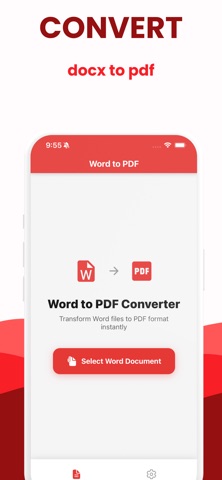
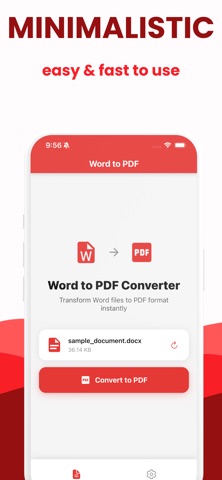
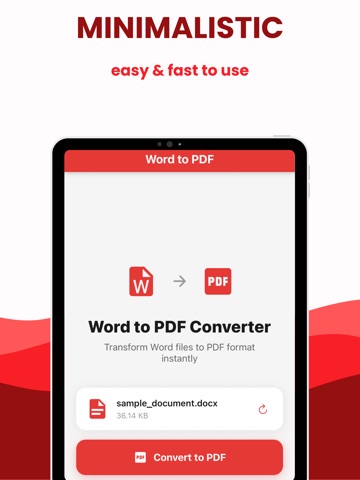
Convert Word documents to clean, shareable PDFs in seconds. Full description (long text) Turn any Word document into a professional, shareable PDF with Word to PDF. Whether you’re a student, freelancer, or business professional, quickly convert .doc and .docx files to high‑quality PDFs right from your iPhone or iPad—no computer or scanner required. Convert Word to PDF in a few taps Keep original layout, fonts, and formatting Import documents from Files, email, cloud drives, and more Share PDFs via Mail, Messages, AirDrop, or any app Perfect for resumes, contracts, homework, invoices, and reports Word to PDF is designed for speed and simplicity: just open your document, tap convert, and your PDF is ready to view, save, or send. Ideal for: Students sending assignments as PDF Professionals sharing contracts and proposals Anyone who needs fast, reliable Word‑to‑PDF conversion on the go Download Word to PDF today and convert your documents to polished PDFs in seconds. Privacy policy: https://www.termsfeed.com/live/888703dc-fa50-4ecc-901e-661fce8b7d9e Terms of Use: https://docs.google.com/document/d/1DmONa4If9nmukcfJ4DRqMGJxiOhfUGOOxv2xzlHptb4/edit?tab=t.0
Latest release
What’s New
1.0.5 - fixed efficiency
Audience growth
Ratings growth
Baseline captured. Growth appears after the crawler observes a changed rating count.
Momentum comes from crawler snapshots for the tracked storefront. “Viral growth signal” means unusually fast recent rating gains; it is an indicator, not download data.
Price tracking
Price intelligence
First snapshot captured. The trend line starts after the next crawler price observation.
- First observed Aug 16, 2026 · 4:05 PM Free
Screenshots